
AI Powered Combine Two Images with AI
Combine two images or merge two photos into one natural picture — AI blends faces, lighting and perspective automatically.
Free to start. No watermark.
How to Merge Two Photos into One in 3 Steps
From two separate pictures to one naturally blended image in under a minute.
Upload Two Images
Drop in the two photos you want to merge — people, pets, products or scenes. JPG, PNG and WebP are supported.
Describe the Result
Tell the AI how to merge your two photos in plain words — describe the scene, the pose and the mood you want.
Two Photos Merged into One
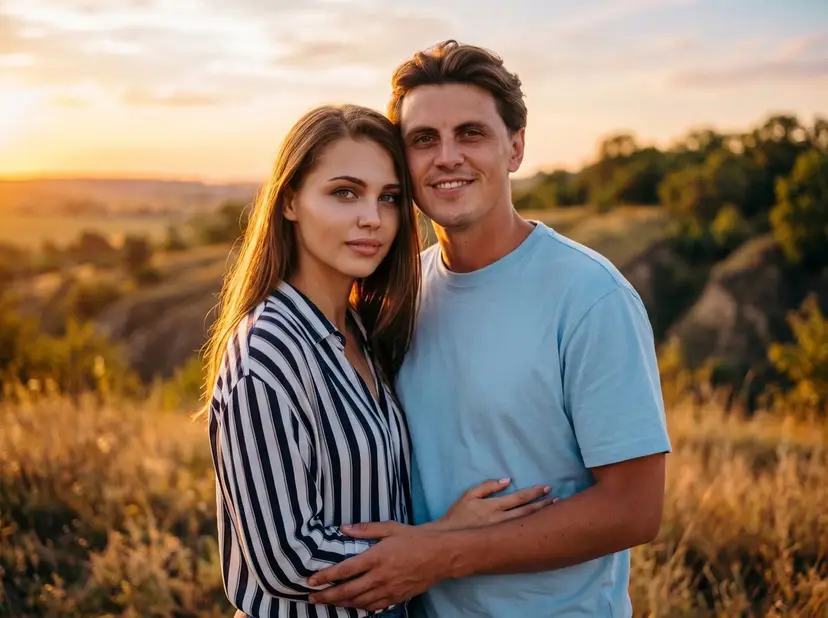
See how AI merges two photos into one cohesive scene — faces preserved, lighting, shadows and perspective matched automatically.
 +
+Credits: Štefan Štefančík · Vicky Hladynets
Two separate portraits become one shared moment.
Couple Photo from Two Photos

 +
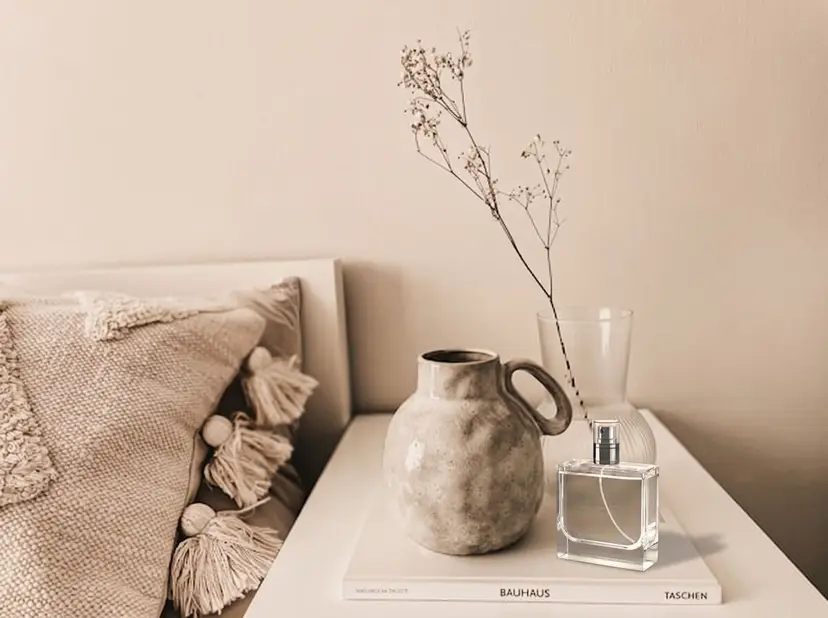
+Credits: Muhammad Sulyman · Diane Wuttke · Karly Jones
A plain product shot lands in a lifestyle scene.
Product on a New Background
 +
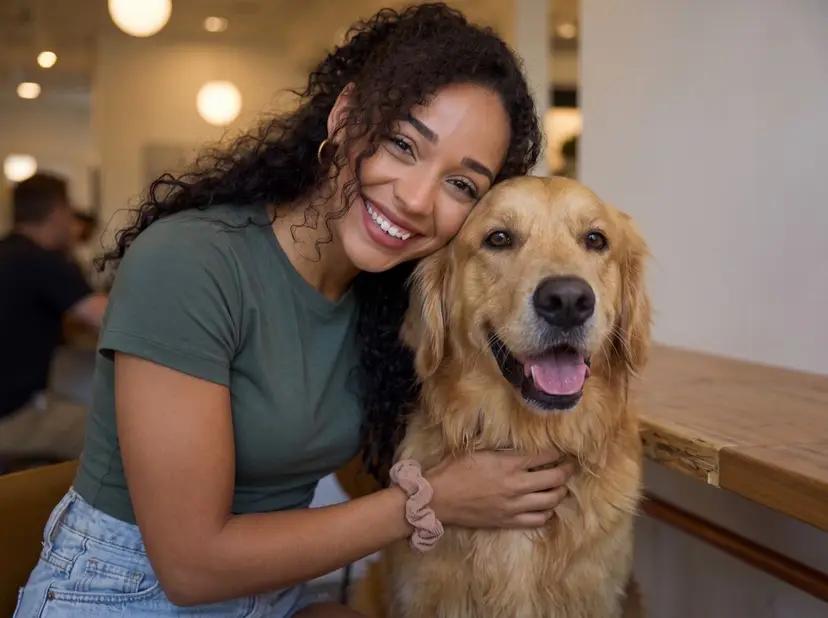
+Credits: Nolan Manning · Victor G · Nicholas Brownlow
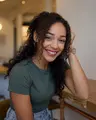
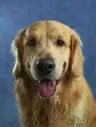
You and your pet, finally in the same frame.
Pet and Owner Together
+Credits: Štefan Štefančík · Vicky Hladynets
Two separate portraits become one shared moment.
Couple Photo from Two Photos
+Credits: Muhammad Sulyman · Diane Wuttke · Karly Jones
A plain product shot lands in a lifestyle scene.
Product on a New Background
+Credits: Nolan Manning · Victor G · Nicholas Brownlow
You and your pet, finally in the same frame.
Pet and Owner Together
Why Combine Two Images with AI?
More than a stitcher — a true AI merge that turns two pictures into one natural image.
Real AI Blending
Unlike simple stitching, the AI merges two photos into one new scene with matched lighting, shadows and perspective.
Faces Stay True
Blend pictures of two people into one shot while keeping faces, hairstyles and identity exactly unchanged.
Group Shots from Solo Photos
Combine 2 photos of different people into one natural group shot — even if they were never in the same place.
Combine Two Images FAQ
Common questions about combining two images with AI on ImageCombiner.
Is it free to combine two images with AI?
Yes, you can start for free. New accounts get free trial credits, so your first AI image merges cost nothing. Paid plans and credit packs are available when you need more.
Can I merge two photos into one online for free?
Yes. New accounts include free trial credits, so your first AI merges cost nothing — upload two photos, describe the result, and download your combined image with no watermark. No credit card needed.
Do I need to sign up?
AI blending requires a free account so we can manage your credits and prevent abuse — signing up takes seconds and includes free trial credits. If you prefer not to sign up at all, our side-by-side photo combiner works without an account.
Is there a watermark on the combined image?
No watermark is added to your downloaded images — what you generate is what you get, in high quality.
What image formats are supported?
You can upload JPG, PNG and WebP images (up to 5 MB each). The combined result is downloaded as a high-quality PNG file.
Can I merge two faces into one photo?
Yes. Upload two portraits and the AI will merge the two people into one natural photo — matching scale, lighting and skin tones while keeping each face recognizably itself. Great for couple photos and group shots. Want to insert someone into an existing group photo instead?
Add a Person to a PhotoCan I use the combined image commercially?
Yes, images you generate are yours to use, including for commercial purposes like product photos and ads. Just make sure you have the rights to the source images you upload.
How is this different from side-by-side stitching?
Stitching places images next to each other in a row or column, like a collage. AI combining generates a brand-new image where the subjects from both pictures appear together in one natural scene.
Prefer a simple collage layout? Try our Side by Side Photo Combiner — free, no sign-up needed.
Merge Your First Two Photos with AI Now
Free trial credits included — your first AI-merged photo is one click away.