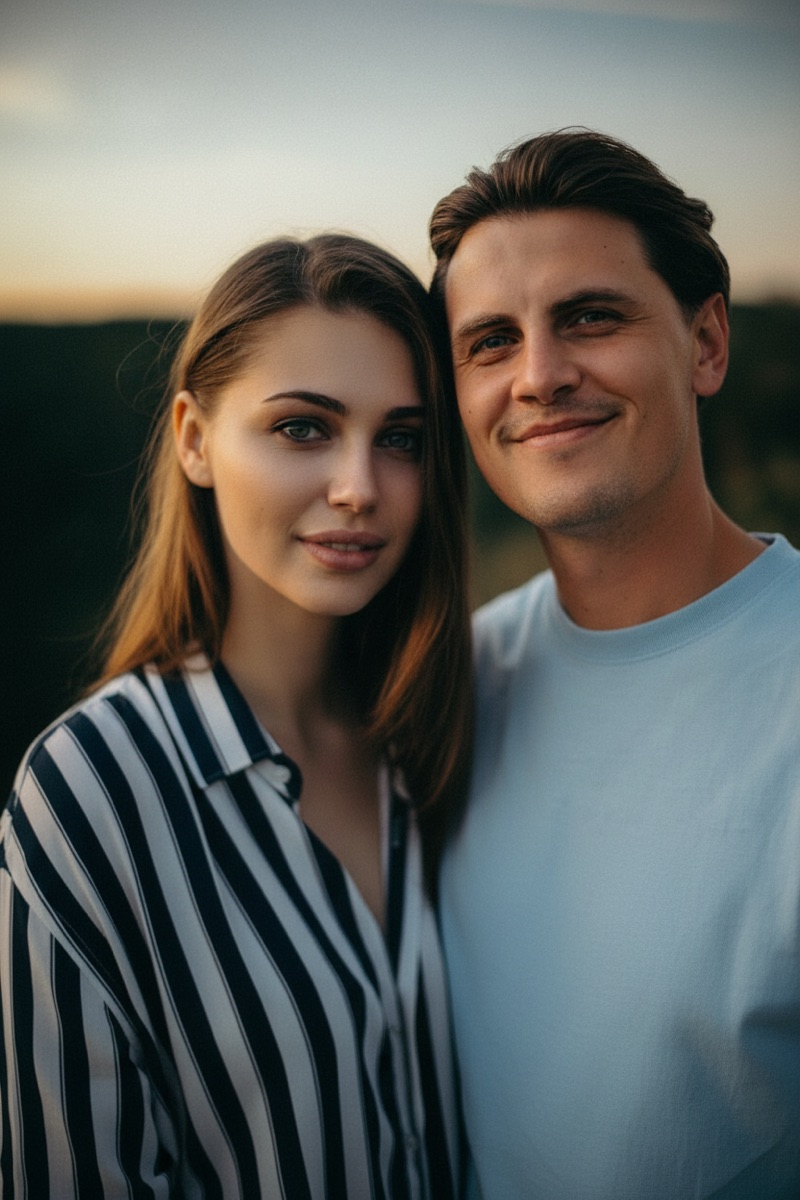

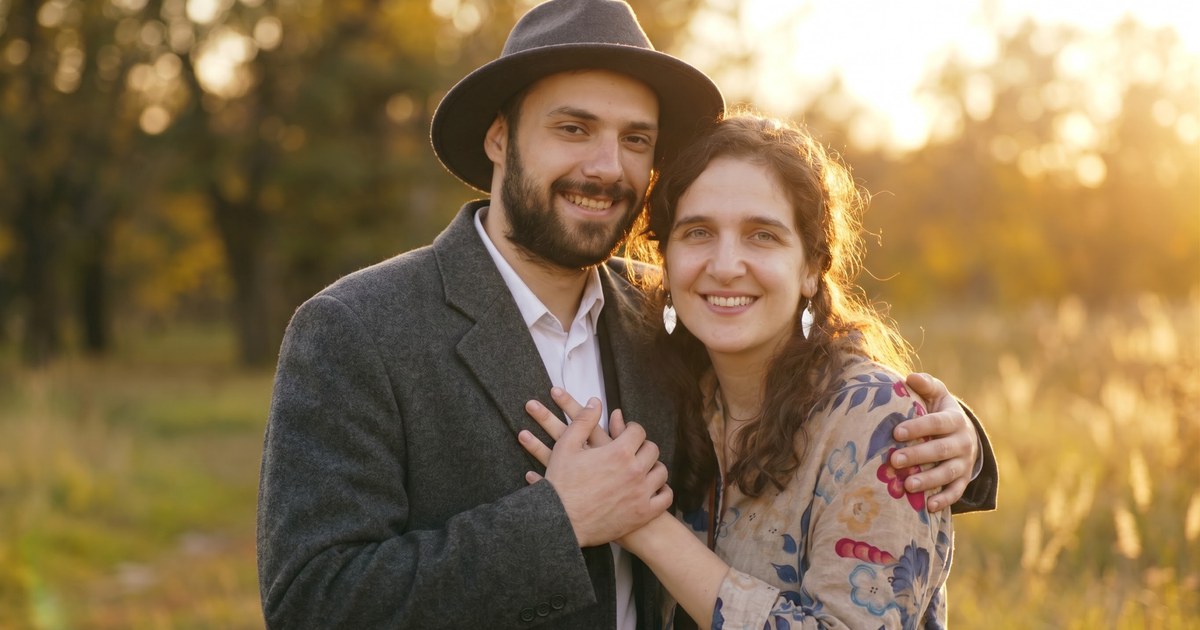
You can make a couple photo from two separate photos with an AI image combiner: upload both solo photos, tell the AI what kind of photo you want, and download a single image where you appear together — in about a minute, with no Photoshop skills required. Here is the complete step-by-step process, with prompts and tips for the most natural results.

Why AI Beats Manual Editing for Couple Photos
Putting two people into one photo by hand means cutting out a person from one image, pasting them into the other, and then fixing the lighting, shadows, edges, and perspective so the result does not look like a cutout. That is hours of work in Photoshop, and it still often looks wrong.
An AI image combiner skips all of that. It regenerates a single image with both people in it, matching the light, color, and camera angle across the whole photo — so the result looks like a photograph taken in one shot, not a paste job.
This is the tool long-distance couples use to "take" a photo together, and the same method works for family photos with a missing relative and group photos of friends who live far apart.
How to Make a Couple Photo with AI (Step by Step)
- Choose your two best photos. Clear, front-facing shots work best — see the photo tips below.
- Open the AI combiner. Go to Combine Two Images with AI and select the AI Blend tab.
- Upload both photos. JPG, PNG, and WebP are supported, up to 5 MB each.
- Pick the Couple Photo preset, or describe the photo you want in your own words. The preset prompt asks the AI to place the two of you together in a natural setting with matched lighting and skin tones.
- Generate and download. The AI creates the image in about 10–60 seconds. If it is not quite right, adjust the description and try again — new accounts get free trial credits, so you can experiment before paying anything.
Prompt Examples That Work
The preset is a great starting point. If you want a specific scene, describe it — here are two prompts that tend to produce natural results:
- "Combine the two people from the uploaded photos into one natural couple photo. Place them standing close together in a romantic outdoor setting at golden hour, with matched lighting, perspective, and skin tones."
- "The two of us sitting together at a cozy café by the window, warm afternoon light, both smiling at the camera."
Be specific about the setting, the pose, and the mood — the AI follows your description.
Tips for the Most Natural Results
- Pick photos with clear, unobstructed faces. Sunglasses, hats, and heavy shadows make it harder for the AI to keep your features accurate.
- Match the lighting direction. Two photos shot in similar light (both daylight, both indoor) blend far better than one bright and one dark photo.
- Skip heavy filters. Beauty filters and color presets confuse the AI and make the result look processed.
- Use the highest resolution you have. More detail in, more detail out.
- Expect a little variation. Faces should closely resemble you, but no AI tool reproduces them pixel-perfectly. If a result looks off, regenerate with a simpler description, or mention the pose explicitly ("standing side by side, arms around each other").
- Only merge photos you have the right to use. This works beautifully with photos of yourself and your partner — keep it that way.
Beyond Couples: More AI Photo Merges You Can Make
The same tool merges more than couples:
- Family photos. Add a missing relative to a group photo, or bring together family members who could not attend — the Family Photo preset arranges everyone into one warm portrait.
- Friends across distances. Two friends in different cities can appear in the same photo, the same way a couple can.
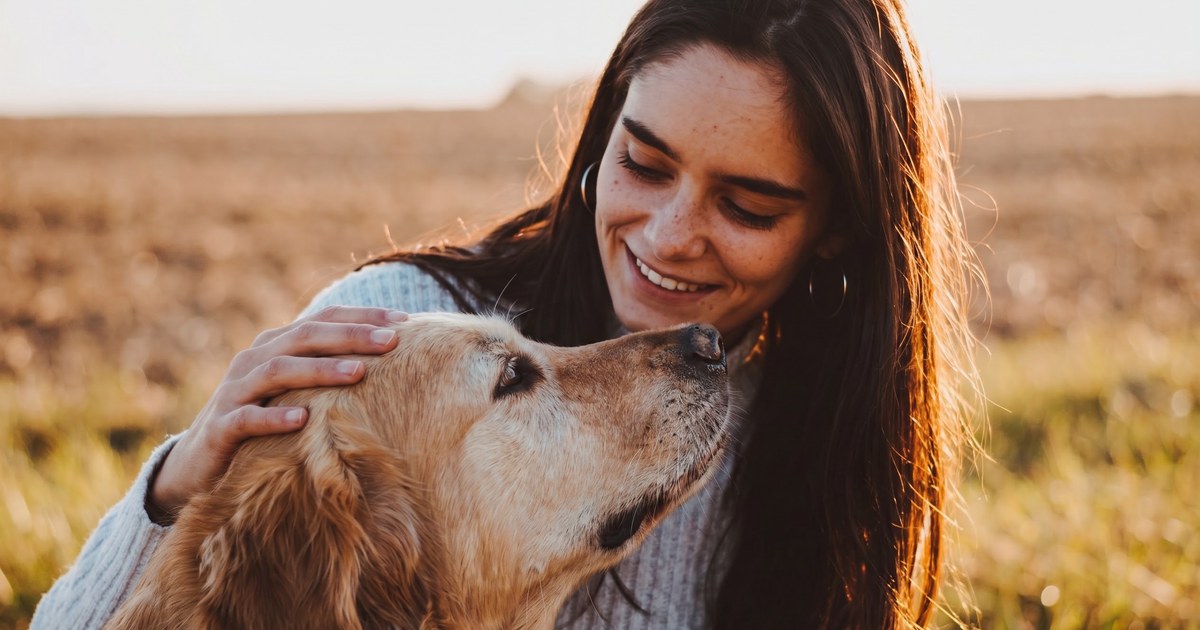
- Pet photos. Combine your pet with a person — or two pets — into one shared portrait with the Pet Photo preset.
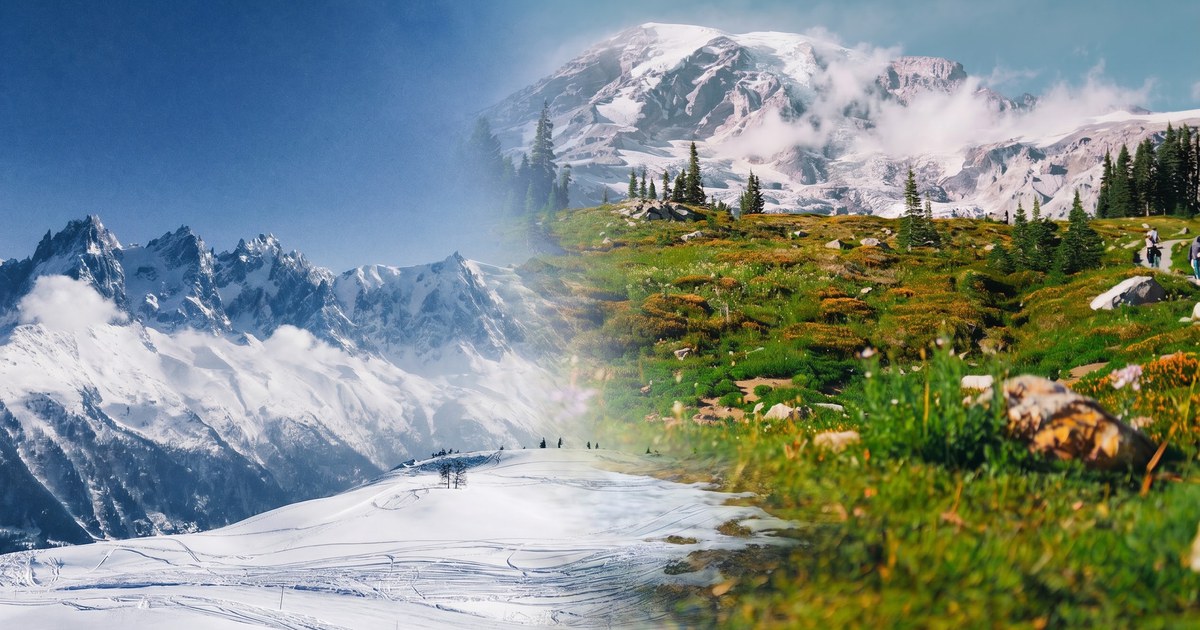
- Travel memories. Put yourself into a destination you have not visited yet with the Travel Memory preset, which matches the lighting and scale of the scene.
- Before and after. If you just need two photos side by side instead of blended, the free side-by-side stitcher does that with no sign-up and no watermark.
Frequently Asked Questions
Can AI put two people in one photo?
Yes. An AI image combiner takes the people from two separate photos and generates one new image where they appear together naturally, with matched lighting, shadows, and perspective.
Is there a free AI tool to merge two people into one photo?
Yes — ImageCombiner is free to try. New accounts get free trial credits, so your first couple photos cost nothing. Paid plans and credit packs are available when you need more.
Do both photos need the same background?
No — that is the point of AI merging. The AI generates a new scene and places both people in it, so different backgrounds do not matter. Matching lighting direction matters much more than matching backgrounds.
Will the faces look like us?
The faces will closely resemble the people in your uploaded photos, but no AI tool reproduces faces perfectly. Clear, front-facing photos with unobstructed faces give the best results.
How long does it take to make an AI couple photo?
Most generations finish in about 10–60 seconds after you upload your photos and pick a prompt.
How much does it cost to make a couple photo with AI?
Your first generations are covered by free trial credits, so you can make a couple photo at no cost. After that, paid plans and credit packs are available when you need more.
Make Your Couple Photo
Upload two solo photos, pick the Couple Photo preset, and download a photo of the two of you together — in about a minute, no editing skills needed.