
AI Powered Put Your Pet in a Photo with You
Upload a photo of you and a photo of your dog, cat or any pet — the AI combines them into one natural shared portrait.
Free trial credits. No watermark.
Make a Pet Portrait in 3 Steps
No photo together? Your pet will never sit still for one anyway.
Why Make Pet Photos with AI?
The portrait you always wanted, without the treats and 200 blurry tries.
Markings and Fur Preserved
Your pet's face, fur color and markings are kept, so it's recognizably your pet — not a generic one.
Natural Shared Pose
The AI arranges you and your pet in one believable pose, with matched lighting and realistic scale.
Gifts and Keepsakes
Make a portrait with a pet who has passed away, a birthday card, or a print for the wall.
More AI Photo Effects
Same two-photo workflow, different results — pick the effect that fits your photos.
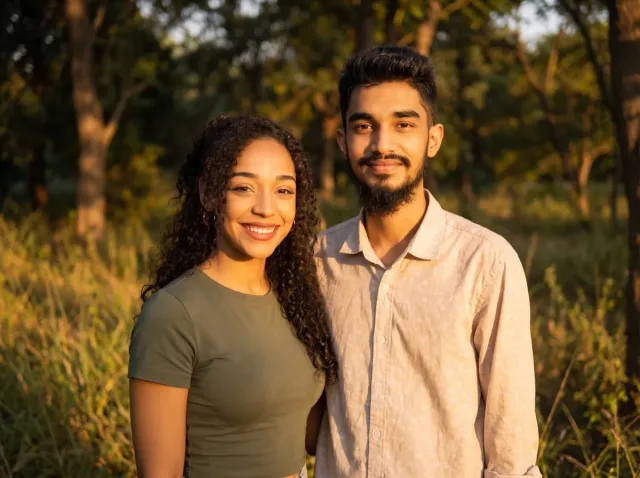
AI Couple Photo
Turn two separate photos into one natural couple portrait — perfect for long-distance couples.
Add a Person to a Photo
Add someone who wasn't there — group shots, family portraits or a missing loved one.
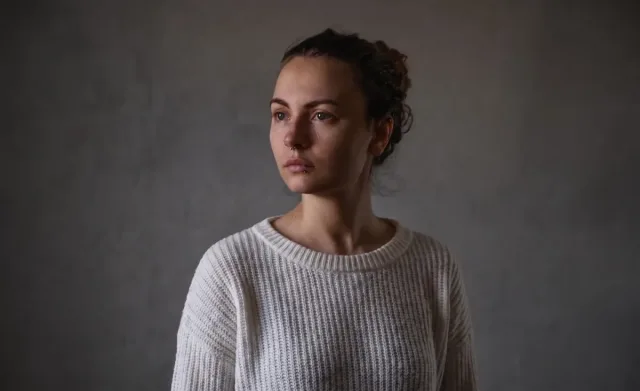
Virtual Try-On
See any clothing item on a real person from just two photos — fit and fabric preserved.

AI Product Photo
Place your product into any lifestyle scene with matching light and shadows.
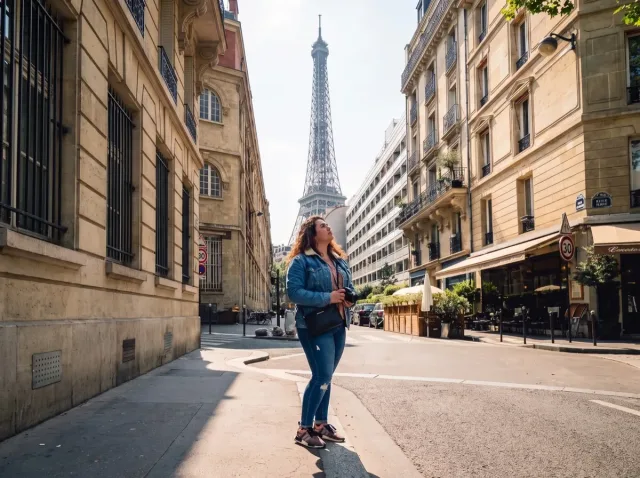
AI Travel Photo
Put yourself in front of any landmark or landscape — matched sunlight and shadows.
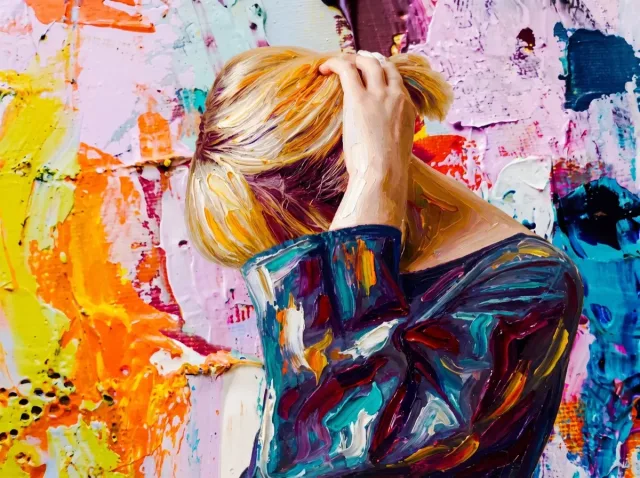
AI Style Transfer
Apply the colors, mood and brushwork of one image to another photo.

Before and After Photo
Turn two photos into one seamless before-and-after image — or a free side-by-side.
AI Pet Photo — FAQ
Common questions about combining pet photos with AI.
How do I put my pet in a photo with me?
Upload your photo and your pet's photo, keep the pet preset or describe the scene, and click Generate. The AI combines you into one portrait with matched light and scale.
Can I add a pet who has passed away to a photo?
Yes. Upload a clear photo of your pet and the photo you'd like them in. Many people use this for memorial portraits. The AI keeps their face and markings as in the source photo.
Can I combine two pets?
Yes — upload one photo of each pet. The template works for person + pet and pet + pet.
Which pets work?
Dogs and cats work best, but rabbits, birds and other pets work too when the photo is sharp and the animal is clearly visible.
Is it free?
New accounts get free trial credits, and downloads have no watermark. One-time credit packs start at $4.99.