
AI Powered Put Your Product in Any Scene with AI
Upload a product photo and a background scene — the AI places it naturally with matching light and shadows, keeping your label sharp.
Free trial credits. No watermark. No photoshoot.
Create a Product Lifestyle Photo in 3 Steps
From a plain packshot to a scroll-stopping image in under a minute.
Upload Your Product
A clear photo of the product — a white background or simple packshot works best.
Upload or Describe a Scene
Add a photo of the setting — a kitchen counter, a bathroom shelf, an outdoor table — or describe one in words.
Why Use AI for Product Photos?
Lifestyle shots sell better than white backgrounds — and now they don't need a studio.
Label and Shape Preserved
Product shape, label text, logo and color are kept intact, so the photo matches what customers receive.
Realistic Light and Shadows
Contact shadows, reflections and light direction are matched to the scene so the product doesn't look floating.
Built for Ecommerce
Create images for Amazon, Shopify, Etsy and social ads in 1K, 2K or 4K. Pro plans include a commercial use license.
More AI Photo Effects
Same two-photo workflow, different results — pick the effect that fits your photos.
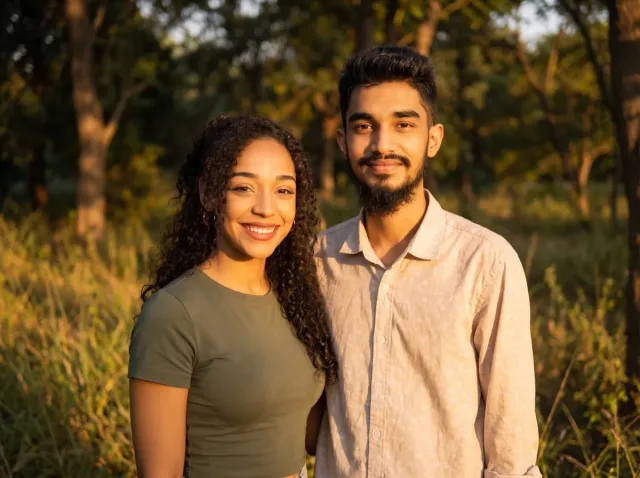
AI Couple Photo
Turn two separate photos into one natural couple portrait — perfect for long-distance couples.
Add a Person to a Photo
Add someone who wasn't there — group shots, family portraits or a missing loved one.
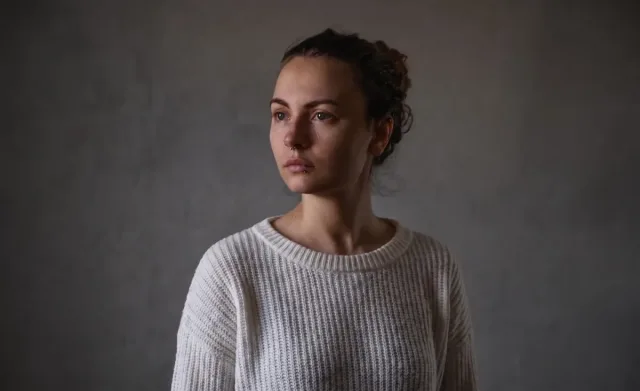
Virtual Try-On
See any clothing item on a real person from just two photos — fit and fabric preserved.
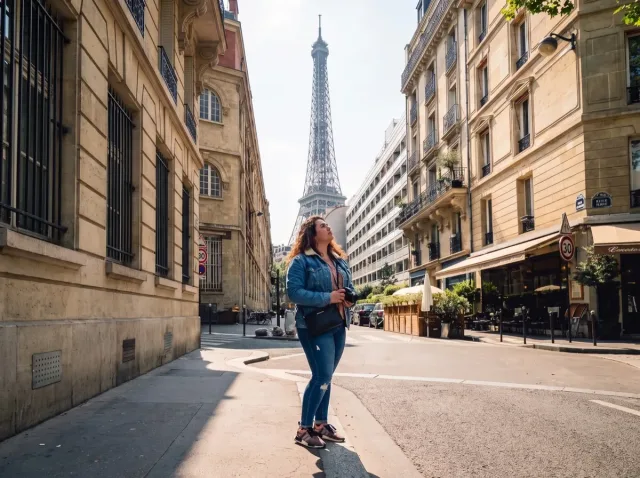
AI Travel Photo
Put yourself in front of any landmark or landscape — matched sunlight and shadows.
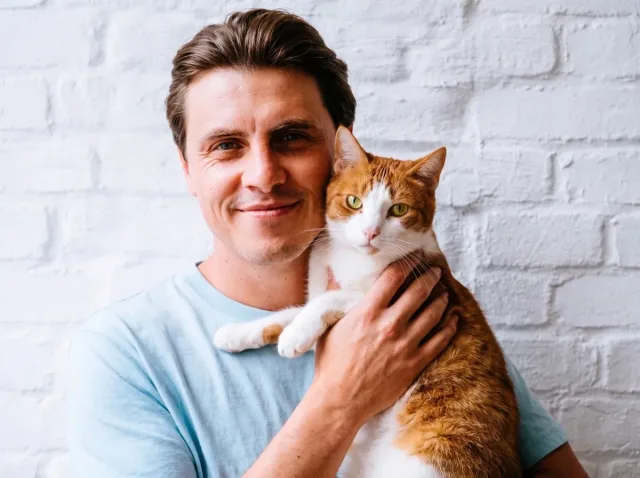
AI Pet Photo
Combine you and your pet — or two pets — into one adorable shared portrait.
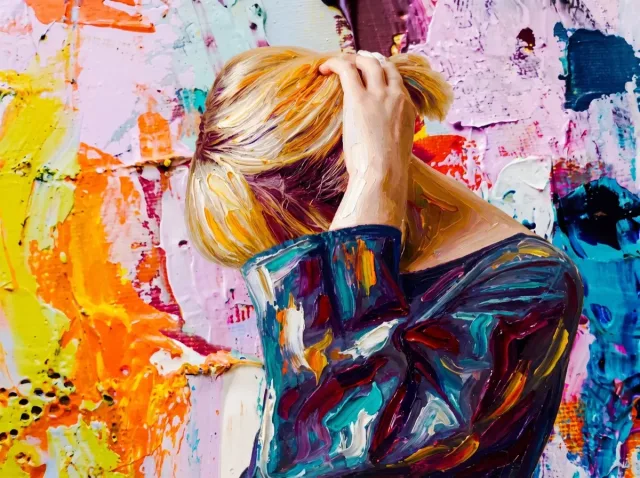
AI Style Transfer
Apply the colors, mood and brushwork of one image to another photo.
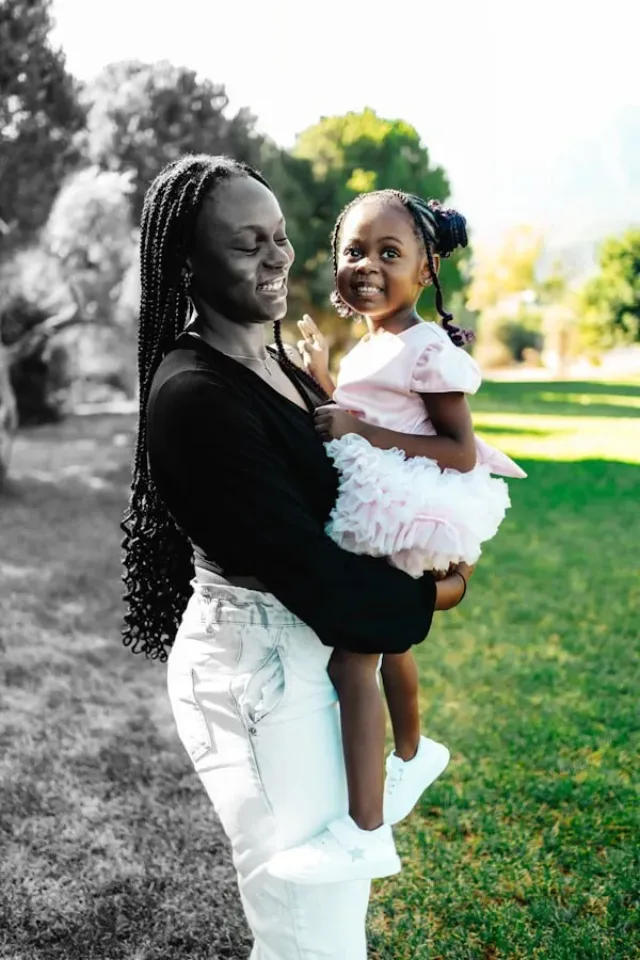
Before and After Photo
Turn two photos into one seamless before-and-after image — or a free side-by-side.
AI Product Photo — FAQ
Common questions about creating product photos with AI.
How do I put my product into a different background?
Upload your product photo and a scene photo (or describe the scene), then click Generate. The AI places the product into the scene with matching perspective, light and shadows.
Will the AI change my product's label or logo?
The prompt asks the AI to keep the product's shape, label text and details exactly. Small text can occasionally blur — rerender in 2K or 4K for sharper labels.
Can I use the images commercially?
Yes, with a Pro or Premium plan, which include a commercial use license. Free credits and credit packs are great for testing scenes first.
What resolution can I get?
Every plan can generate in 1K, 2K or 4K. 1K costs 1 credit, 2K costs 2 and 4K costs 4 — you only pay for successful generations.
Is it free to try?
Yes. New accounts get free trial credits, and downloads have no watermark. One-time credit packs start at $4.99.
Create Your First Product Photo
Upload a product and a scene — free trial credits included.