
AI Powered Put Yourself in Any Place with AI
Upload your photo and a picture of a landmark or landscape — the AI places you there with matching sunlight, shadows and scale.
Free trial credits. No watermark.
Make a Travel Photo in 3 Steps
Missed the shot on your trip? Or dreaming of the next one? Make it in a minute.
Upload the Place
A photo of the landmark, city or landscape: the Eiffel Tower, a beach, a mountain view.
Why Make Travel Photos with AI?
Every trip has the photo you didn't get. Now you can make it.
Sunlight and Shadows Matched
Light direction, color temperature and shadows follow the scene, so you don't look cut out and pasted in.
You Stay You
Your face, hairstyle and outfit are kept from the original photo — only the place changes.
Any Landmark, Any Landscape
Famous sights, hidden beaches, your hometown — if you have a photo of it, you can stand in it.
More AI Photo Effects
Same two-photo workflow, different results — pick the effect that fits your photos.
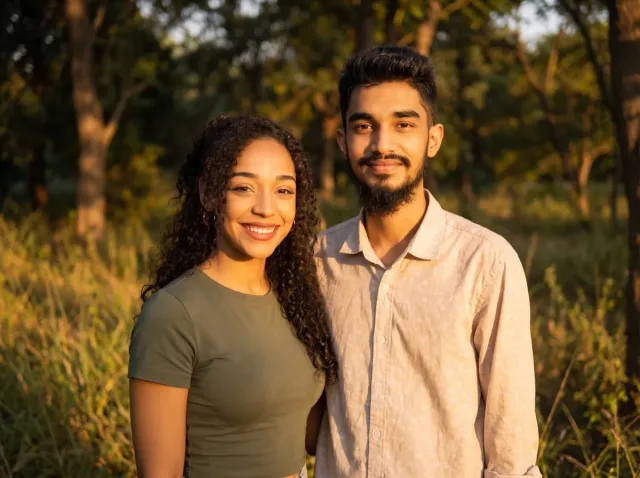
AI Couple Photo
Turn two separate photos into one natural couple portrait — perfect for long-distance couples.
Add a Person to a Photo
Add someone who wasn't there — group shots, family portraits or a missing loved one.
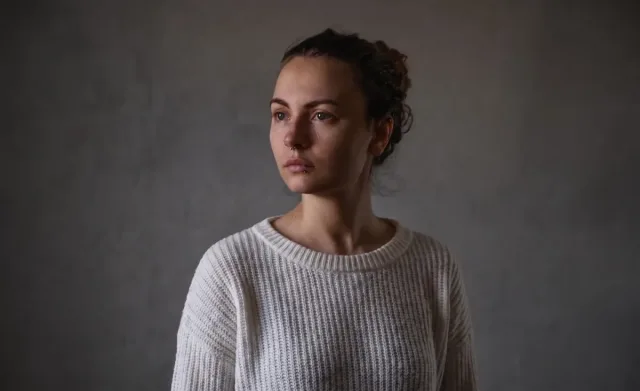
Virtual Try-On
See any clothing item on a real person from just two photos — fit and fabric preserved.
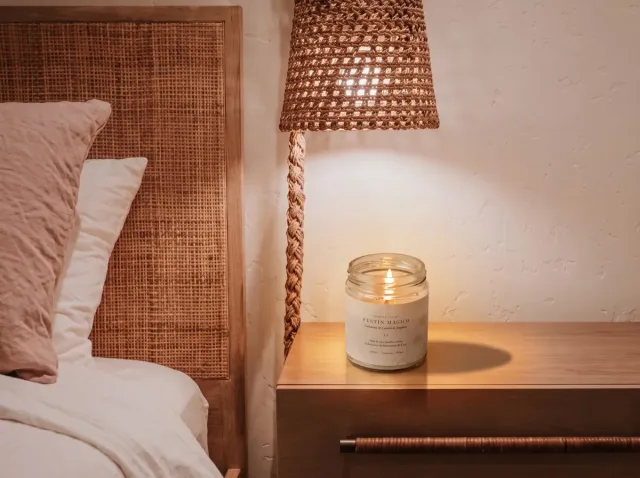
AI Product Photo
Place your product into any lifestyle scene with matching light and shadows.

AI Pet Photo
Combine you and your pet — or two pets — into one adorable shared portrait.
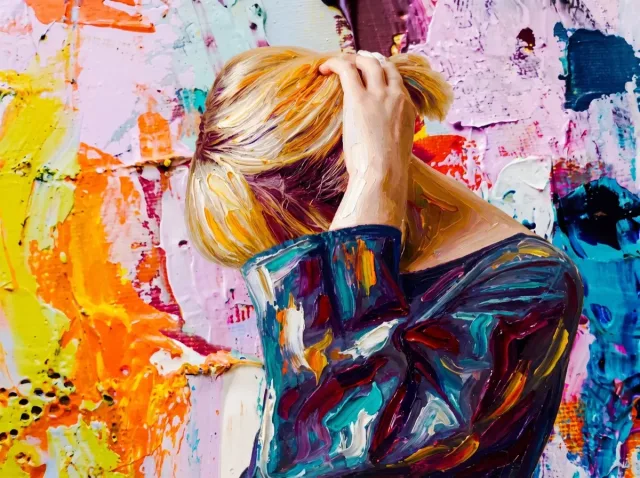
AI Style Transfer
Apply the colors, mood and brushwork of one image to another photo.

Before and After Photo
Turn two photos into one seamless before-and-after image — or a free side-by-side.
AI Travel Photo — FAQ
Common questions about putting yourself into a photo of a place with AI.
How can I put myself into a picture of a place?
Upload a photo of yourself and a photo of the place, keep the travel preset or describe the pose you want, and click Generate. The AI places you into the scene with matching light, shadows and scale.
Can I add myself to a famous landmark photo?
Yes — upload any landmark photo as the scene. For your own social posts and keepsakes that's fine; just don't present AI images as real evidence of travel where that matters.
What makes the result look real?
A clear, well-lit photo of yourself with a pose that fits the scene, and a scene photo with visible ground where you can stand. Similar camera angles help most.
Is it free?
New accounts get free trial credits and downloads have no watermark. One-time credit packs start at $4.99, no subscription needed.
Can I add a friend too?
This template places one person. To add a second person, run the result through our Add a Person tool, or use Freestyle with your own instructions.