
AI Powered Before and After Photo Maker
Blend two photos into one seamless before-and-after image with AI — or put them side by side for free, with no sign-up.
No watermark either way.
Make a Before and After Photo in 3 Steps
Fitness progress, renovations, makeovers, edits — show the change in one image.
Upload the Before Photo
The starting point. Try to shoot both photos from the same angle and distance.
Two Ways to Show the Change
An AI transition for something eye-catching, a side-by-side split for something clear and simple.
Seamless AI Transition
The AI blends both states into one image with a smooth transition, keeping subjects aligned and consistent.
Free Side-by-Side Split
The classic left/right or top/bottom comparison — free, unlimited, no sign-up, nothing uploaded.
For Coaches, Salons and Renovators
Show client results, makeovers and projects in a format that stops the scroll.
More AI Photo Effects
Same two-photo workflow, different results — pick the effect that fits your photos.
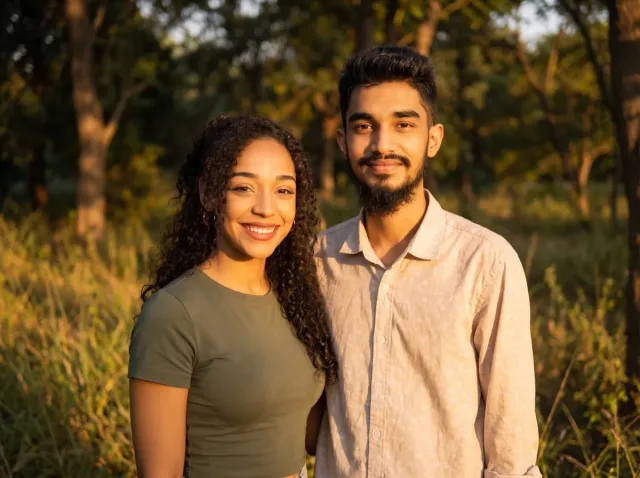
AI Couple Photo
Turn two separate photos into one natural couple portrait — perfect for long-distance couples.
Add a Person to a Photo
Add someone who wasn't there — group shots, family portraits or a missing loved one.
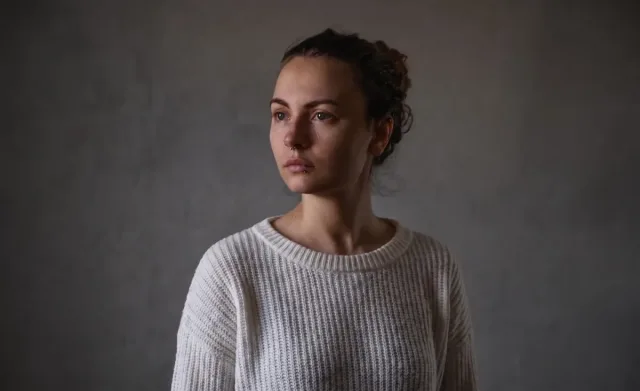
Virtual Try-On
See any clothing item on a real person from just two photos — fit and fabric preserved.
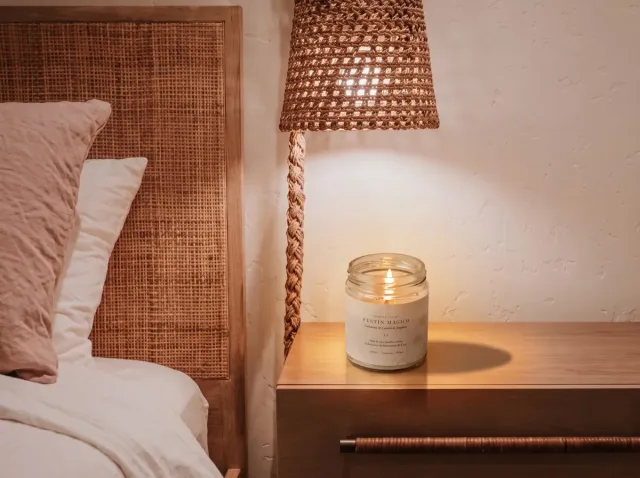
AI Product Photo
Place your product into any lifestyle scene with matching light and shadows.
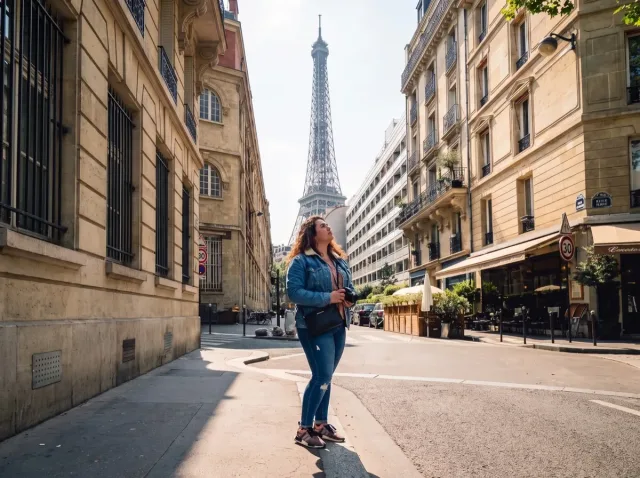
AI Travel Photo
Put yourself in front of any landmark or landscape — matched sunlight and shadows.
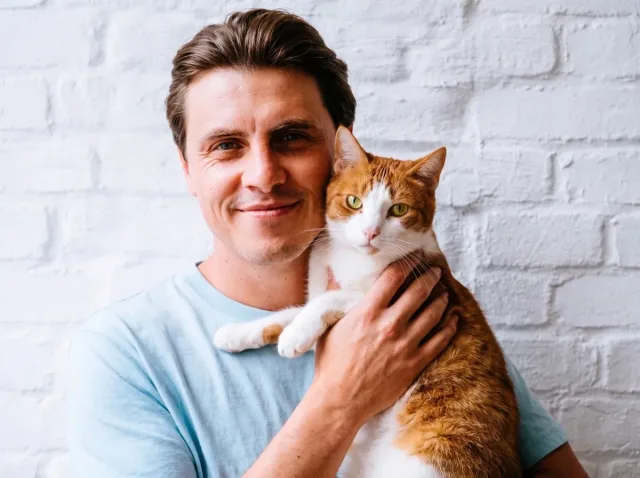
AI Pet Photo
Combine you and your pet — or two pets — into one adorable shared portrait.
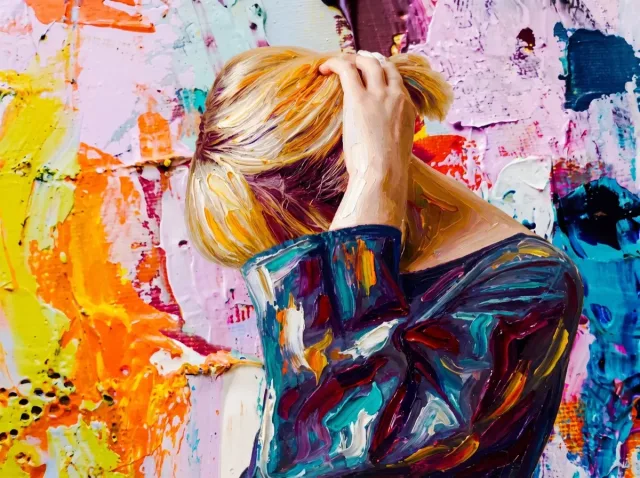
AI Style Transfer
Apply the colors, mood and brushwork of one image to another photo.
Before and After Photo — FAQ
Common questions about making before and after photos.
How do I make a before and after photo?
For a classic split, open our free side-by-side tool, add both photos and download — no sign-up. For a seamless blended transition, upload both photos into the AI tool on this page and click Generate.
Can I make a before and after photo for free?
Yes. The side-by-side version is completely free and unlimited, with no watermark. The AI transition uses credits — new accounts get free trial credits.
What's the best way to take before and after photos?
Use the same angle, distance, framing and lighting in both photos. The closer they match, the more the change stands out.
Can I add labels like "Before" and "After"?
Add them in the AI instructions — for example, "add small 'Before' and 'After' labels in the corners" — or add text afterwards in any editor.
Is it suitable for fitness and medical-aesthetic results?
It's great for presenting results. Don't use AI generation to alter the results themselves — present genuine photos honestly.
Just need a simple split? Use our free side-by-side photo combiner — no sign-up, no watermark.
Make Your Before and After Photo
Blend with AI, or split side by side for free.