
AI Powered Make a Couple Photo from Two Separate Photos
Upload a photo of each person and the AI places you together in one natural portrait with coordinated light and identity-focused blending.
Free trial credits. No watermark.
Updated : Added a quick answer with real costs, speed and limits, plus a comparison with other AI tools.
Quick answer
How do I make a couple photo from two separate photos?
Upload one clear solo photo of each person, pick the Couple Photo template or describe the scene, and generate. The AI creates one new portrait of the two of you together, with matched light, skin tones and perspective, so there is no cutting out and no Photoshop. Each image costs 1 credit at 1K, and new accounts get 3 free credits.
- Cost
- 1 credit per image at 1K, 2 at 2K, 4 at 4K. New accounts get 3 free credits (valid for 30 days).
- Speed
- Median 18 seconds at 1K; 90% of images finish within 46 seconds (610 generations, Oct 6 – Nov 5, 2026).
- Photos you can use
- JPG, PNG, WebP or iPhone HEIC, up to 10 MB each.
- Result
- One new image at 1K, 2K or 4K, with no watermark.
- Privacy
- Photos go to our AI provider only to create your result and are never used to train models. They are kept until you delete your account.
- Safety
- Every prompt and photo is screened. Sexual or violent content is blocked before any credit is spent.
Other ways to make a couple photo with AI
| Tool | Best for | Free tier | Account needed | Paid from |
|---|---|---|---|---|
| ImageCombiner | Two-photo merges with ready-made templates | 3 free credits | Yes (free) | $5.99 one-time (40 credits) |
| Google Gemini | Top-tier quality with a Google account | Yes | Yes | $4.99/mo |
| VisualGPT | Instant anonymous blending | Yes, no sign-up | No | $8/mo |
| Picsart | Manual double-exposure effects | Yes, watermark-free | No | $10.5/mo |
Competitor details from our hands-on test of 8 AI image combiners (September 2026). Prices change, so check each site before you buy.
Create a Couple Photo in 3 Steps
No shared photo yet? Two selfies are all you need.
Upload Two Photos
Add a clear photo of each person — front-facing shots with even light give the best result. JPG, PNG, WebP and HEIC are supported.
Pick the Scene (Optional)
Keep the romantic golden-hour preset or describe your own: a beach at sunset, a café in Paris, your wedding venue.
Why Make Couple Photos with AI?
Copy-paste collages look fake. The AI rebuilds the scene so you look like you were really photographed together.
Built for Long-Distance Couples
Living in different cities or countries? Create the photo together you never got to take — for anniversaries, wallpapers and gifts.
Identity-Focused Blending
Each face, hairstyle and expression guides the new portrait, with the goal of keeping both people recognizable.
Matched Light and Pose
Lighting, skin tones, scale and posture are matched so you stand naturally side by side, not pasted on top of each other.
Real Generated Examples
Two Different Couples, Two Shared Portraits
Each case shows the two licensed input portraits above the actual AI-generated result. Compare the lighting, scale, expressions and overall composition rather than expecting every generation to be identical.
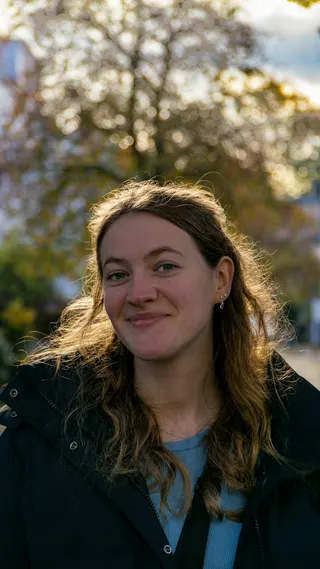
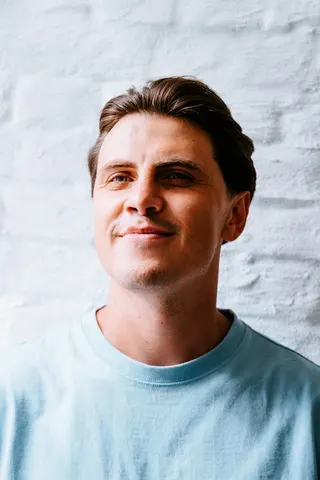
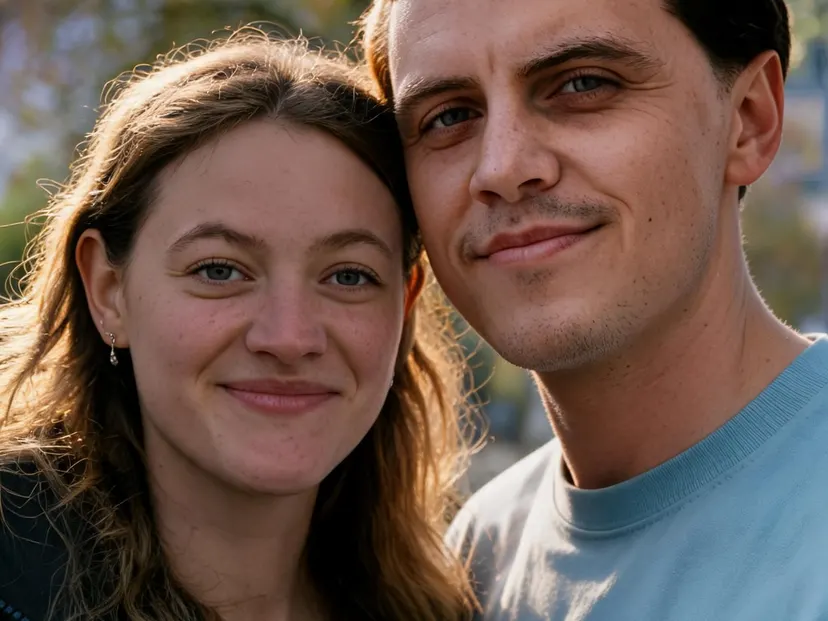
A relaxed golden-hour close-up
Two separate portraits become a warm, close couple photo. The result keeps the broad hairstyle and clothing cues while creating one consistent outdoor scene.
Input photos: Christopher John · Vicky Hladynets
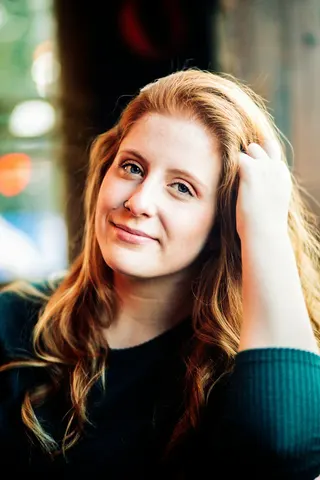
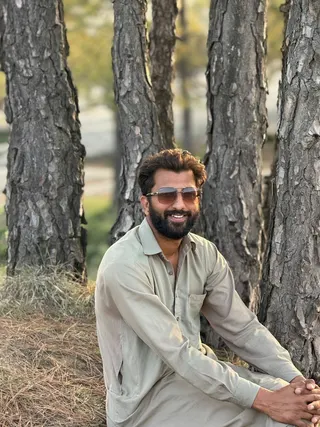
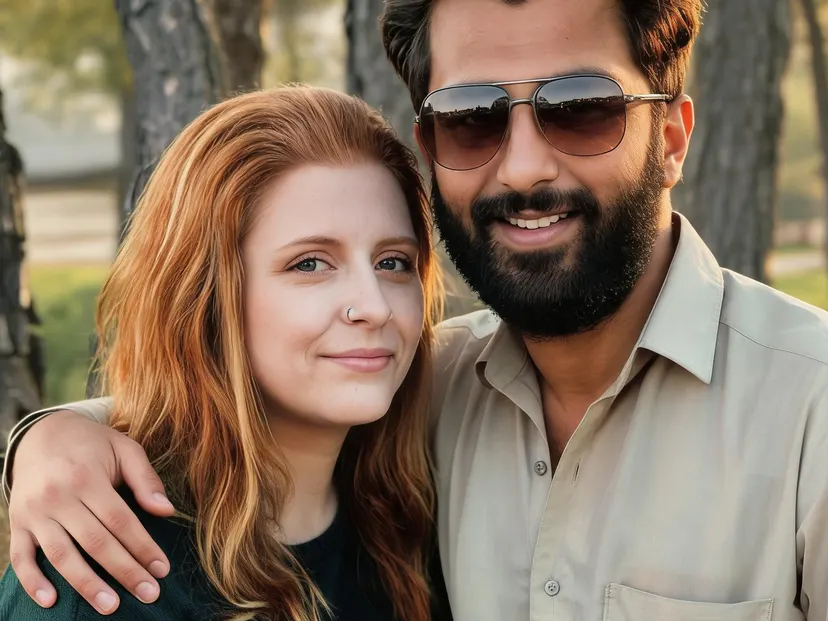
An outdoor portrait with casual styling
The preset brings two different source settings into one shared portrait. Sunglasses and distinctive hairstyles remain part of the visual references to review.
Input photos: Meg Wagener · Asad Kareem musa
A Practical Guide
From Two Separate Photos to One Believable Couple Portrait
A good result depends on more than putting two faces in the same frame. These choices help the AI reconstruct a shared moment that feels consistent and personal.
What makes an AI couple photo look natural?
A simple cutout can place two people side by side, but it usually leaves clues behind: one person is sharper than the other, the light comes from different directions, or their relative sizes make no sense. An AI couple photo works differently. It creates a new scene around both people, then adjusts posture, scale, color and shadows to make the portrait feel like one exposure.
The couple preset uses a romantic outdoor setting at golden hour, so it is a useful starting point when you do not want to write a prompt. You can also describe a place that means something to you, such as the café where you met or a favorite beach. The clearest prompts mention the setting, the kind of portrait and how close you want to stand; there is no need to list technical photography terms.
Choose source photos that work together
Start with one clear photo of each person. Front-facing or gently angled portraits give the model useful facial detail, while similar framing makes the final composition easier to predict. Waist-up photos are a practical choice for a classic couple portrait. Full-body photos can work too, especially when you want a travel or wedding-inspired scene.
Avoid images with sunglasses, heavy beauty filters, motion blur or a face that occupies only a small part of a group photo. Those inputs provide less reliable information about identity. Similar lighting is helpful but not mandatory; the AI is asked to reconcile it. What matters most is that both faces are unobstructed and easy to see.
- Use recent photos if you want the portrait to reflect how you look now.
- Choose expressions you would be happy to see in the final image.
- Keep the original files rather than screenshots compressed by messaging apps.
More AI Photo Effects
Same two-photo workflow, different results — pick the effect that fits your photos.
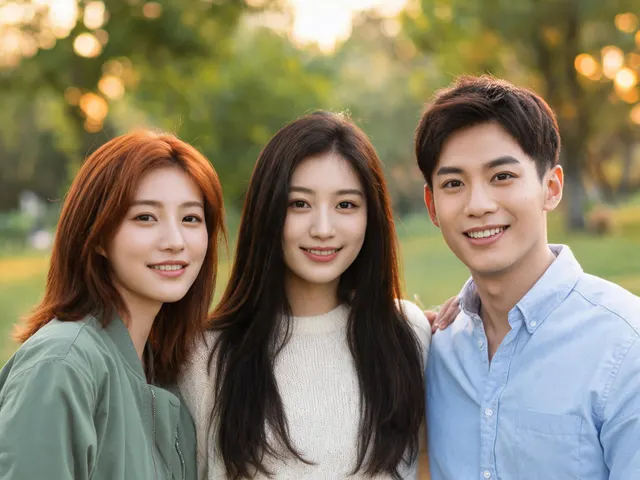
Add a Person to a Photo
Add someone who wasn't there — group shots, family portraits or a missing loved one.
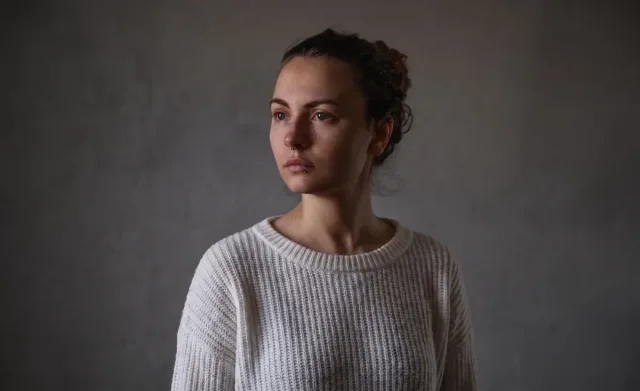
Virtual Try-On
See any clothing item on a real person from just two photos — fit and fabric preserved.
AI Product Photo
Place your product into any lifestyle scene with matching light and shadows.
AI Travel Photo
Put yourself in front of any landmark or landscape — matched sunlight and shadows.
AI Pet Photo
Combine you and your pet — or two pets — into one adorable shared portrait.
AI Style Transfer
Apply the colors, mood and brushwork of one image to another photo.
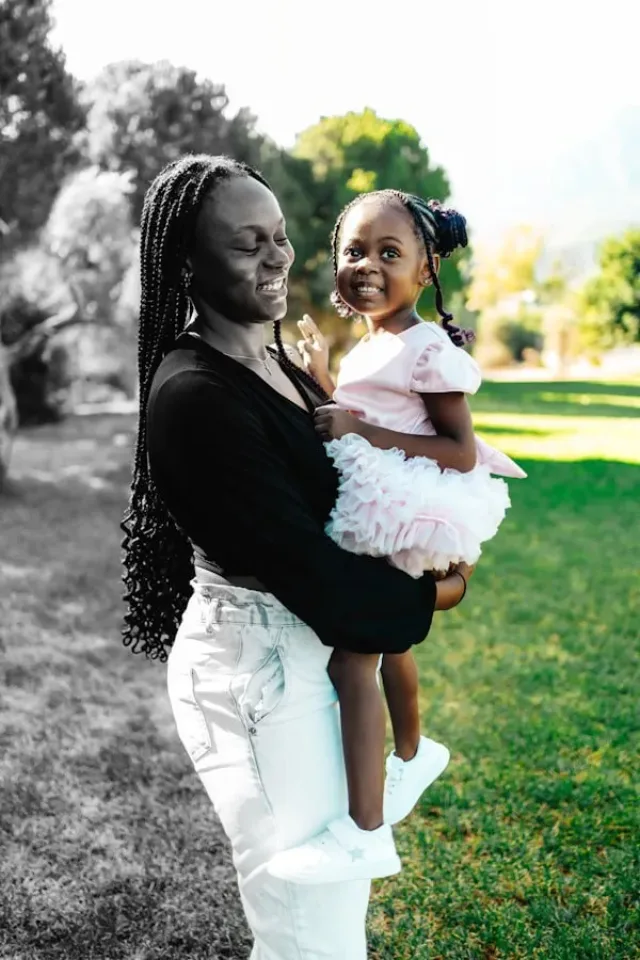
Before and After Photo
Turn two photos into one seamless before-and-after image — or a free side-by-side.
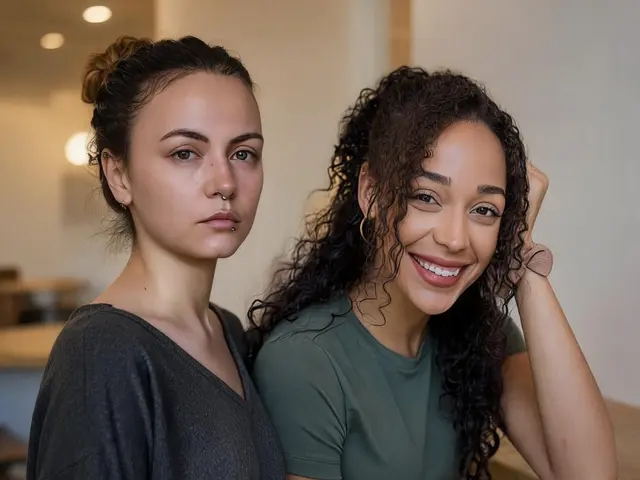
Put Two People in One Photo
Combine two people from separate photos into one natural picture — friends, family or anyone.
What's new on this page
Added a quick answer with real costs, speed and limits, plus a comparison with other AI tools.
Page published
Couple Photo Maker — FAQ
Answers about shared scenes, natural poses and portrait likeness.
How do I make a couple photo from two separate photos?
Upload one clear portrait per person and keep the couple preset or describe a meaningful scene. The AI creates a new shared portrait with coordinated light, scale and pose rather than placing the two original photos side by side.
Guide: how to make a couple photo from two photosWhat photos work best for a couple portrait?
Choose sharp, front-facing or gently angled portraits with even light and similar framing. Two waist-up or two full-body sources are easier to compose than a close-up paired with a distant group photo. Avoid sunglasses and heavy filters.
Can I choose the background?
Yes. Describe a beach at sunset, a cozy café or another place that matters to you. A short setting and portrait type usually work better than a long list of decorations, photography terms and unrelated actions.
Can I request a particular pose?
Yes. Try standing close, sitting side by side or holding hands. Simple poses are easier to inspect and usually more coherent. Check hands, arms and shoulders closely whenever the two figures overlap.
Will our faces change?
Faces, hairstyles and expressions guide the generation, but details can change. Compare each person with the source rather than judging only the overall mood. If one likeness is weak, try a clearer portrait or another generation.
How can I make a long-distance portrait feel personal?
Choose a destination you both want to visit, recreate the atmosphere of an early date or use clothing and expressions that feel familiar. A quiet, meaningful setting usually creates a stronger keepsake than an elaborate fantasy scene.
Can I add a partner to an existing family photo instead?
Use the add-person workflow when the base photograph and its original people should remain in place. The couple preset builds an entirely new portrait around two individual references and may change the original setting.
What should I check before printing the portrait?
Review both faces, glasses, hairstyles, hands and the edges where the people meet. Select the composition first, then use a higher-resolution render for the final image. Check the intended crop so nothing important is clipped.
Make Your Couple Photo Now
Two photos in, one portrait out — free trial credits included.