
Virtual Try-On AI Powered See Any Outfit on You
Upload a photo of a person and a photo of a garment — the AI dresses them in it, keeping the face, pose, fabric and logo intact.
Free trial credits. No watermark. No app needed.
Try On Clothes in 3 Steps
Two photos and one click — no fitting room, no app.
Upload the Clothing
A product photo of the garment — on a plain background, a hanger or a model. Shirts, dresses, jackets and more.
Why Use an AI Virtual Try-On?
See how clothes look before you buy, sell or post — without a photoshoot.
Fabric, Color and Logos Preserved
Patterns, prints, logos and textures guide the try-on; inspect the result for changes to fine details.
Follows Body Shape and Pose
The AI drapes the garment around the person's real posture with natural folds and shadows.
Made for Online Sellers
Show one garment on different models, or create on-model shots for listings without booking a shoot.
Real Generated Examples
Two Garments, Previewed on Two Different People
The person comes first and the garment second. Compare the generated fit and broad styling with the inputs, and inspect small details before relying on any result.
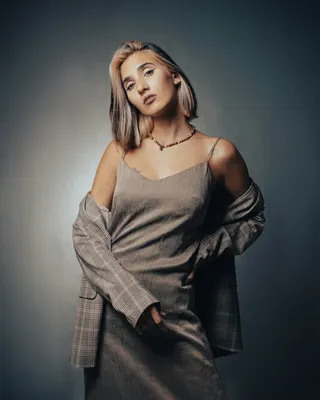
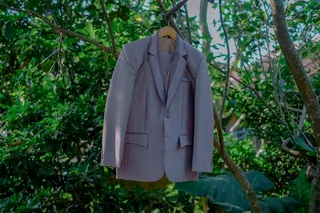
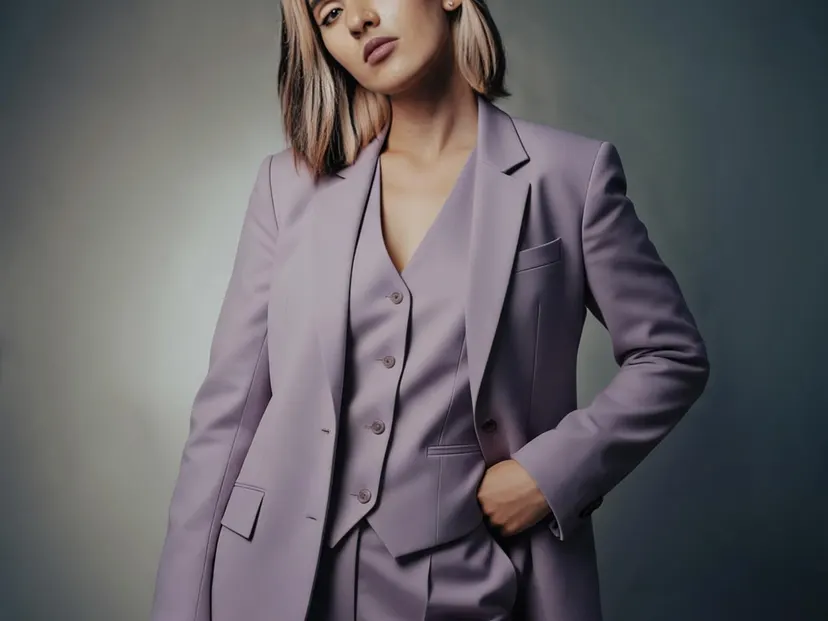
A tailored gray blazer
The garment becomes a coordinated blazer while the person’s original studio atmosphere and broad appearance remain central to the image.
Input photos: Farshad Sheikhzadeh · agust moto
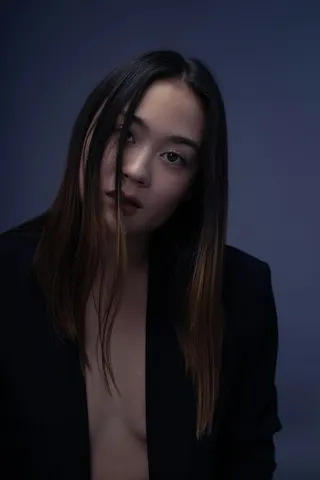
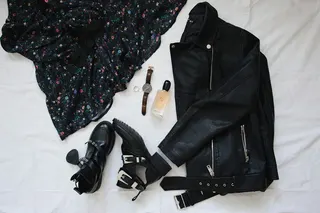
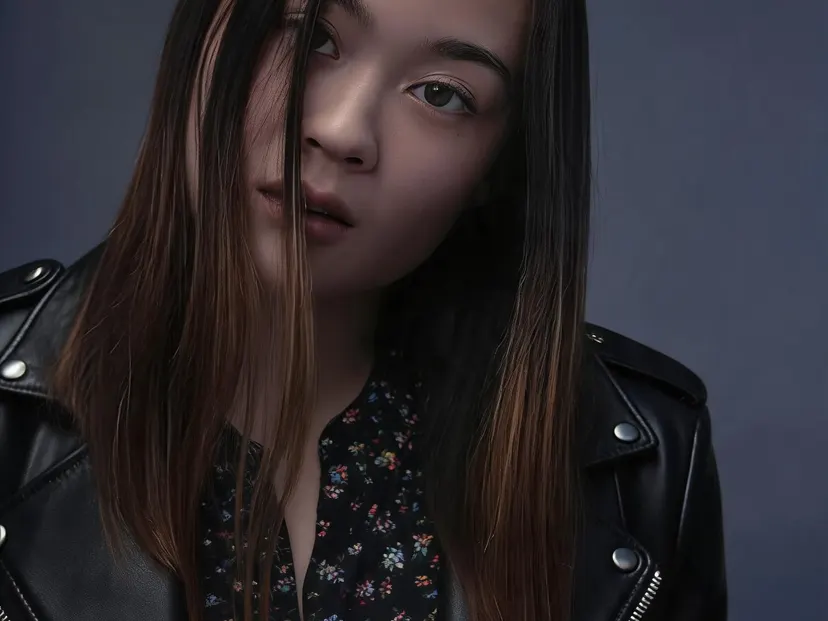
A black leather jacket
The jacket’s dark finish and broad structure are transferred to the portrait. Check zippers, lapels and hair boundaries closely in generated try-ons.
Input photos: Brooke Straiton · Julia Kicova
Better Virtual Fitting
How to Get a More Useful Virtual Try-On Result
The goal is not just to paste clothing onto a body. A useful try-on image preserves the person, shows the garment clearly and makes the fabric follow a plausible pose.
Start with the right person and garment photos
Use a person photo with a clear outline, an unobstructed torso and a pose you want to keep. A front-facing, waist-up or full-body image is usually easier to work with than a seated pose, crossed arms or a heavy coat. Even lighting helps the model understand both the body and the original clothing, although the preset is designed to retain the person and background.
For the garment, choose one item shown on its own whenever possible. A flat lay, hanger photo or clean ecommerce packshot makes the neckline, sleeves and fabric easy to identify. Avoid busy collages containing several outfits. If a logo or small pattern matters, use the sharpest available source and inspect it closely in the result; fine text can change during generation.
Judge fit, fabric and identity separately
A convincing virtual try-on needs to succeed at three different jobs. The garment should follow the person’s shoulders, waist and pose without strange folds or missing sleeves. Its color and broad fabric texture should remain recognizable. At the same time, the person’s face, skin tone and proportions should not be redesigned to fit the clothing.
Look beyond the first impression. Check cuffs, collars, buttons, hems and the boundary between hair and fabric. These small areas often reveal whether an outfit is coherent. If the overall result is good but one detail is wrong, a new generation may produce a better variation. Higher resolution can help with fine fabric detail, but it cannot guarantee perfect logos or exact measurements.
More AI Photo Effects
Same two-photo workflow, different results — pick the effect that fits your photos.
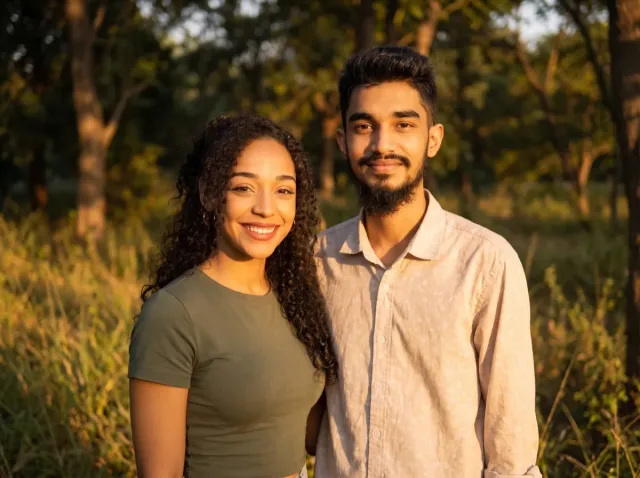
AI Couple Photo
Turn two separate photos into one natural couple portrait — perfect for long-distance couples.
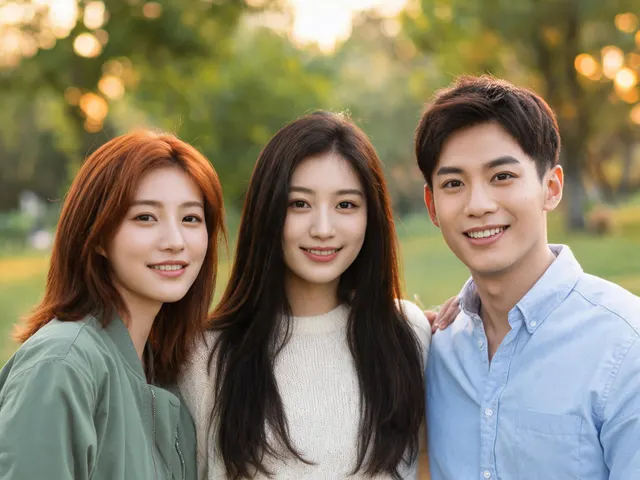
Add a Person to a Photo
Add someone who wasn't there — group shots, family portraits or a missing loved one.

AI Product Photo
Place your product into any lifestyle scene with matching light and shadows.
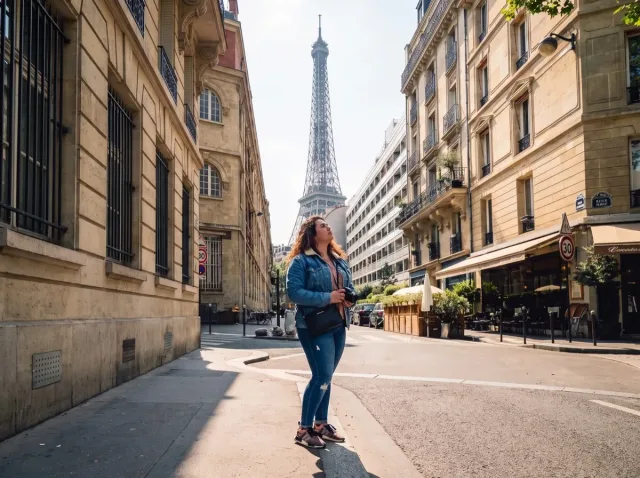
AI Travel Photo
Put yourself in front of any landmark or landscape — matched sunlight and shadows.
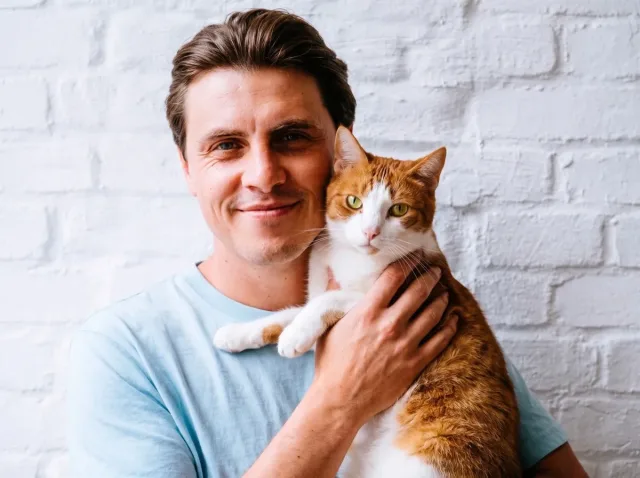
AI Pet Photo
Combine you and your pet — or two pets — into one adorable shared portrait.
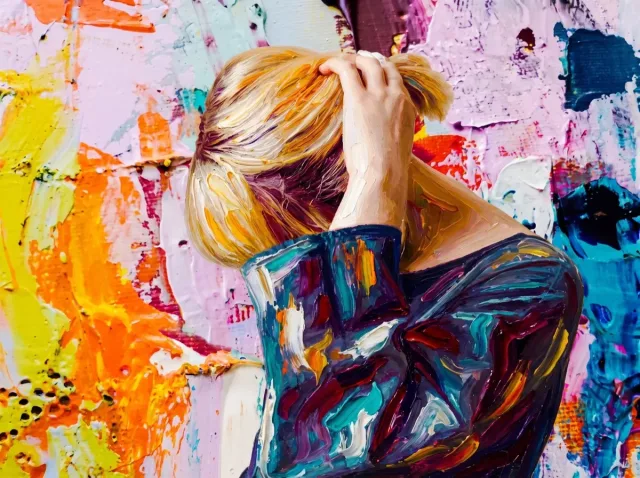
AI Style Transfer
Apply the colors, mood and brushwork of one image to another photo.
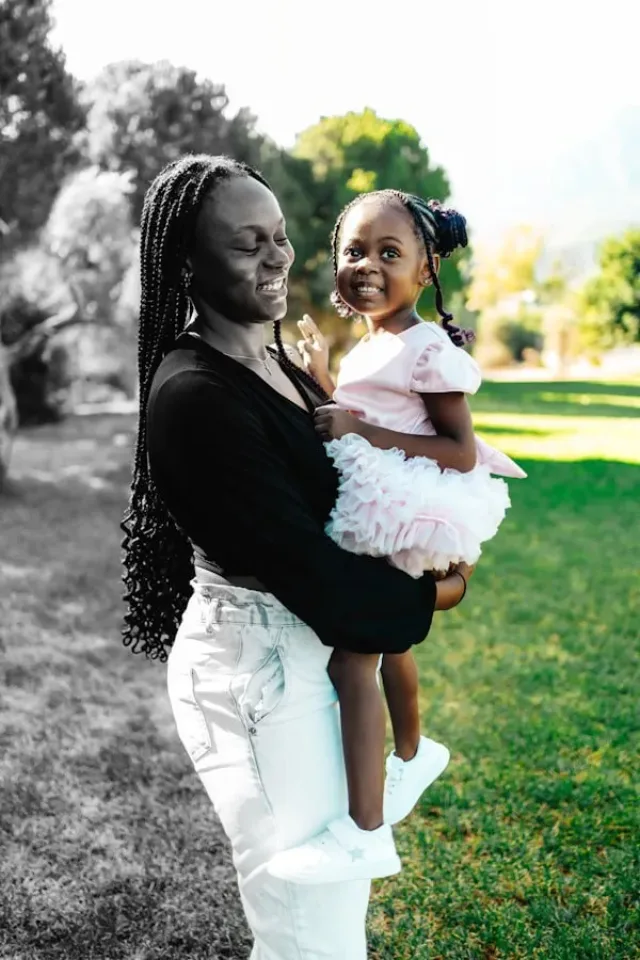
Before and After Photo
Turn two photos into one seamless before-and-after image — or a free side-by-side.
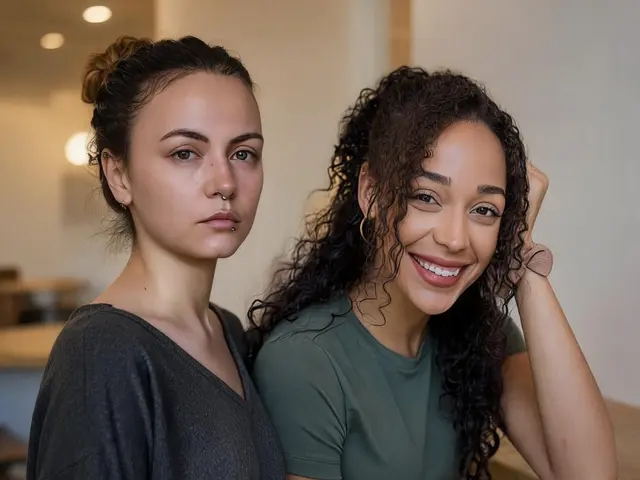
Put Two People in One Photo
Combine two people from separate photos into one natural picture — friends, family or anyone.
Virtual Try-On — FAQ
Answers about garment references, visual fit and listing images.
How does the AI virtual try-on work?
Upload the person first and one garment second. The AI redraws that clothing on the person's pose using the two images as references. It creates a visual preview, not a measurement-based fitting or an exact copy of the garment.
What kinds of clothing work best?
Single tops, shirts, dresses, jackets and coats are easiest to evaluate. Use a clear flat lay, hanger photo or clean product shot that shows the neckline, sleeves and full shape. Busy outfit collages make the intended item ambiguous.
Can it tell me which size to buy?
No. Two photos do not provide the body measurements, garment dimensions or fabric behavior needed for sizing. The result can suggest overall style and drape, but use the retailer's size chart and product measurements for purchasing decisions.
Will logos and patterns stay exact?
They guide the generation but can shift, blur or change. Inspect lettering, buttons, collars, cuffs and repeating patterns at full size. Do not use a seller image if it misrepresents the actual garment's design or branding.
What pose should the person have?
A front-facing, waist-up or full-body pose with an unobstructed torso works well. Crossed arms, heavy outerwear and seated poses hide the area being redrawn. Choose a pose you want to keep and check that the new fabric follows it plausibly.
Will the person's face or body change?
The preset aims to retain the person while changing clothing, but facial details and proportions can still shift. Compare the face, skin tone, hair boundary and body shape with the source before using the result.
Can I compare several garments on the same person?
Yes. Reuse one clear portrait with different single-garment references and compare the broad style side by side. Generated proportions and details can vary between runs, so treat the set as a visual shortlist rather than a precise fitting session.
Can sellers use the results for listings?
Commercial use requires a Pro or Premium plan and suitable rights to both images. The displayed garment must remain truthful to the product for sale. Use generated on-model images as supporting previews, not as evidence of exact fit or texture.
Try On Your First Outfit
Upload a person and a garment — see the result in under a minute.