
AI Powered Add a Loved One Who Passed Away to a Photo
Choose a family photo and a picture of the person you miss. The AI adds them with the same light and grain, so the moment feels whole.
Free trial credits. No watermark.
Create a Memorial Photo in 3 Steps
Take your time — you can regenerate as often as you need.
Choose the Family Photo
Pick the gathering, wedding or holiday picture you want them to be part of. Older scans work too.
Add Their Photo
Use the clearest photo you have of your loved one, ideally facing the camera, with similar lighting.
A Gentle Tribute
For weddings, birthdays and holidays where someone is deeply missed.
Their Face, Unchanged
Your loved one's face, hairstyle and expression are kept true to their photo.
The Original Stays Intact
Everyone already in the family photo is left exactly as they are.
Matched Light and Grain
Light, color and film grain follow the original, so older photos still look like one picture.
More AI Photo Effects
Same two-photo workflow, different results — pick the effect that fits your photos.
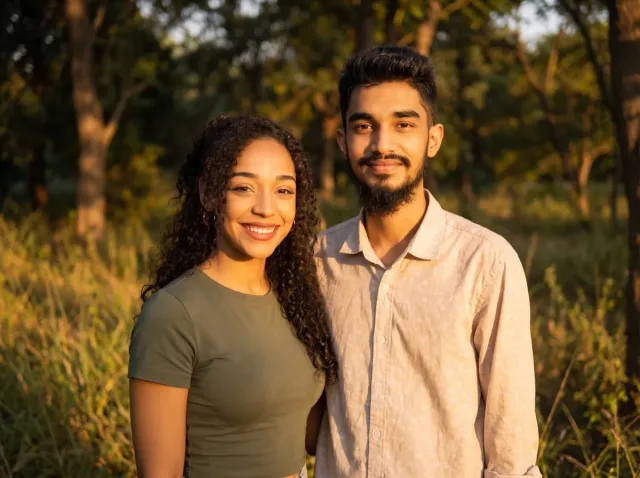
AI Couple Photo
Turn two separate photos into one natural couple portrait — perfect for long-distance couples.
Add a Person to a Photo
Add someone who wasn't there — group shots, family portraits or a missing loved one.
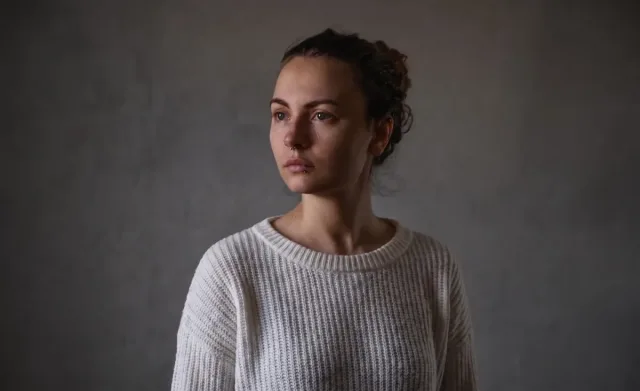
Virtual Try-On
See any clothing item on a real person from just two photos — fit and fabric preserved.
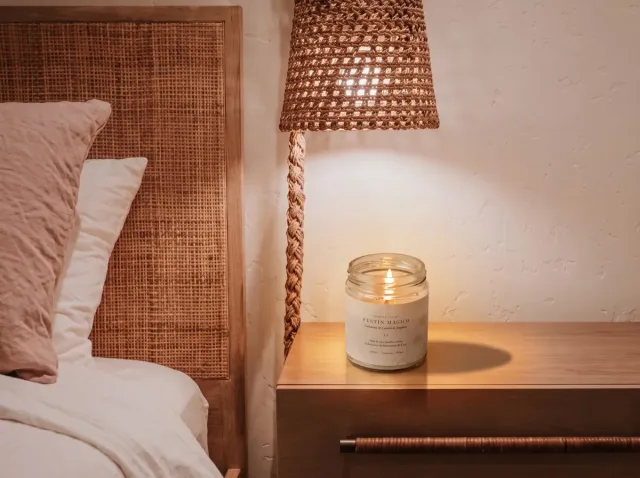
AI Product Photo
Place your product into any lifestyle scene with matching light and shadows.
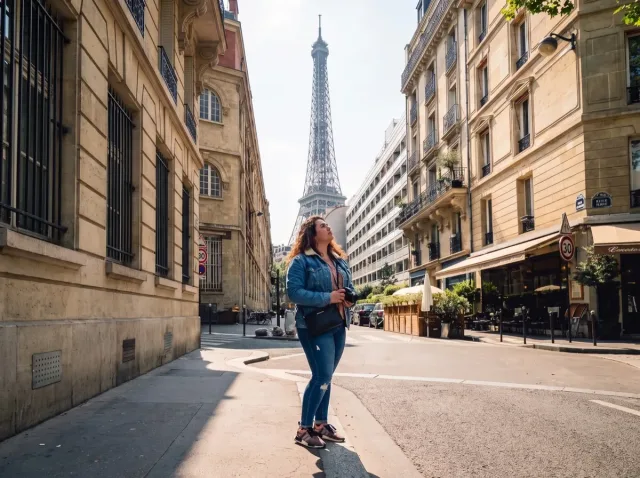
AI Travel Photo
Put yourself in front of any landmark or landscape — matched sunlight and shadows.
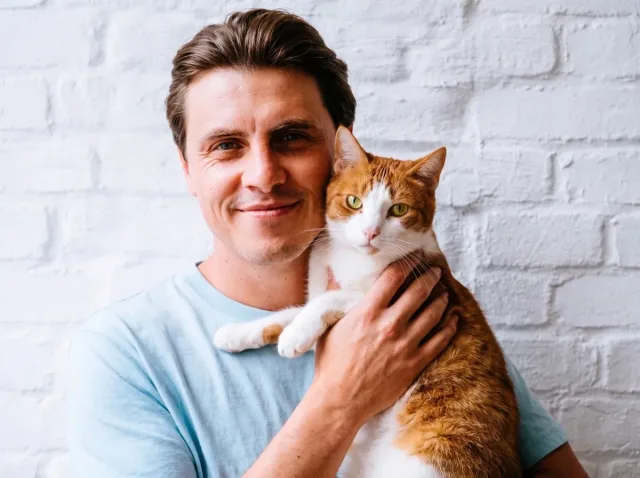
AI Pet Photo
Combine you and your pet — or two pets — into one adorable shared portrait.
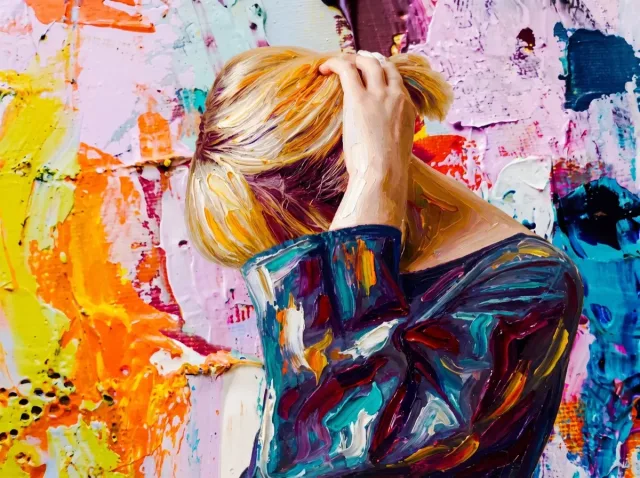
AI Style Transfer
Apply the colors, mood and brushwork of one image to another photo.
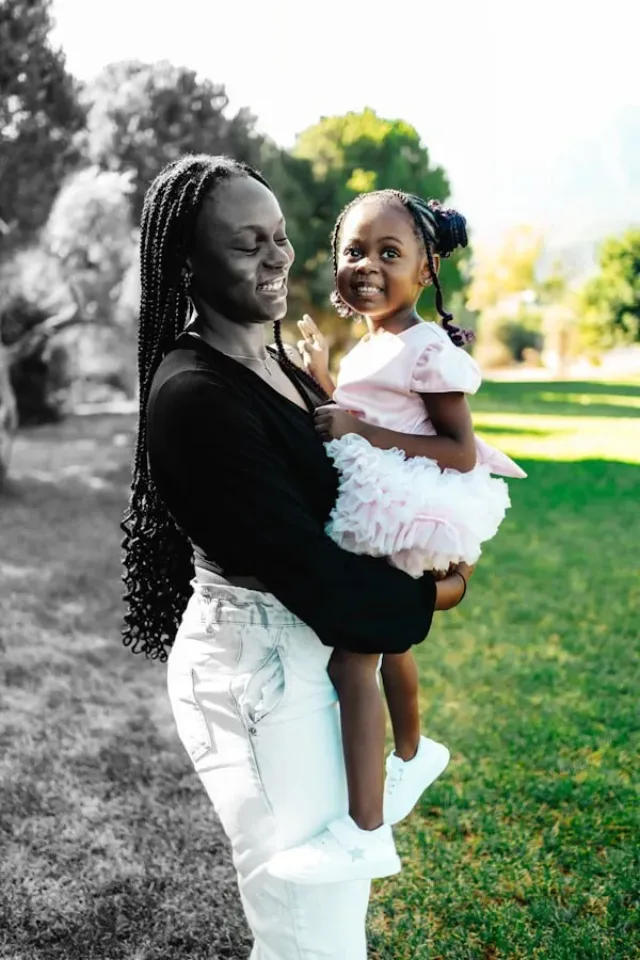
Before and After Photo
Turn two photos into one seamless before-and-after image — or a free side-by-side.
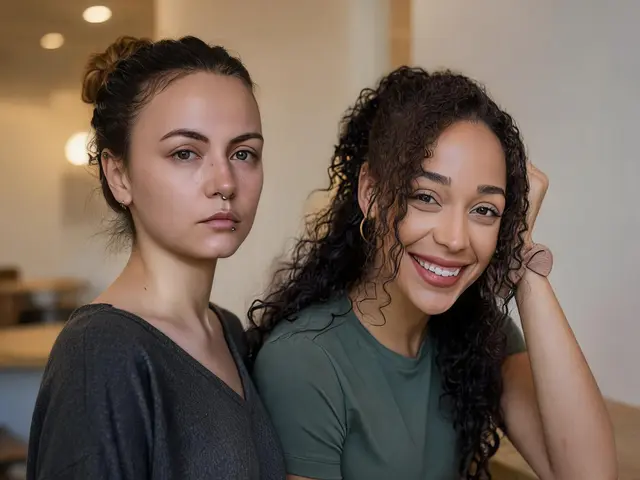
Put Two People in One Photo
Combine two people from separate photos into one natural picture — friends, family or anyone.
Memorial Photo — FAQ
Common questions about adding a loved one to a photo.
Can I add someone who passed away to an old family photo?
Yes. Upload the family photo and a photo of your loved one. The AI adds them with matching light, scale and grain. Results are a tribute image, not a real photograph.
What if I only have an old or blurry photo of them?
Use the clearest one you have. Front-facing photos work best; if the first result isn't right, generate again — failed generations are refunded.
Is it suitable for printing or a memorial service?
Yes. Rerender your favorite in 4K for a sharp print, with no watermark.
Is it free?
New accounts get free trial credits, so your first results cost nothing — and downloads never carry a watermark. If you need more, one-time credit packs start at $4.99, no subscription required.
Is it private?
Your photos are only used to generate your image. Results are saved to your Activity page so you can download them again; nothing is shared publicly.
Create a Memorial Photo
Bring them into the picture — free trial credits included.