
AI Powered Make a Caricature of You Two
Upload two photos and get a fun, flattering caricature — big heads, big smiles, in a colorful hand-painted style. Just one photo? Leave slot 2 empty.
Free trial credits. No watermark.
Make a Caricature in 3 Steps
Like a boardwalk artist, without the wait.
Upload One or Two Photos
Clear, front-facing photos show the features the artist exaggerates. The second photo is optional.
Why a Caricature?
Funny, warm and a great gift.
Flattering, Not Cruel
Bigger heads and smiles, with features exaggerated kindly.
Hand-Painted Style
Colorful brush strokes like a street artist's portrait.
Clearly You Two
Hairstyles, glasses and signature features guide a friendly, recognizable illustration.
Real Generated Examples
Friendly Caricatures Built from Two Portraits
The preset uses larger heads, expressive smiles and hand-painted color. Compare the playful exaggeration with the signature details that keep each person recognizable.
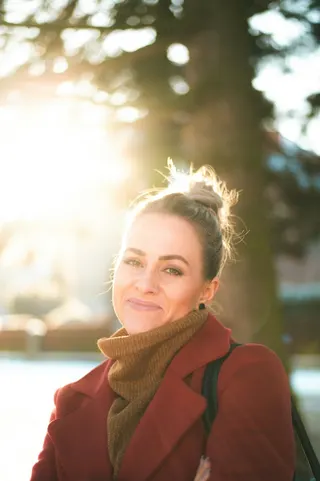
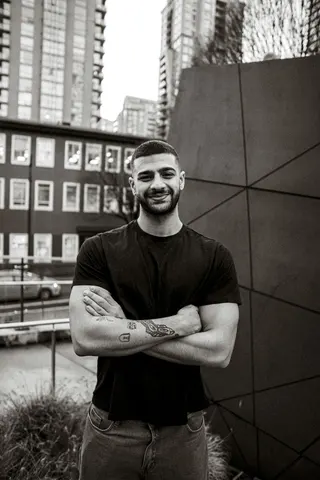
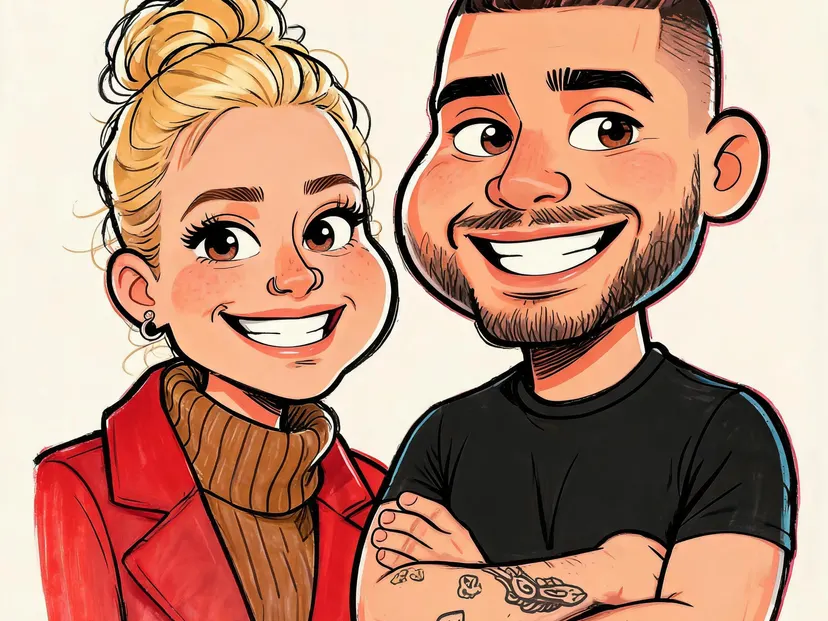
A colorful hand-painted pair
Two portraits become a cheerful street-artist-style illustration with broad identifying features and a simple background.
Input photos: Jan Kopřiva · Felipe Souza
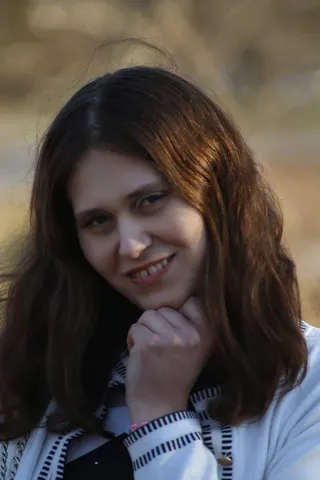
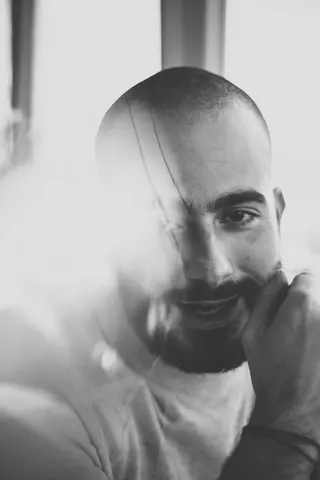
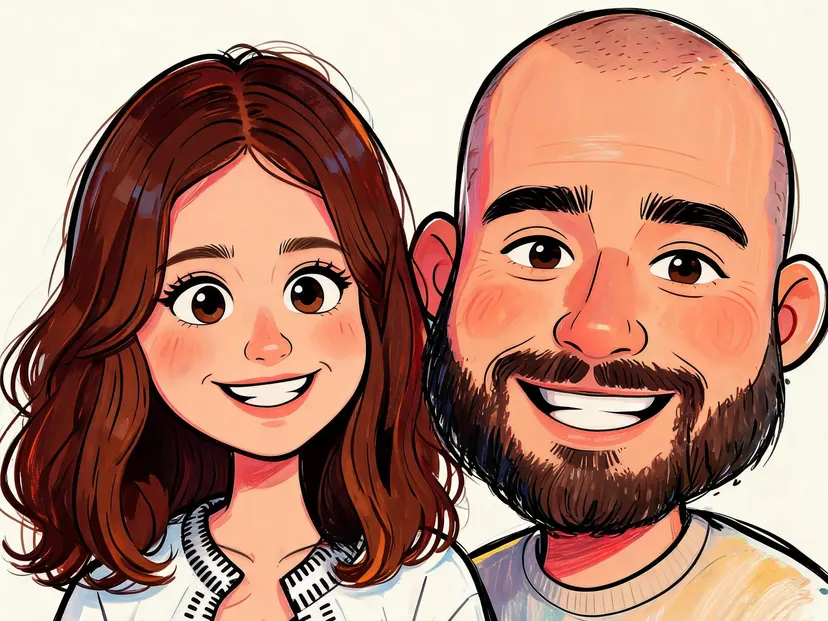
A second friendly exaggerated portrait
Different sources inspire another painted pair. Review hairstyles, glasses and smiles to ensure the illustration still feels like the people.
Input photos: Eve · Matteo Vistocco
Caricature Guide
Make a Fun Caricature Without Losing What Makes You Recognizable
A flattering caricature exaggerates a few familiar features while preserving the glasses, hairstyle, smile and overall character that make each person distinct.
Give the artist model clear features to exaggerate
Choose two portraits with visible faces and natural expressions. Distinctive hairstyles, glasses, facial hair and smiles are especially useful because the preset turns them into friendly hand-painted features. Front-facing photos make those details easy to read, though a gentle angle can also work.
Avoid heavy filters and photos with several people. The model needs to know which facial features belong to each subject. Similar head size and lighting are helpful, but the simple painted background means the original locations are not important. Pick photos you would enjoy seeing transformed rather than images where you already dislike your expression.
Exaggeration should stay friendly and recognizable
The preset uses slightly larger heads, big smiles and colorful street-artist brushwork. It is not meant to distort someone beyond recognition or emphasize a sensitive feature. Review both people and decide whether the result feels flattering to them as well as amusing to you.
Compare signature details with the originals. Glasses should not disappear, hair color should remain broadly consistent and one person’s features should not migrate to the other. Painted textures can hide small errors at first glance, so inspect eyes and teeth at full size before using the image as a gift or public avatar.
Ideas for cards, gifts and shared profiles
A two-person caricature works well for a birthday card, anniversary gift, wedding-themed illustration or lighthearted friendship post. The simple background leaves room to add a name or short message in another editor. You can also use matching caricatures as a pair of profile images by cropping each character later.
Start at 1K to compare the drawing style and likeness. A higher-resolution render can make brushwork cleaner for printing, but it will not fix a face that no longer resembles the source. Failed tasks return their credits automatically, and downloads have no watermark. Ask for permission before sharing a caricature of someone else publicly.
More Trending AI Photo Effects
New AI photo trends, each with its own ready-made template.
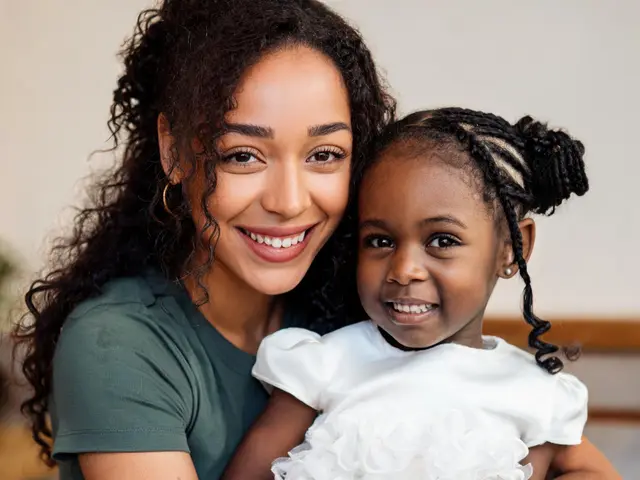
Hug Your Younger Self
The viral trend: your photo today hugging the child you used to be.
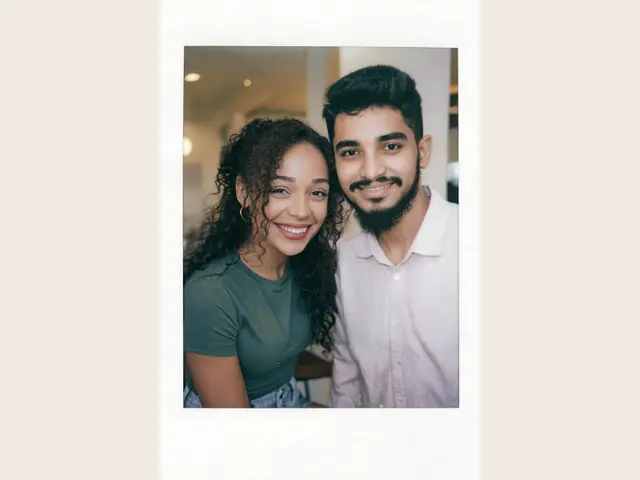
AI Polaroid Photo
A candid instant-film Polaroid of two people — flash, grain and the white frame.
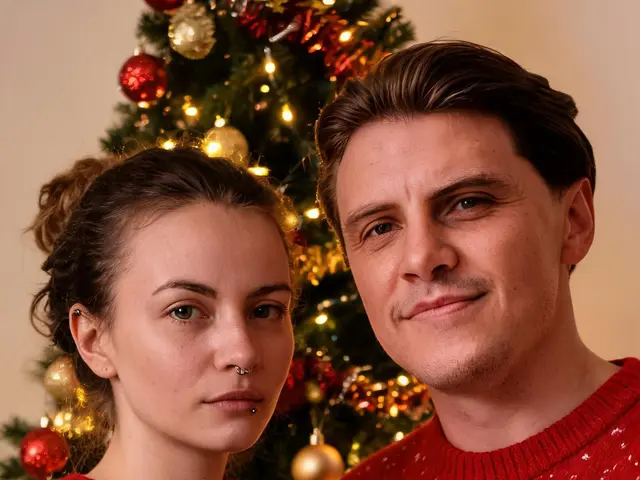
AI Christmas Photo
Combine family or friends from separate photos into one cozy Christmas portrait.
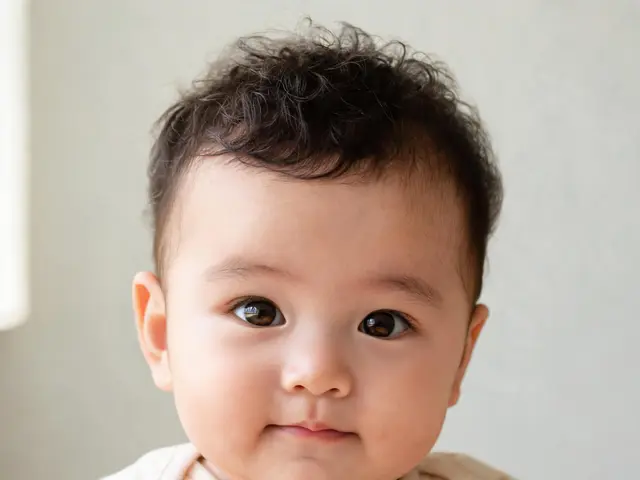
AI Baby Generator
See what your future baby might look like from two parents' photos — just for fun.
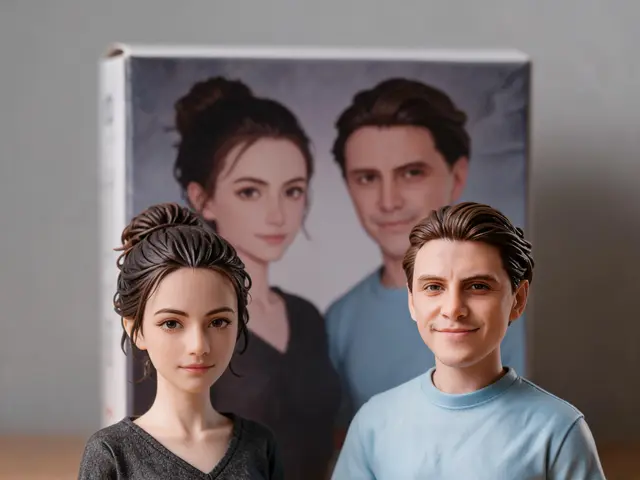
AI Figurine Duo
Turn two people into collectible figurines with a matching box — the viral figurine trend for two.
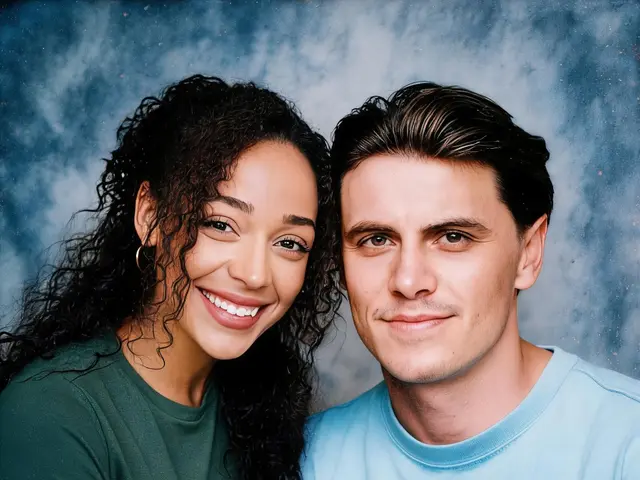
AI 90s Photo
A 1990s studio portrait of two people — mottled backdrop, soft flash and film tones.
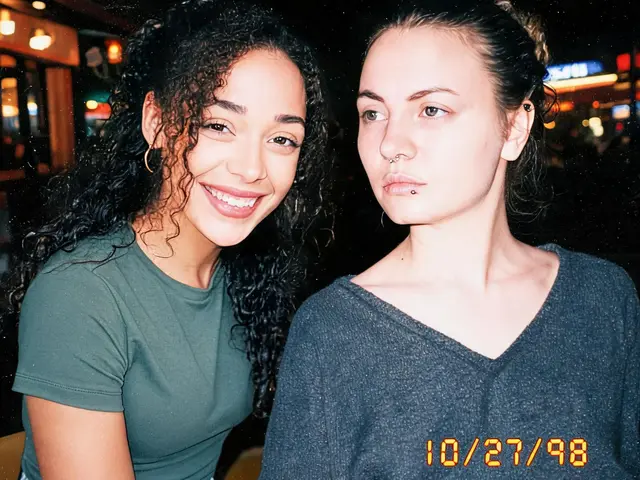
Disposable Camera Photo
A flash-lit, grainy disposable-camera snapshot of you and a friend, date stamp included.
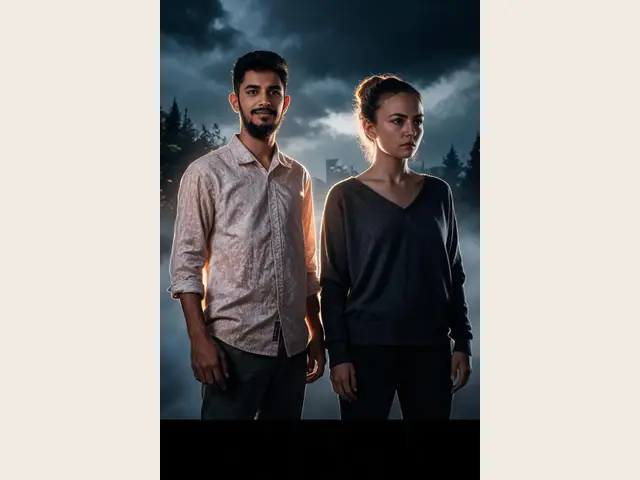
AI Movie Poster
Star in your own original movie poster with a friend or partner.
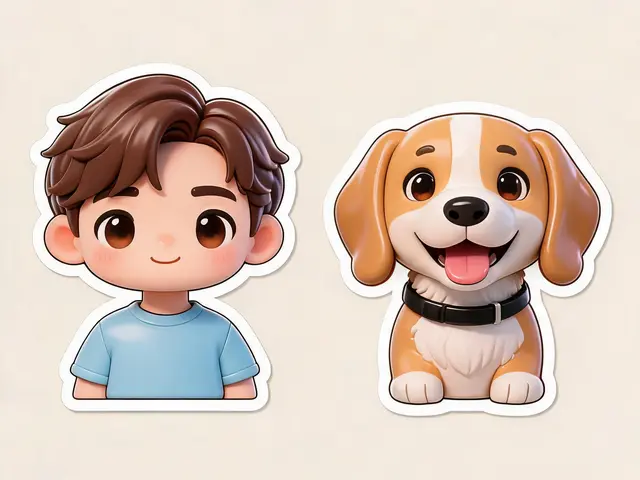
AI Chibi Stickers
Turn two people (or you and your pet) into cute chibi stickers.
AI Caricature — FAQ
Answers about likeness, illustration styles and using your caricature.
How do I make a caricature of two people?
Upload one clear portrait of each person and generate with the preset. The AI creates a shared hand-painted illustration with friendly exaggeration, coordinated color and a simple background rather than placing the original photos in a collage. With one photo, leave slot 2 empty for a solo version.
Which facial features will be exaggerated?
The preset favors slightly larger heads, expressive smiles and bold painted features. The exact emphasis varies by generation. Review the result to ensure it remains flattering and does not turn a sensitive physical characteristic into the joke.
Can I change the art style?
Yes. Replace the hand-painted street-artist direction with watercolor, pencil sketch or another broad illustration style. Keep the identity and two-person instructions intact, and avoid combining too many styles in one prompt.
Will glasses and hairstyles remain recognizable?
They are used as visual references, but no detail is guaranteed. Check that glasses, facial hair and hair color stay with the correct person. If a signature detail disappears, try a sharper portrait or generate another variation.
Can I make separate avatars from the pair?
Yes. Download the shared illustration, then crop each character in an editor. Choose a generation with enough space between the figures and inspect the edges before cropping. The original workflow creates one image containing both people.
Is the result suitable for a printed gift?
It can work for cards, framed prints and informal gifts. Compare likeness at 1K first, then render the selected version at a higher resolution. Check eyes, teeth and small accessories at full size because paint texture can hide artifacts.
How is this different from the chibi preset?
Caricature uses hand-painted street-artist styling and recognizable facial exaggeration. Chibi creates glossy, big-headed cartoon figures with small bodies and a sticker-like white outline. Choose based on the medium you want rather than adding both styles to one prompt.
Can I sell caricatures made with this tool?
Commercial use requires a Pro or Premium plan and the necessary rights to both portraits. Also make sure the people depicted consent to the intended use. Do not describe an AI-generated illustration as a commission made by a human artist.
Make Your Caricature
Two photos in, one smile-worthy drawing out — free trial credits included.