
AI Powered Put Two People Together in One Photo
Upload a photo of each person and the AI places them side by side in one natural picture — same light, same scene, faces unchanged.
Free trial credits. No watermark.
Combine Two People in 3 Steps
No photo together? Two separate pictures are enough.
Upload Two Photos
Add one clear photo of each person — front-facing shots with even light work best. JPG, PNG, WebP and HEIC are supported.
Describe the Scene (Optional)
Keep the casual preset or write your own: at a birthday party, on a hiking trail, at graduation.
Why Combine People with AI?
Cut-and-paste collages look fake. The AI rebuilds one scene so both people look photographed together.
Friends, Family, Anyone
Siblings in different countries, a friend who missed the trip, a grandparent you never got a photo with — no romance required.
Faces Stay Exactly the Same
Identity preservation keeps each face, hairstyle and outfit true to the source photo.
Matched Light and Scale
Lighting direction, height and perspective are matched, so nobody looks pasted in.
More AI Photo Effects
Same two-photo workflow, different results — pick the effect that fits your photos.
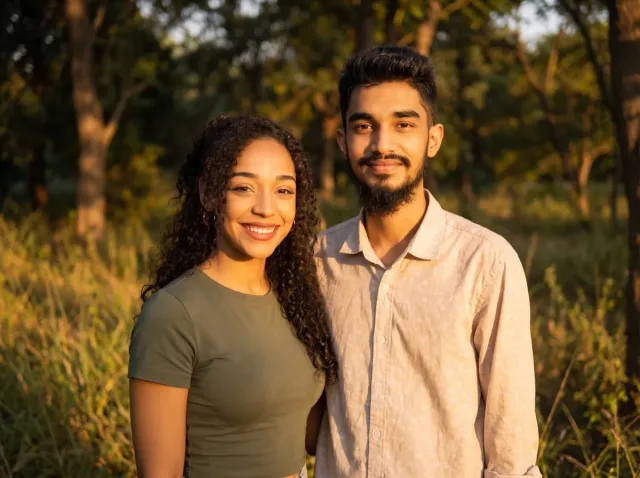
AI Couple Photo
Turn two separate photos into one natural couple portrait — perfect for long-distance couples.
Add a Person to a Photo
Add someone who wasn't there — group shots, family portraits or a missing loved one.
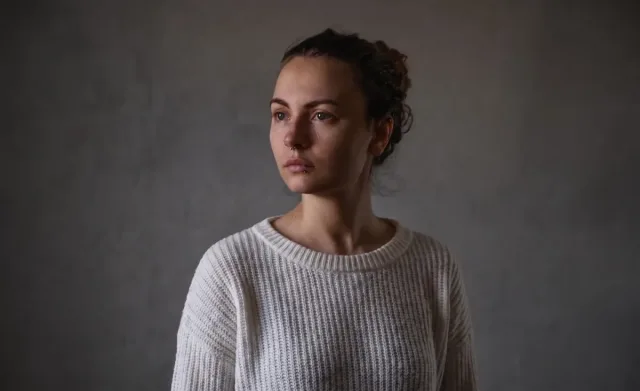
Virtual Try-On
See any clothing item on a real person from just two photos — fit and fabric preserved.
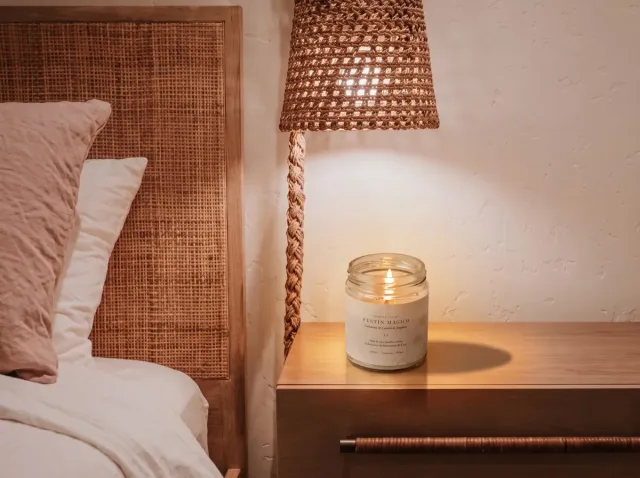
AI Product Photo
Place your product into any lifestyle scene with matching light and shadows.
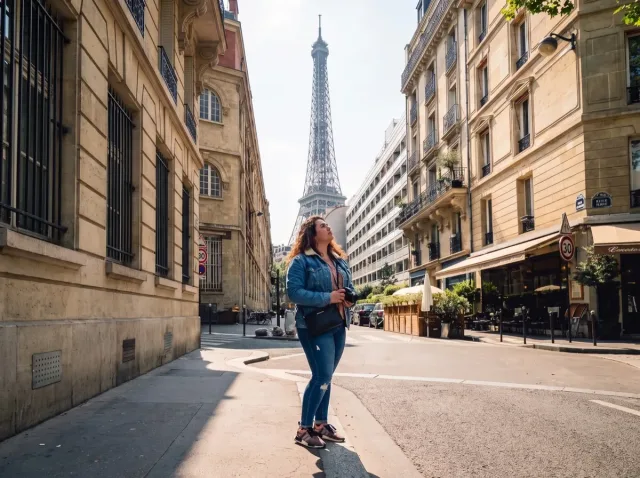
AI Travel Photo
Put yourself in front of any landmark or landscape — matched sunlight and shadows.
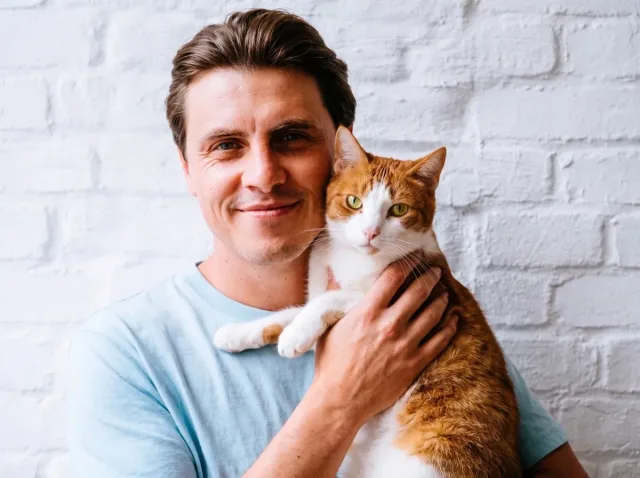
AI Pet Photo
Combine you and your pet — or two pets — into one adorable shared portrait.
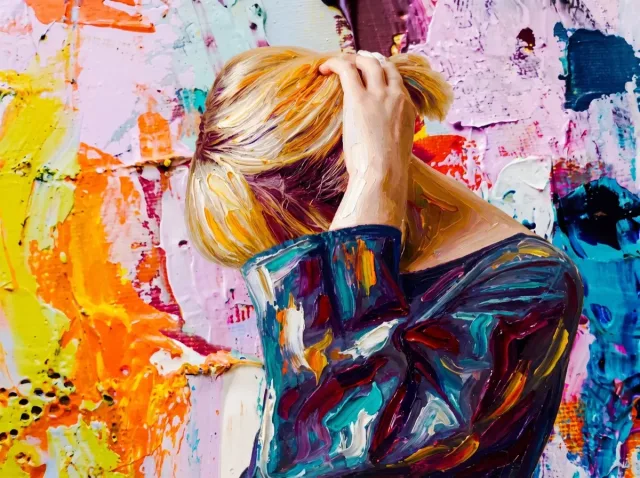
AI Style Transfer
Apply the colors, mood and brushwork of one image to another photo.
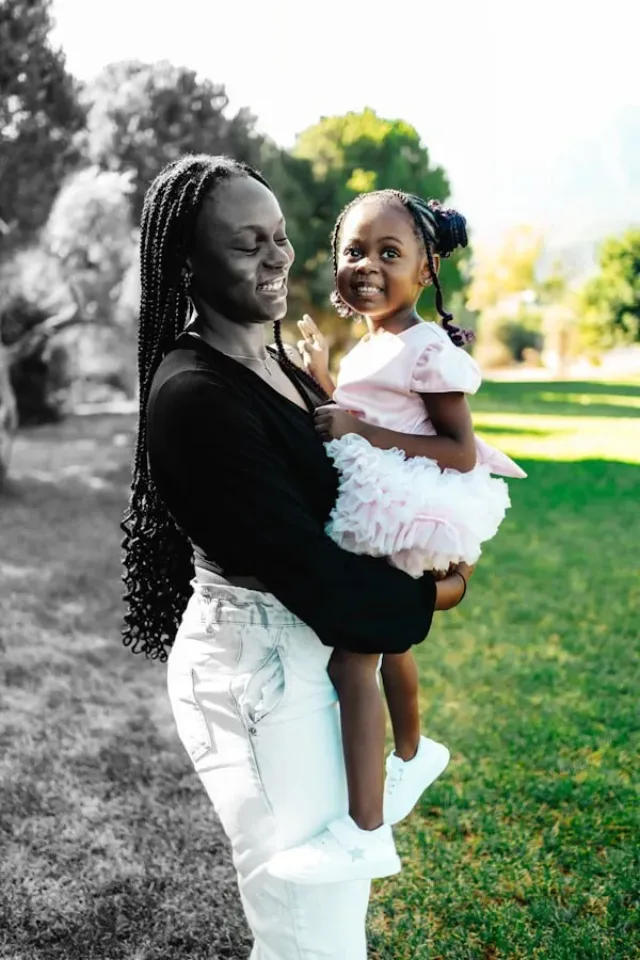
Before and After Photo
Turn two photos into one seamless before-and-after image — or a free side-by-side.
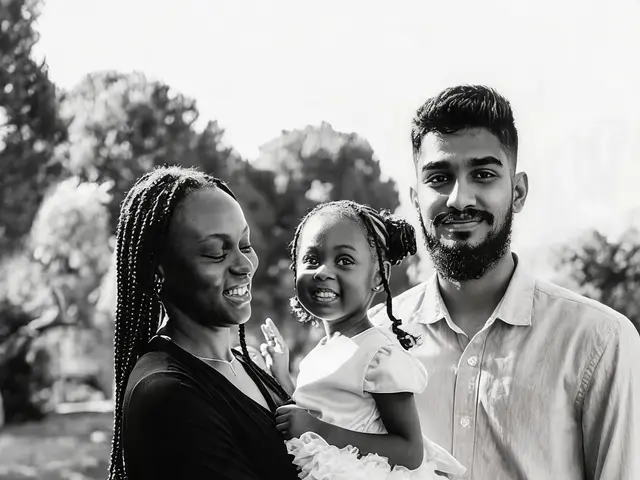
Add a Loved One Who Passed Away
Bring someone you miss into a family photo as a gentle, respectful tribute.
Put Two People in One Photo — FAQ
Common questions about combining people from different photos.
How do I put two people from different photos into one?
Upload one photo of each person and click Generate. The AI places both people side by side in one scene with matched light, scale and perspective in under a minute.
Is this only for couples?
No. It works for friends, siblings, parents and kids, or colleagues. For a romantic portrait, the AI Couple Photo page has a dedicated preset.
What photos work best?
Clear photos with similar framing — both waist-up or both full-body — and even light. Avoid sunglasses, heavy filters and group shots where the person is tiny.
Is it free?
New accounts get free trial credits, so your first results cost nothing — and downloads never carry a watermark. If you need more, one-time credit packs start at $4.99, no subscription required.
Is it private?
Your photos are only used to generate your image. Results are saved to your Activity page so you can download them again; nothing is shared publicly.
Put Two People Together Now
Two photos in, one picture out — free trial credits included.