AI Powered Make an AI Polaroid Photo Together
Upload two photos and get a candid instant-film snapshot of you together — flash, soft grain and the white Polaroid frame.
Free trial credits. No watermark.
Make a Polaroid in 3 Steps
The candid instant-film look, without the camera.
Keep or Tweak the Style
The preset gives a flash-lit candid shot. Add details like 'at a party' or 'in a car'.
Why the Polaroid Look Works
Candid, warm and a little imperfect — just like real instant film.
Real Flash Look
Direct on-camera flash with soft falloff, like a real instant camera.
Grain and Frame
Gentle film grain plus the classic white border, ready to share.
Faces Unchanged
Both faces and hairstyles stay true to your photos.
More Trending AI Photo Effects
New two-photo trends, each with its own ready-made template.
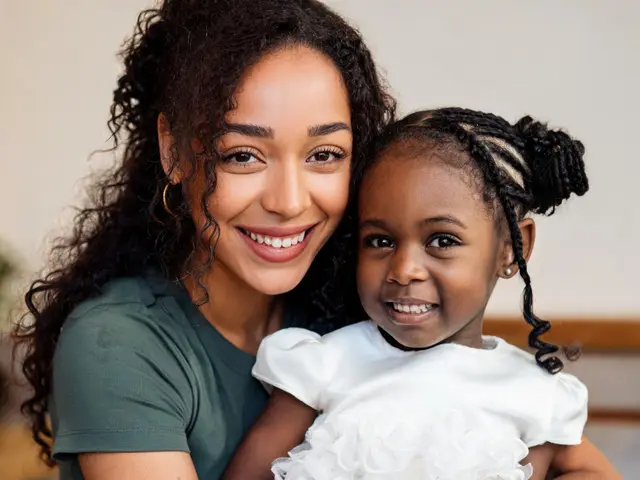
Hug Your Younger Self
The viral trend: your photo today hugging the child you used to be.
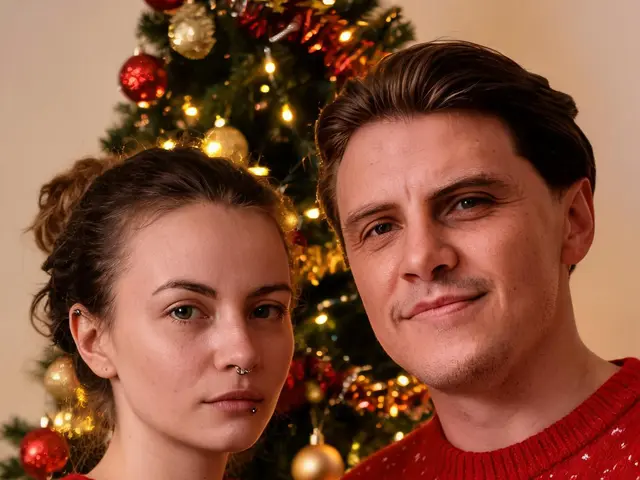
AI Christmas Photo
Combine family or friends from separate photos into one cozy Christmas portrait.
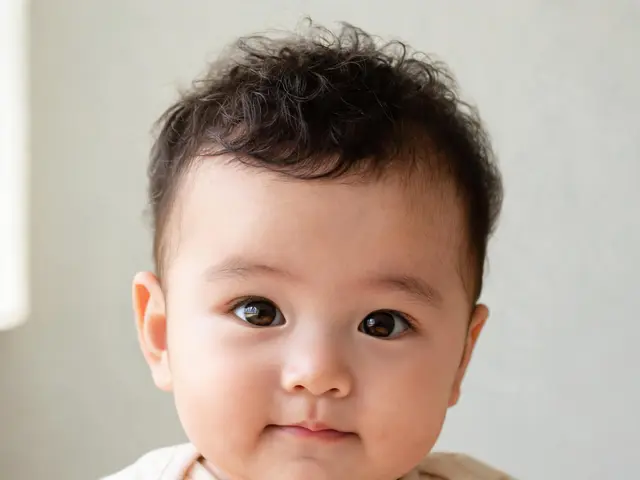
AI Baby Generator
See what your future baby might look like from two parents' photos — just for fun.
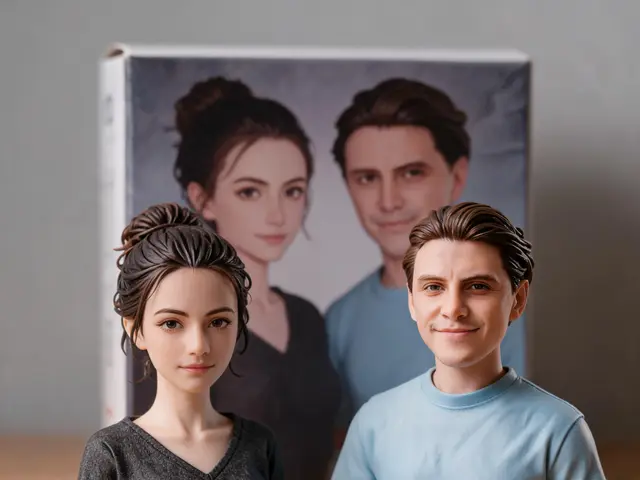
AI Figurine Duo
Turn two people into collectible figurines with a matching box — the viral figurine trend for two.
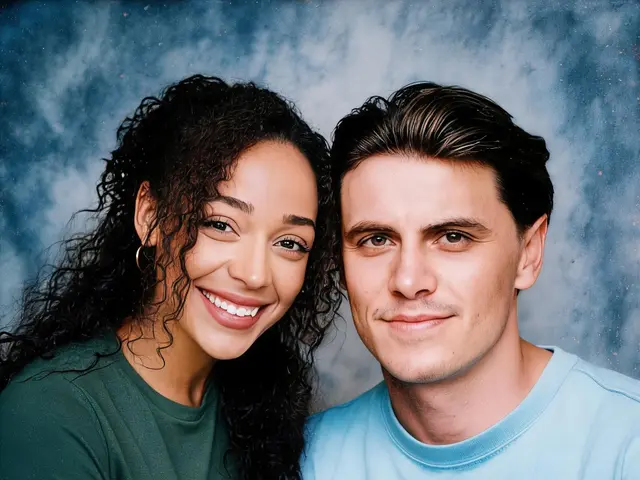
AI 90s Photo
A 1990s studio portrait of two people — mottled backdrop, soft flash and film tones.
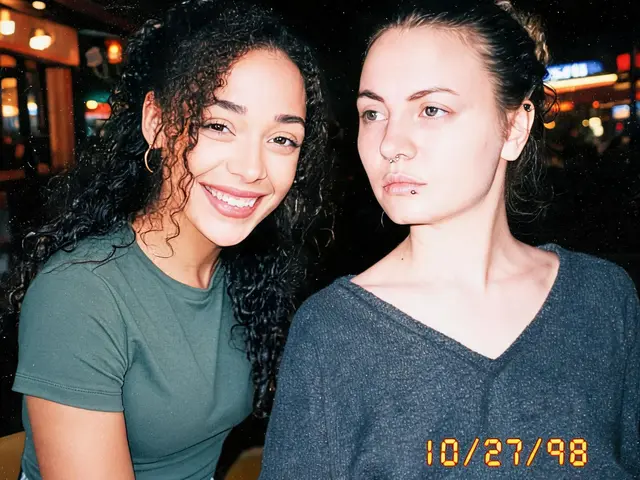
Disposable Camera Photo
A flash-lit, grainy disposable-camera snapshot of you and a friend, date stamp included.
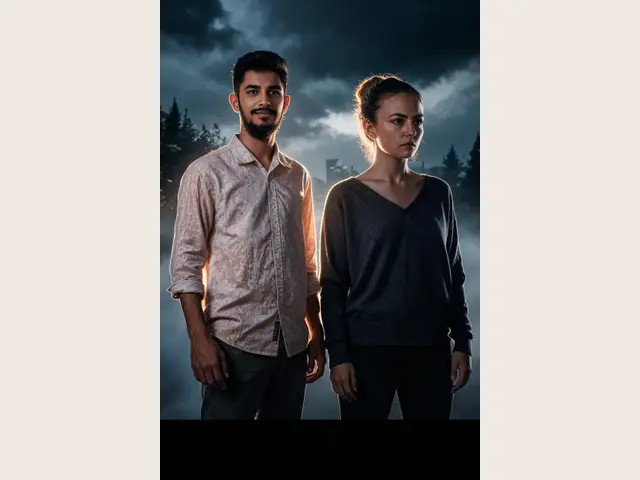
AI Movie Poster
Star in your own original movie poster with a friend or partner.
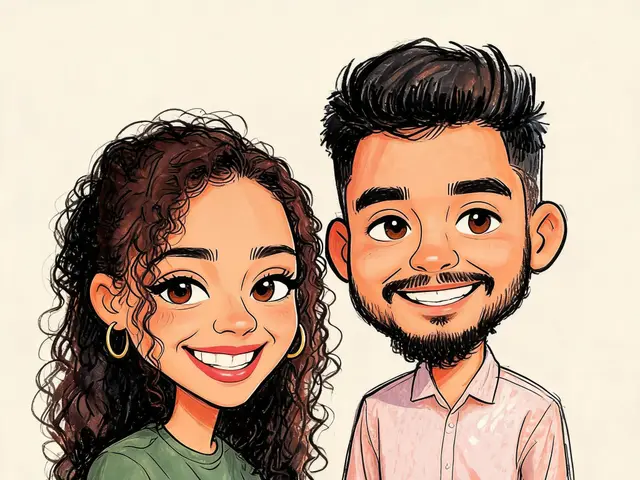
AI Caricature
A fun, flattering caricature of two people in a hand-painted street-artist style.
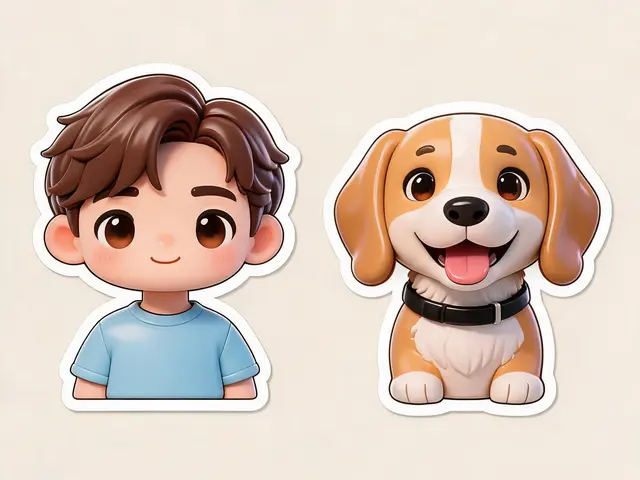
AI Chibi Stickers
Turn two people (or you and your pet) into cute chibi stickers.
AI Polaroid — FAQ
Questions about making Polaroid-style photos with AI.
How do I make an AI Polaroid of two people?
Upload one photo of each person and click Generate. The AI creates one candid instant-film photo of you together, with flash, grain and a white frame.
Can I use photos of other people?
Only use photos of yourself and people who agreed to be in the picture. The preset is made for you and the people you know — not celebrities or strangers.
Can I change the setting?
Yes. Edit the preset — 'at a concert', 'in a photo booth', 'at the beach' — and keep the Polaroid look.
Is it free?
New accounts get free trial credits, so your first results cost nothing — and downloads never carry a watermark. If you need more, one-time credit packs start at $4.99, no subscription required.
Is it private?
Your photos are only used to generate your image. Results are saved to your Activity page so you can download them again; nothing is shared publicly.
Make Your Polaroid
Two photos in, one instant memory out — free trial credits included.