
AI Powered Turn Two People into Collectible Figurines
The viral figurine trend, made for two. Upload a photo of each person and get a pair of collectible figures with their own display box. Just one photo? Leave slot 2 empty.
Free trial credits. No watermark.
Make Your Figurines in 3 Steps
Full-body photos give the best figures.
Upload One or Two Photos
Full or half-body photos show outfits best — the figures copy them. The second photo is optional.
Customize the Box (Optional)
Add a theme to the preset: 'superhero edition', 'wedding edition', 'gamer edition'.
Why the Figurine Trend Works
It looks like a real product shot — and it's you.
Recognizably You
Faces, hairstyles and outfits provide the references for recognizable characters in toy form.
Product-Photo Realism
Realistic lighting and shallow depth of field, like a toy shop listing.
Made for Two
Couples, best friends, siblings — or you and your pet.
Real Generated Examples
Two People Reimagined as a Collectible Duo
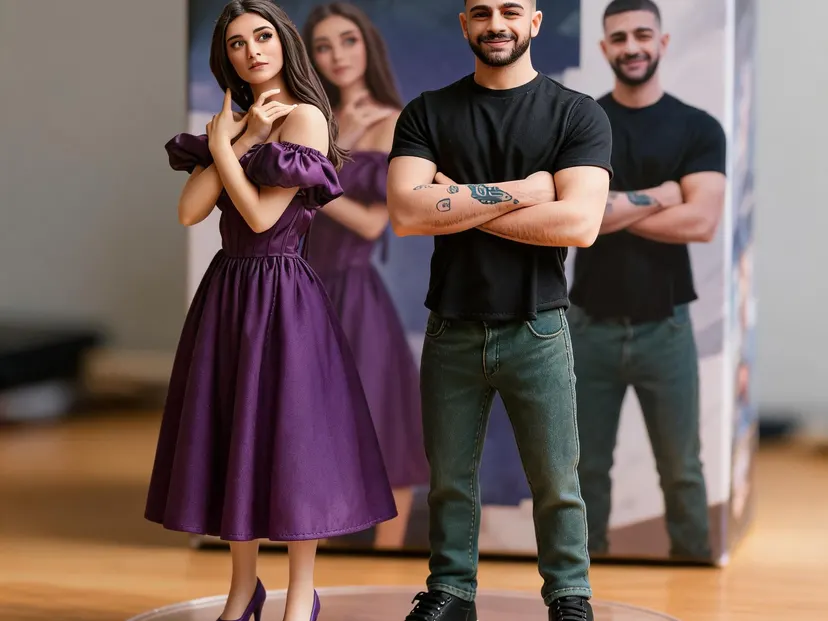
The preset creates two miniature characters, an acrylic base and matching packaging. These are AI concept images, not official manufactured products.
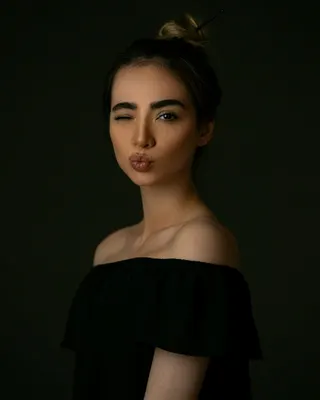
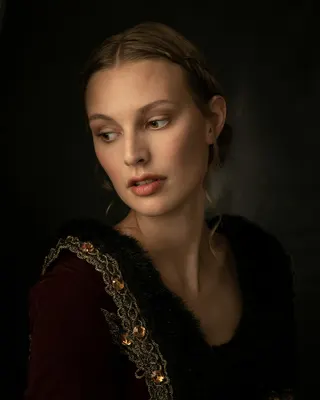
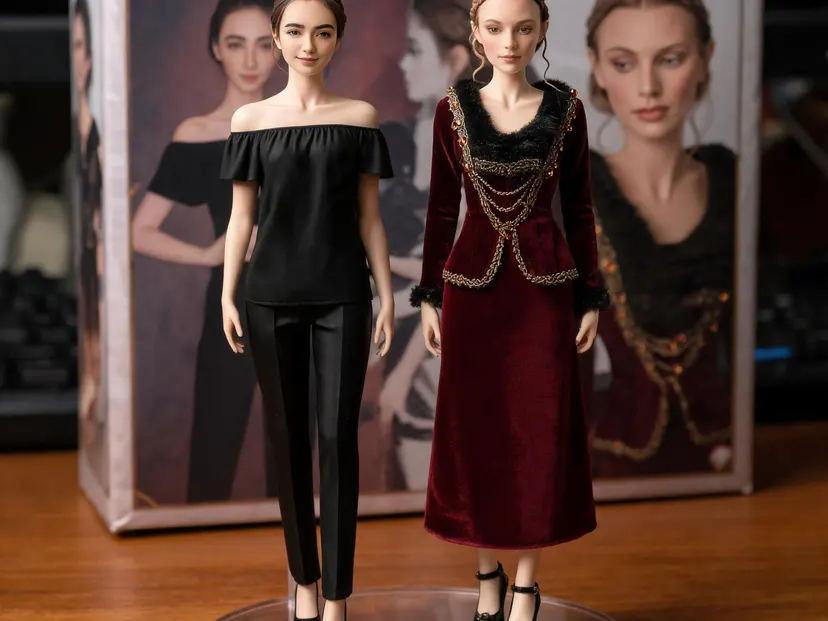
A coordinated collector set
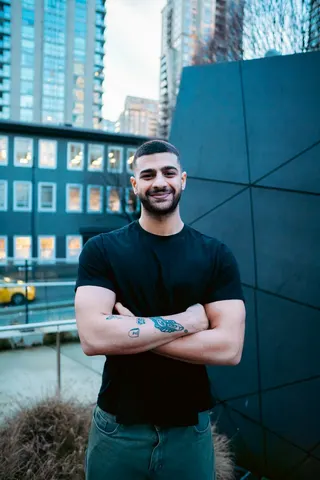
Two head-and-shoulders portraits become full-body figurines — the AI completes the outfits and shoes — standing on an acrylic base in front of a matching collector's box.
Input photos: Raamin ka · Roland Rick
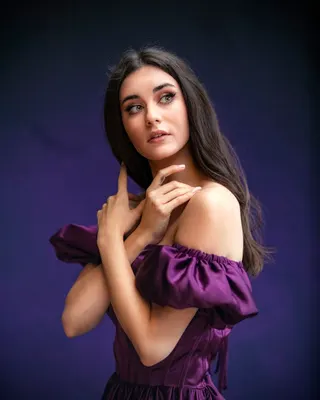
A second miniature duo on a desk
Different portrait references produce a new pair with product-style lighting. Review faces, bases and packaging details at full size.
Input photos: James Feaver · Felipe Souza
Figurine Trend Guide
Turn Two Portraits into a Convincing Collectible Duo
The figurine effect works when the characters remain recognizable and the scene behaves like a real product photograph rather than a flat cartoon.
Choose outfits and features worth miniaturizing
Pick portraits with clear faces, hairstyles and clothing. Distinctive colors, glasses and silhouettes help the model carry each person into a small collectible figure. Waist-up or full-body images can work, but avoid photos where several people overlap or the outfit is mostly hidden.
The two inputs become two separate figurines standing side by side. Choose complementary expressions or outfits if you want the pair to feel coordinated. The preset also creates a matching collector’s box behind the figures, so recognizable broad details are more useful than tiny jewelry or small text that may disappear at miniature scale.
Look for real product-photography cues
A convincing result needs more than big-headed characters. The figures should stand securely on a clear round acrylic base, with a shallow depth of field and believable light falling across their faces and clothing. The box should support the illusion by showing the same two characters, not unrelated artwork.
Inspect faces for tears, drips, paint marks or distorted features, and check hands and bases for extra parts. Small figures can hide problems at thumbnail size, so view the result at full resolution. If the scene is attractive but one person is unrecognizable, try a clearer source or generate another variation.
Create a gift concept or social post
Use the duo for a playful anniversary image, a friendship post or a personalized avatar concept. A desk setting makes the result feel like a photographed collectible rather than an isolated illustration. You can adapt the prompt to suggest a different outfit theme, but keep the request focused enough that the two characters remain the center of attention.
The preset avoids adding real brand names or logos. Do not use the output to imply that an official licensed figurine exists or that a manufacturer produces it. It is an AI-generated concept image. If you plan to use it in advertising or another commercial project, make sure you have suitable rights to the source portraits and a plan that includes commercial use.
More Trending AI Photo Effects
New AI photo trends, each with its own ready-made template.
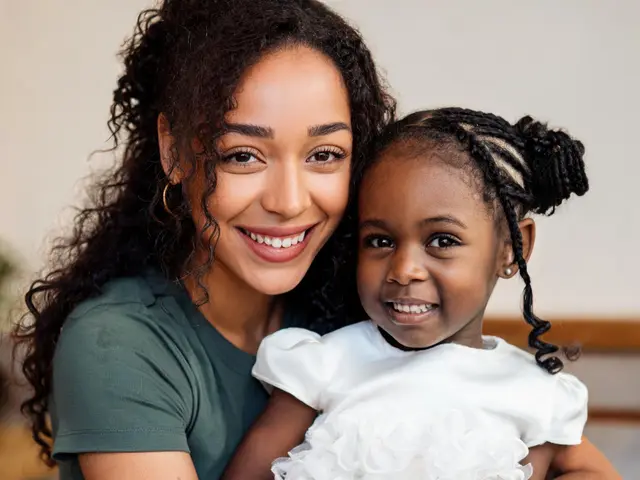
Hug Your Younger Self
The viral trend: your photo today hugging the child you used to be.
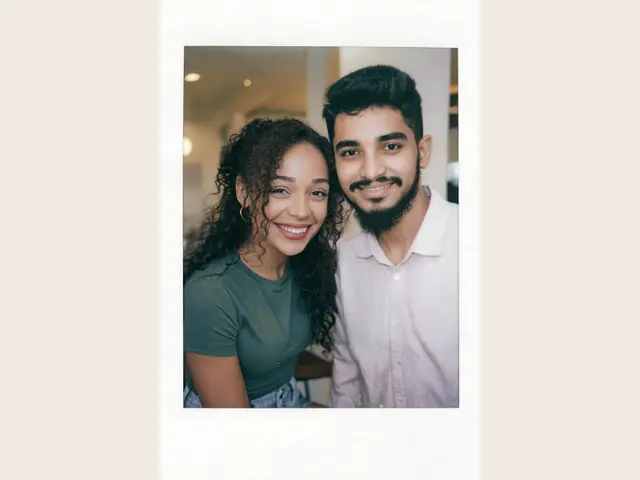
AI Polaroid Photo
A candid instant-film Polaroid of two people — flash, grain and the white frame.
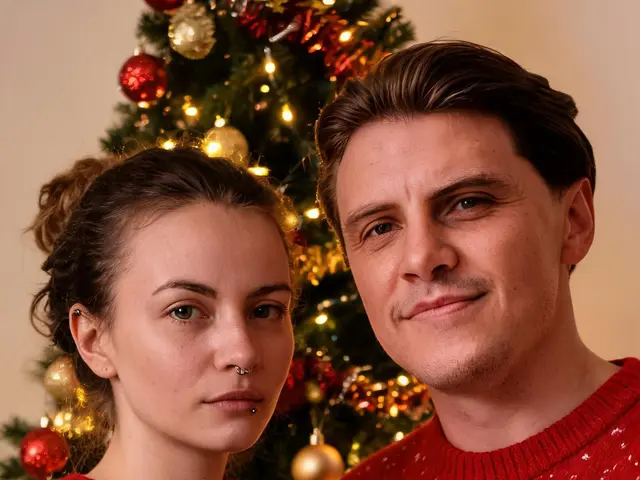
AI Christmas Photo
Combine family or friends from separate photos into one cozy Christmas portrait.
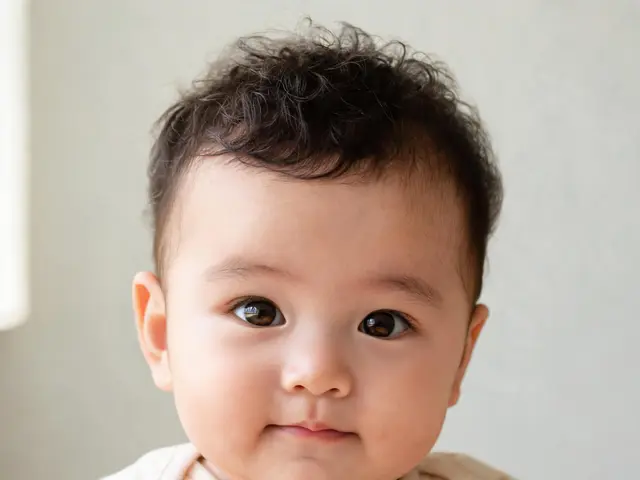
AI Baby Generator
See what your future baby might look like from two parents' photos — just for fun.
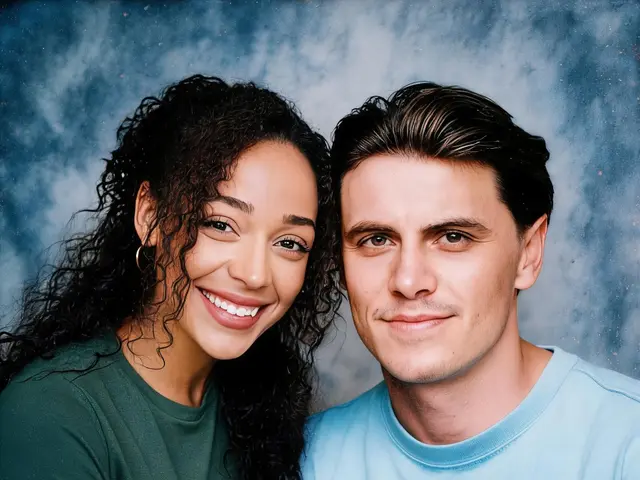
AI 90s Photo
A 1990s studio portrait of two people — mottled backdrop, soft flash and film tones.
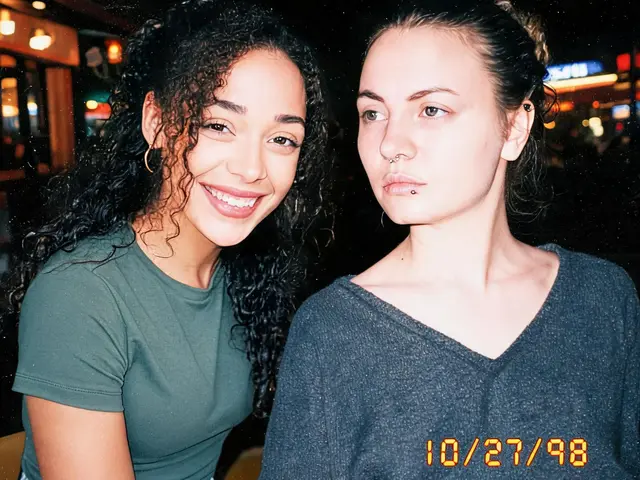
Disposable Camera Photo
A flash-lit, grainy disposable-camera snapshot of you and a friend, date stamp included.
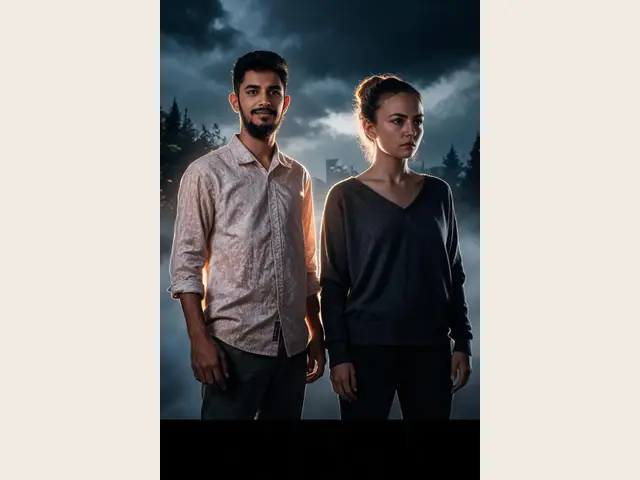
AI Movie Poster
Star in your own original movie poster with a friend or partner.
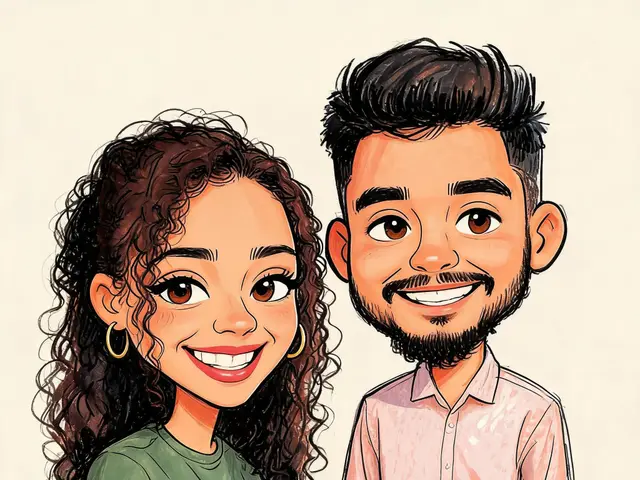
AI Caricature
A fun, flattering caricature of two people in a hand-painted street-artist style.
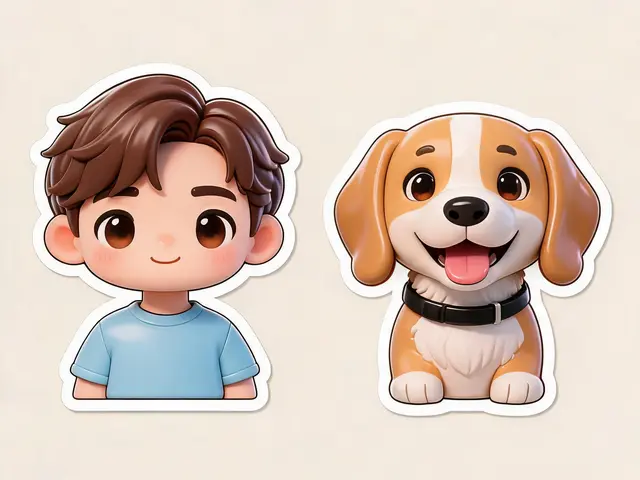
AI Chibi Stickers
Turn two people (or you and your pet) into cute chibi stickers.
AI Figurine Duo — FAQ
Answers about characters, packaging and collectible-style scenes.
How do I make a figurine duo from two photos?
Upload one clear portrait per character and use the figurine preset. The AI creates two miniature figures on acrylic bases, a desk setting and matching collector packaging. Review the figures and the box artwork separately for consistency. With one photo, leave slot 2 empty for a solo version.
Can I turn a person and a pet into figurines?
Yes. Use the pet photo as the second input. A sharp image with visible ear shape, fur color and markings gives the model useful broad details. Inspect paws, tails and accessories because miniature proportions can hide anatomical errors.
Can I customize the outfits?
Yes. Describe a coordinated theme or particular broad outfit colors while keeping the two-character instructions. Source photos with visible clothing help. Tiny logos, jewelry and text may disappear or change at miniature scale.
Will the packaging show a real toy brand?
The preset is designed to avoid real brand names and logos. You can request an original box theme, but do not use official franchise artwork or imply that a licensed collectible exists. Add precise custom lettering afterward if needed.
Why does the box show different characters?
The model generates the figures and packaging as one imagined scene, so their details can diverge. Compare faces, outfits and colors on both. If the mismatch is obvious, try another generation rather than assuming higher resolution will resolve it.
What makes the result look like a product photograph?
Believable contact with the acrylic bases, consistent light, shallow depth of field and a real desk surface create the illusion. Big-headed characters alone are not enough. Check that neither figure floats and that the box sits naturally behind them.
Can I use the image as an avatar?
Yes. Choose a generation with clear faces and crop for the intended platform. A social post can include the full desk and packaging, while a small avatar should prioritize the figures. Preview the crop before selecting the final render.
Is this a file I can use for 3D printing?
No. The result is a two-dimensional AI concept image, not a 3D model or manufacturing file. It does not contain the geometry, measurements or structural information needed for fabrication, and it should not be presented as an actual manufactured product.
Make Your Figurines
Two photos in, one collector's set out — free trial credits included.