
AI Powered Make a Christmas Photo Together with AI
Not everyone home for the holidays? Upload two photos and get one cozy Christmas portrait — tree, lights and matching sweaters. Just one photo? Leave slot 2 empty.
Free trial credits. No watermark.
Make a Christmas Photo in 3 Steps
Perfect for cards, family chats and long-distance holidays.
Upload One or Two Photos
Each photo can show one person or a small group — family, couple or friends. The second photo is optional.
Pick the Holiday Scene (Optional)
Keep the tree-and-sweaters preset or describe your own: snowy cabin, fireplace, Christmas market.
Why an AI Christmas Photo?
Get the holiday card photo even when everyone is apart.
Together for the Holidays
Combine relatives in different cities into one family photo.
Identity-Focused Blending
Faces and hairstyles guide the holiday portrait while the outfits and setting become festive.
Card-Ready in 4K
Rerender in 4K for printed Christmas cards, no watermark.
Real Generated Examples
Two Cozy Holiday Portraits from Separate Photos
The Christmas preset adds coordinated sweaters, a tree and warm seasonal light. Compare the faces and overall composition with the individual inputs.
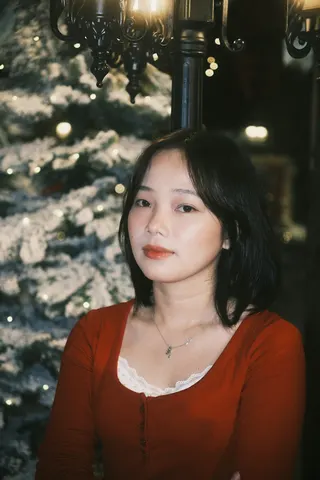
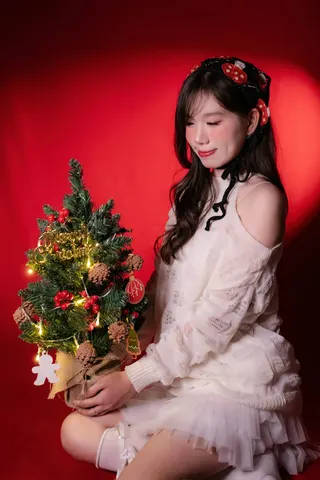
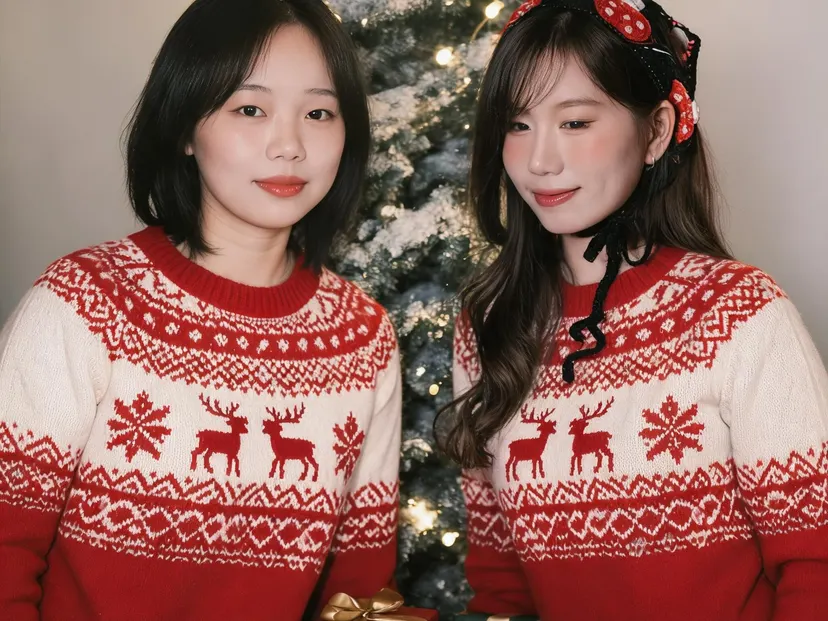
A festive portrait with a decorated tree
Two individual photos become one coordinated holiday scene with matching Fair Isle sweaters and a decorated tree behind them.
Input photos: lang sa · Hưng Nguyễn
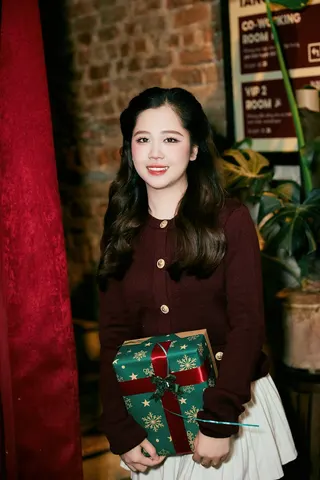

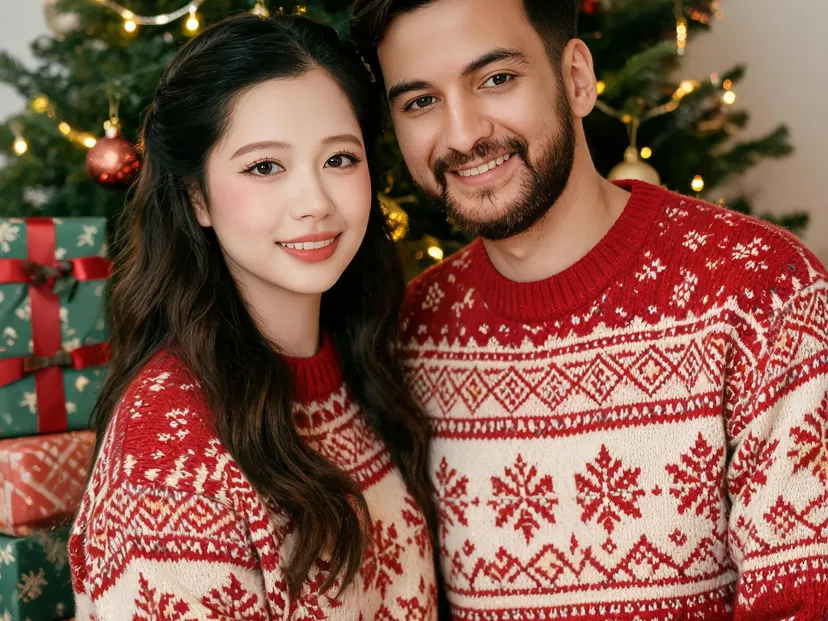
A couple-style holiday scene
The generated image brings two people into one festive setting with sweaters and soft lights. Review facial likeness and hand details before printing.
Input photos: Elist Nguyen · Arash Khademian
Holiday Photo Guide
Bring Everyone into One Cozy AI Christmas Portrait
A good holiday composite needs recognizable faces, a believable shared pose and seasonal details that support the people rather than overwhelm them.
Select portraits for a family or couple scene
Use one clear photo for each person you want to include. Front-facing portraits with natural expressions and no sunglasses give the model useful identity detail. Similar framing makes it easier to create a coordinated portrait, although the preset can reconcile different backgrounds and original clothing.
Think about the final relationship and arrangement before choosing inputs. A couple photo and a family-style photo of two relatives can use the same workflow but may call for different prompt details. If someone needs to join an existing group photograph without changing the people already there, use add-person rather than rebuilding the whole scene.
Let the seasonal elements do their job
The preset includes matching festive knit sweaters, a decorated tree, warm fairy lights and wrapped gifts. Those elements establish the occasion quickly, so you do not need a long list of extra decorations. Too many props can compete with faces and increase the chance of malformed details.
Check the sweaters and tree as well as the people. Patterns should look coherent, lights should not pass through faces and gifts should remain secondary. Warm color and soft background lights can make the portrait inviting, but natural facial detail and a plausible pose are still more important than the number of ornaments.
Plan a Christmas card or holiday post
Start by generating at 1K and compare the overall arrangement. For a card, leave enough space around the people if you plan to add a greeting in a design tool later. For a profile image or social post, check a small square crop so the tree and frame do not cut off faces.
Once you have a sound composition, choose a higher-resolution render for printing. Inspect faces, glasses, hairstyles and hands before ordering cards. Identity preservation is a goal rather than a guarantee, and another generation may be preferable if someone looks different. Failed tasks return their credits automatically, and final downloads carry no watermark.
More Trending AI Photo Effects
New AI photo trends, each with its own ready-made template.
Hug Your Younger Self
The viral trend: your photo today hugging the child you used to be.
AI Polaroid Photo
A candid instant-film Polaroid of two people — flash, grain and the white frame.
AI Baby Generator
See what your future baby might look like from two parents' photos — just for fun.
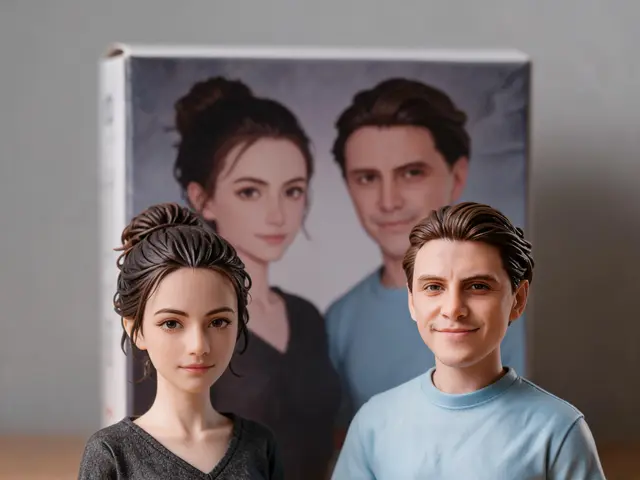
AI Figurine Duo
Turn two people into collectible figurines with a matching box — the viral figurine trend for two.
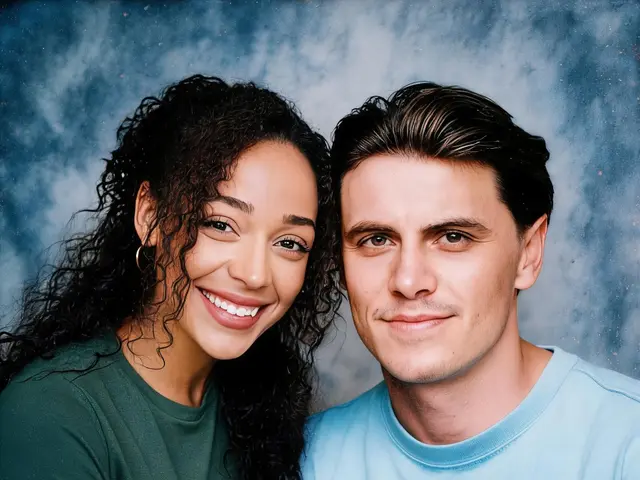
AI 90s Photo
A 1990s studio portrait of two people — mottled backdrop, soft flash and film tones.
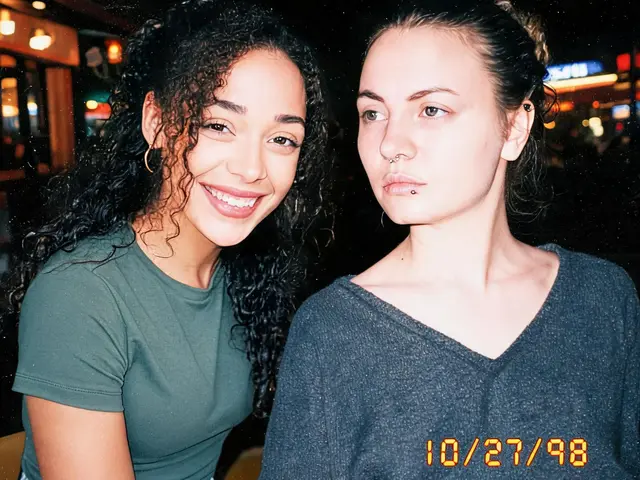
Disposable Camera Photo
A flash-lit, grainy disposable-camera snapshot of you and a friend, date stamp included.
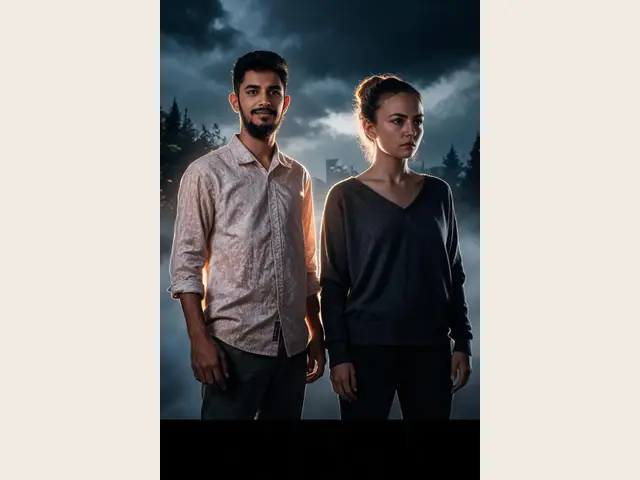
AI Movie Poster
Star in your own original movie poster with a friend or partner.
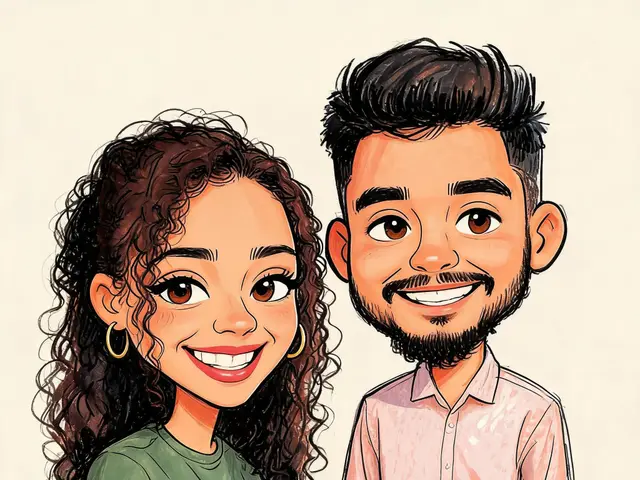
AI Caricature
A fun, flattering caricature of two people in a hand-painted street-artist style.
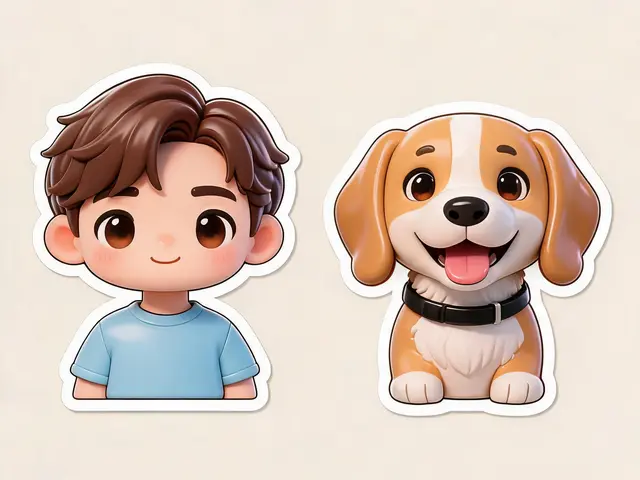
AI Chibi Stickers
Turn two people (or you and your pet) into cute chibi stickers.
AI Christmas Photo — FAQ
Answers about holiday scenes, clothing, cards and family composites.
How do I make a Christmas photo from separate pictures?
Upload the portraits you want to combine and use the holiday preset. The AI builds a new shared scene with a decorated tree, festive lighting and coordinated sweaters. Review every face, especially when an input contains more than one person. With one photo, leave slot 2 empty for a solo version.
Can I keep our own clothes?
Yes. Remove the matching-sweater instruction and ask the model to retain the outfits from the source photos. Clear, fully visible clothing in the inputs helps, though colors, patterns and small details can still change during generation.
Can I make the scene less decorated?
Yes. Ask for a quiet living room, warm white tree lights and only a few gifts. Removing extra ornaments and props usually leaves more attention for the people and reduces the chance of cluttered or malformed background details.
Can I add a specific greeting to the portrait?
For reliable wording, add your greeting afterward in a design editor rather than asking the image model to render it. Choose a composition with clear space above or beside the people so the added text does not cover faces or the tree.
Will this work for a family card with several people?
It can combine separate references, but more faces mean more details to inspect. Check that nobody is missing, duplicated or given another person's features. If you only need to insert one person into an existing group, use the add-person workflow instead.
What crop works best for Christmas cards?
Choose a version with comfortable space around both people and the tree, then match the crop to your card format before rendering the final resolution. Preview the design at its actual dimensions to ensure faces and important decorations are not clipped.
Can I create a non-religious winter version?
Yes. Replace the Christmas tree and gifts with a winter living room, soft lights or a snowy window. Keep the shared-portrait instructions and change only the seasonal setting so the result remains focused on the people.
What should I inspect before printing holiday cards?
Compare faces and hairstyles with the sources, then inspect glasses, hands, sweater patterns and tree lights at full size. Select the composition before choosing a higher-resolution render; extra pixels will not correct a changed face or an awkward pose.
Make Your Christmas Photo
Everyone together for the holidays — free trial credits included.