
AI Powered Make a Disposable Camera Photo Together
Upload two photos and get a candid night-out snapshot — harsh flash, film grain and the orange date stamp.
Free trial credits. No watermark.
Make the Snapshot in 3 Steps
The Y2K flash look, no film to develop.
Set the Scene (Optional)
The preset is a night out. Try 'at a house party', 'at a concert' or 'on a road trip'.
Why the Disposable Look Is Everywhere
Unpolished, candid and nostalgic.
Harsh Direct Flash
The bright, close flash of a cheap film camera.
Grain, Fade and Date Stamp
Film grain, faded colors and the orange date in the corner.
Recognizable People
Both source portraits guide the retro result; review faces and details before sharing.
Real Generated Examples
Candid Night-Out Snapshots with a Film-Camera Feel
The preset combines two individual portraits with harsh flash, faded color and casual framing. These are new AI images, not authentic film snapshots.
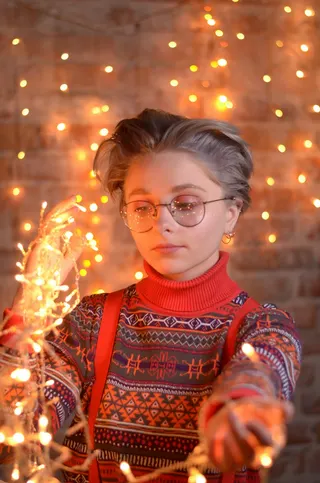
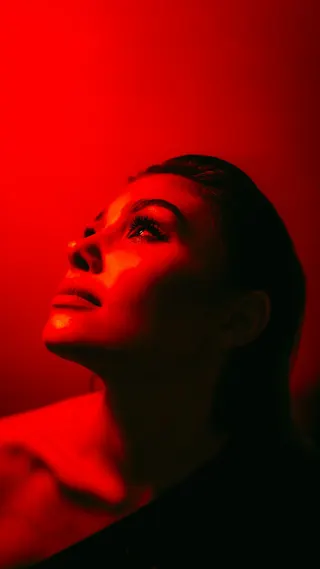
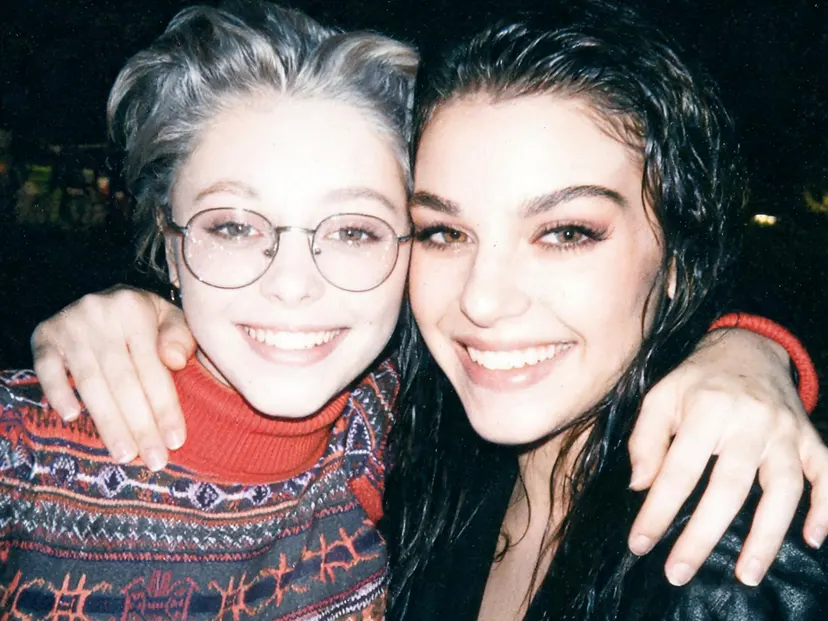
A flash-lit portrait with faded color
Two separate photos become a candid night-out snapshot with harsh direct flash, film grain and an orange date stamp in the corner.
Input photos: Danil Moiseev · Branislav Rodman

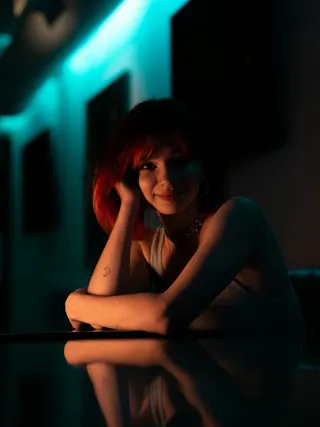
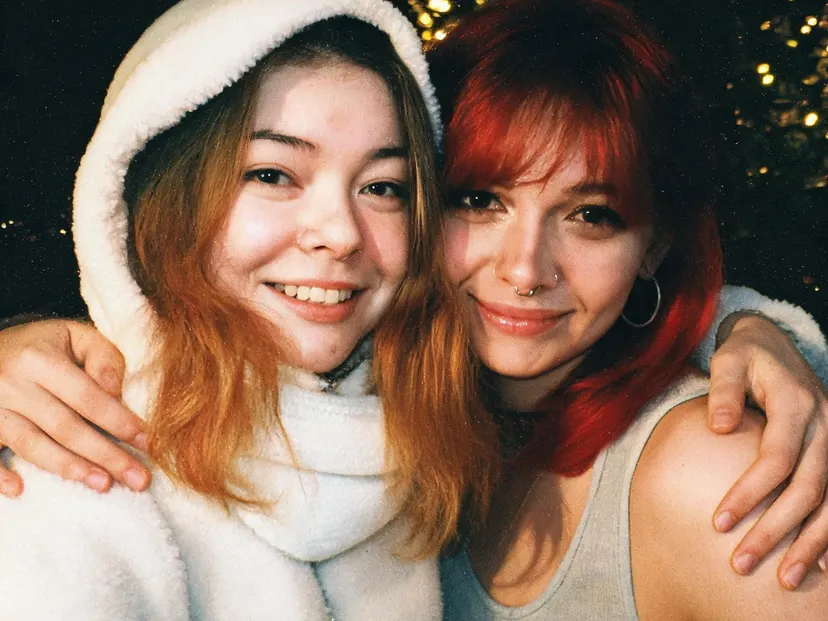
A second grainy night-out snapshot
The model creates another casual shared moment with film grain and a date stamp. Check both faces and the framing before sharing.
Input photos: Vladislav Bychkov · Daffo Pics
Disposable-Camera Guide
Make a Candid Flash Snapshot from Two Separate Photos
The disposable-camera look depends on controlled imperfection: direct flash, grain, faded color and casual framing, with both people still easy to recognize.
Choose portraits for a night-out snapshot
Use two clear photos with natural expressions and visible hairstyles. Front-facing portraits are easiest, but a slight angle can add to the candid feel. Because the preset rebuilds the setting as a night out, the original backgrounds matter less than facial detail and clothing that suits an informal scene.
Avoid very dark or heavily filtered sources. They make it difficult to evaluate whether the final faces still resemble the inputs. Similar framing is helpful, though the preset can bring a close-up and a wider portrait into one composition. Simple casual clothing often feels more natural than formal studio outfits.
Why harsh flash and imperfect framing matter
A disposable camera tends to illuminate the subjects strongly while leaving the room behind them much darker. Slightly faded colors, visible grain and off-center framing create the feeling of a quick snapshot rather than a carefully arranged portrait. The orange date stamp reinforces the reference to a physical film camera.
More imperfection is not always better. Excessive blur or grain can hide faces, and an awkward crop can cut off hands or chins. Check that both people remain recognizable and that the date stamp does not cover an important detail. The result should look intentionally casual, not accidentally broken.
Create a fictional memory without presenting it as fact
This effect is useful for a playful reunion photo, a birthday post or an imagined night out with someone you have not seen recently. You can mention a general setting such as a house party or a late-night diner, but keep the prompt focused on the two people. The default already supplies the camera and film characteristics.
The image is AI-generated even though the date stamp and film style make it look like an old snapshot. Do not present it as evidence that people met or attended an event. Add a clear AI label when the context could mislead viewers. For commercial projects, also check source-image permissions and your plan’s usage license.
More Trending AI Photo Effects
New AI photo trends, each with its own ready-made template.
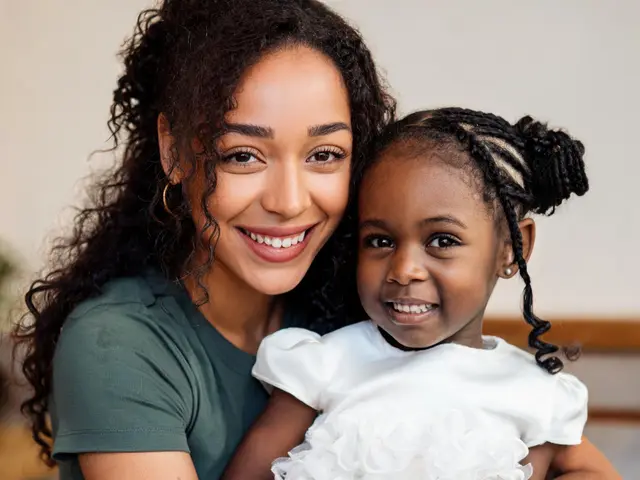
Hug Your Younger Self
The viral trend: your photo today hugging the child you used to be.
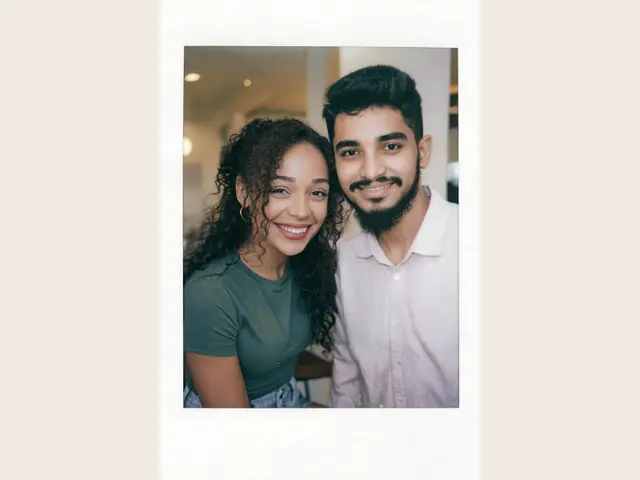
AI Polaroid Photo
A candid instant-film Polaroid of two people — flash, grain and the white frame.
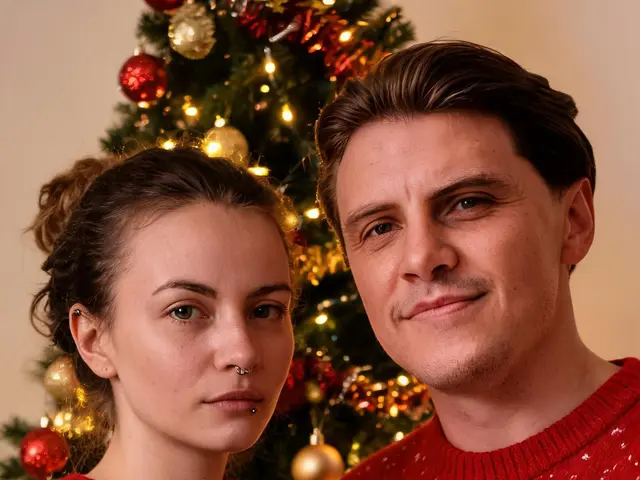
AI Christmas Photo
Combine family or friends from separate photos into one cozy Christmas portrait.
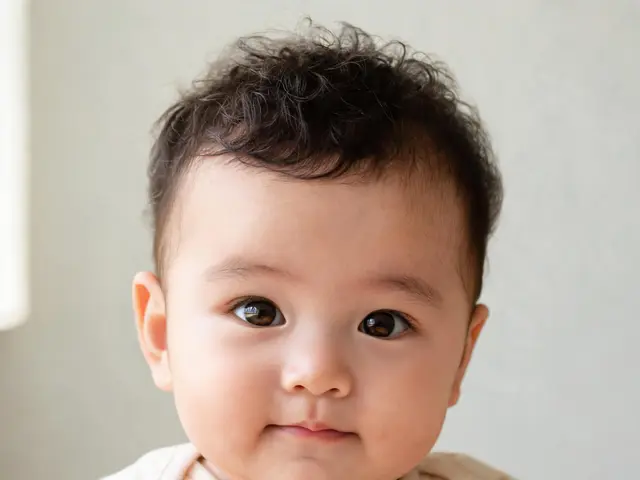
AI Baby Generator
See what your future baby might look like from two parents' photos — just for fun.
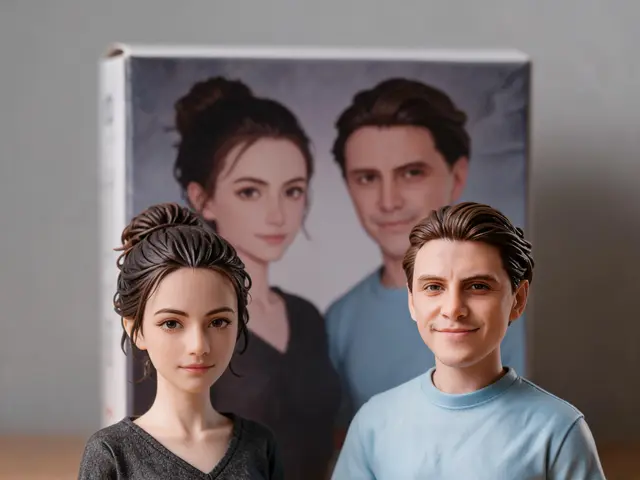
AI Figurine Duo
Turn two people into collectible figurines with a matching box — the viral figurine trend for two.
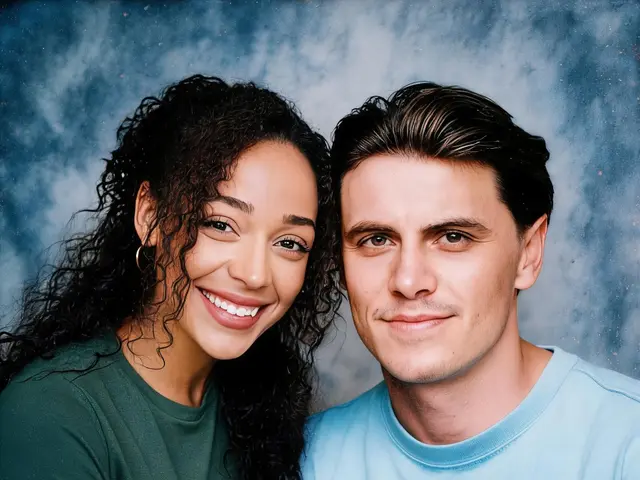
AI 90s Photo
A 1990s studio portrait of two people — mottled backdrop, soft flash and film tones.
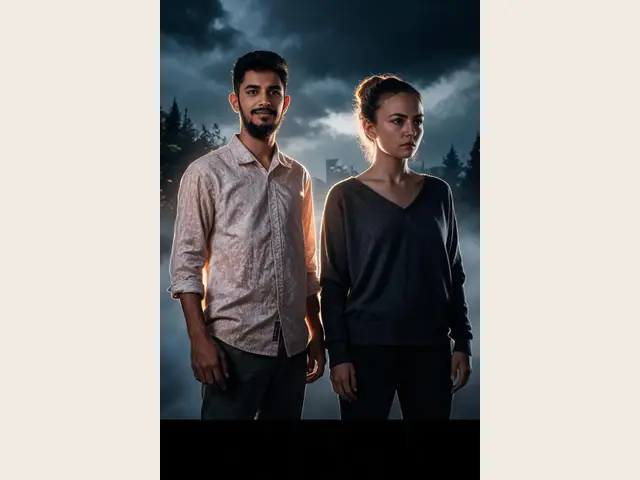
AI Movie Poster
Star in your own original movie poster with a friend or partner.
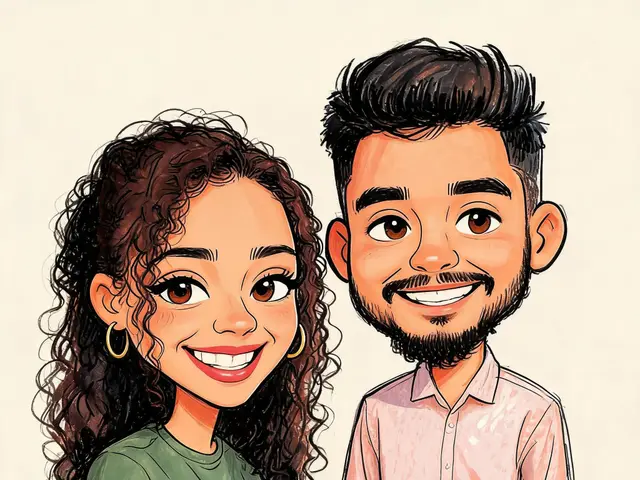
AI Caricature
A fun, flattering caricature of two people in a hand-painted street-artist style.
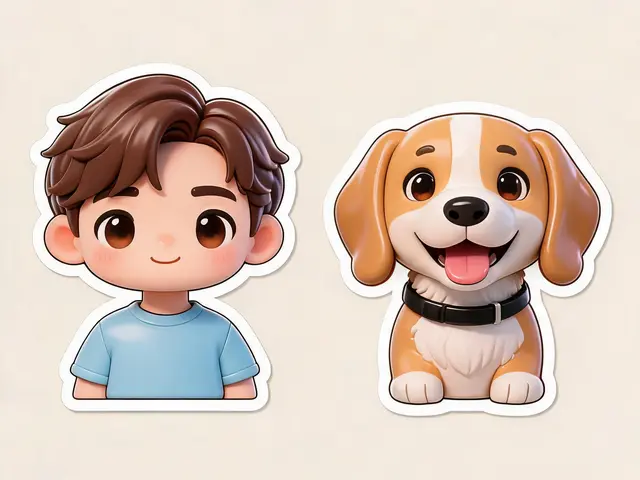
AI Chibi Stickers
Turn two people (or you and your pet) into cute chibi stickers.
Disposable Camera Photo — FAQ
Answers about flash, film grain, date stamps and candid composites.
What creates the disposable-camera look?
The preset combines direct on-camera flash, a darker background, visible grain, slightly faded color and casual framing. These elements imitate a quick film snapshot rather than a polished studio portrait while keeping the two people central.
Can I change or remove the date stamp?
You can request a specific date or ask for no stamp in the prompt. Generated digits can be inconsistent, so inspect them closely. The stamp is decorative text in an AI image, not reliable metadata about when a photograph was taken.
Can I choose the party or night-out setting?
Yes. Mention a simple location such as a house party, diner or birthday celebration. The camera treatment is already defined by the preset, so a short setting description is usually enough and leaves fewer competing instructions.
Why do the faces look washed out?
Strong simulated flash can flatten facial detail, especially when the source portraits are already bright or low contrast. Try a clearer, evenly lit input or another generation, and avoid requesting even harsher flash if identity is being lost.
Does it work with group photos?
One person per input is easiest to control. A source that already contains a small group can work, but check for duplicated or altered faces. To preserve an existing group exactly while adding someone, use the add-person workflow instead.
How is this different from the Polaroid effect?
Disposable-camera style emphasizes direct flash, grain, a dark casual setting and an orange date stamp. Polaroid style centers on an instant-film print with a white border and a softer keepsake feel. Choose the physical object you want the image to evoke.
Can I make the image look older without adding blur?
Yes. Keep the faded color, film grain and candid framing while asking for clear facial detail. Blur is not required for a retro look and often makes the result less useful, especially at small social-media sizes.
Should I disclose that the snapshot is AI-generated?
Yes whenever the context could make viewers believe it documents a real meeting or event. The date stamp and film treatment can make a fictional scene feel authentic, so a clear AI label is important when sharing outside a purely playful context.
Make Your Snapshot
Two photos in, one flash-lit memory out — free trial credits included.