
100% Free Seamless Carousel Maker
Turn a row of photos into a swipeable Instagram carousel. The tool merges your images into one strip and exports perfectly aligned 1080 px slides, ready to post.
Free, no sign-up, no watermark.
Choose 2–9 images (JPG, PNG, WebP…). Nothing is uploaded — everything stays in your browser.
Try sample photos:
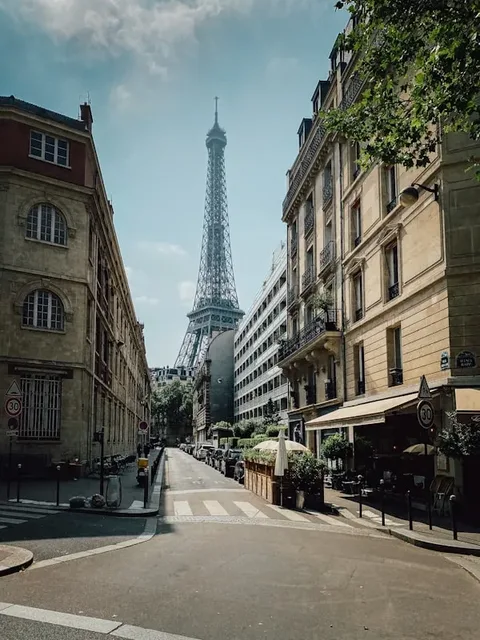
Example result
Result updates automatically as you change images or settings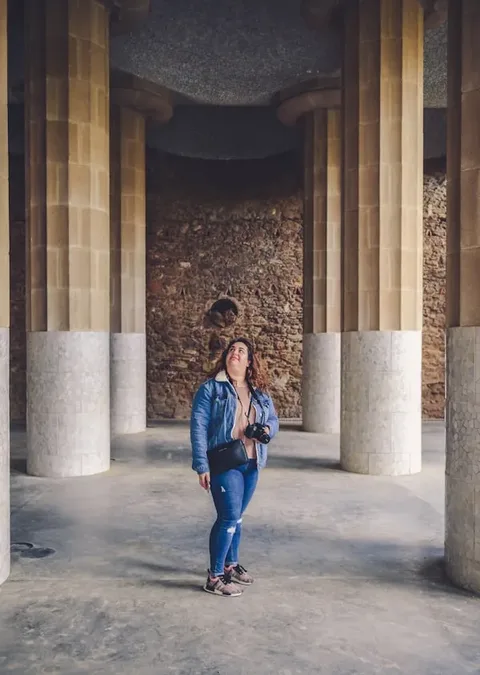
Style & export
Free · No watermark · No sign-up · PNG, JPG or WebP · Processed locally in your browser
Quick answer
How do I make a seamless Instagram carousel?
Add your photos, arrange them side by side with no gap, then export carousel slides. The merged strip is sliced into 1080 px panels and downloaded as a ZIP in posting order.
- Photos
- 2 or more images arranged horizontally.
- Slide size
- 1080 px wide, matching Instagram's carousel resolution.
- Export
- ZIP containing slide-01, slide-02, slide-03… in posting order.
- Privacy
- Runs entirely in your browser. Photos are never uploaded.
Make a Seamless Carousel in 3 Steps
From photos to ready-to-post slides in seconds.
Why Use This Carousel Maker?
Everything you need for a smooth swipe experience.
Exact 1080 px Slices
Every slide is cut at exactly 1080 px so the swipe lines up perfectly.
Posting Order
Files are named slide-01, slide-02… so you can upload without guessing.
Private by Design
Your photos stay on your device; nothing is uploaded to a server.
Details
What Makes a Carousel Seamless
Instagram shows carousel slides edge to edge, so anything crossing a slide border reconnects when the viewer swipes.
More Free Photo Tools
Free, in your browser, no sign-up — pick the layout you need.
Put Two Pictures Side by Side
Join photos in a row, column or grid — free.
Photo Grid Maker
Arrange 2–9 photos in a clean grid, Instagram-ready.
Combine Photos Vertically
Stack photos or screenshots into one long image.
Stitch Screenshots Together
Merge long screenshots into one clean image, with repeated overlap trimmed automatically.
Passport Photo 4×6 Template
Print your own passport photos on a 4×6 sheet, with official sizes for the US, EU, UK, China and more.
ID Card Front and Back
Combine the front and back of an ID card on one page, with true-size output and optional watermark.
Carousel Maker FAQ
Are my photos uploaded?
No. Everything runs in your browser. Your photos never leave your device.
How many slides can I export?
As many as fit your merged strip. Instagram allows up to 20 slides per carousel.
Why are my slides not lining up?
Make sure spacing is set to zero and all photos have the same height. The tool slices at exact 1080 px intervals, so any gap will appear in the final carousel.
Can I add text or stickers?
This tool focuses on layout and slicing. For text and stickers, add them in your favourite editor before merging.
Ready to Make Your Carousel?
Free, instant and private. No account needed.