100% Free Stitch Screenshots Together
Drop in overlapping screenshots and get one clean long image. Repeated parts are detected and trimmed automatically, so chats, articles and tutorials read without duplicates.
Free, private and no watermark.
Choose 2–9 images (JPG, PNG, WebP…). Nothing is uploaded — everything stays in your browser.
Try sample photos:
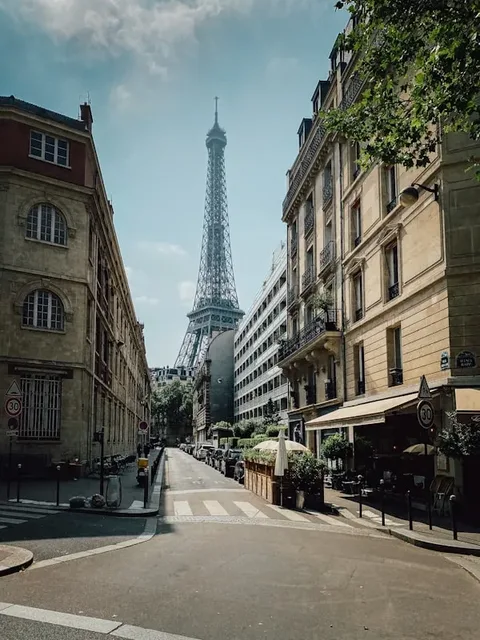
Example result
Result updates automatically as you change images or settings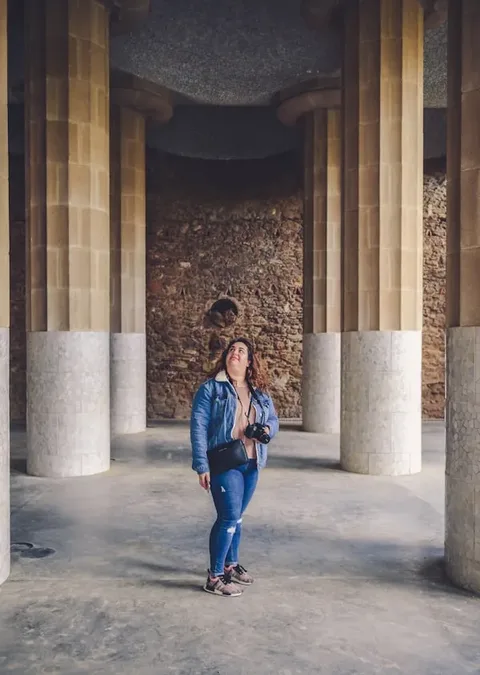
Style & export
Free · No watermark · No sign-up · PNG, JPG or WebP · Processed locally in your browser
Quick answer
How do I stitch screenshots into one long image?
Add your screenshots in order, press Remove repeated parts to trim the overlapping lines, then download one long PNG or JPG. The tool runs entirely in your browser — nothing is uploaded.
- Input
- 2 or more overlapping screenshots, JPG or PNG.
- Overlap removal
- Automatic pixel comparison finds repeated top/bottom sections and trims them.
- Export
- One long PNG, JPG or WebP image.
- Privacy
- Runs entirely in your browser. Screenshots never leave your device.
Stitch Screenshots in 3 Steps
No manual cropping, no repeated lines.
Add Your Screenshots
Drop them in or paste with Ctrl+V. Take each screenshot with a little overlap for best results.
Remove Repeated Parts
One click compares neighbouring screenshots and trims the duplicated overlap.
Why Use This Screenshot Stitcher?
Built for real screenshots, not just simple stacking.
Automatic Overlap Detection
Finds shared lines between screenshots and removes duplicates.
Different Widths Welcome
Screenshots cropped slightly differently still line up.
Private by Design
All processing happens in your browser — ideal for chats and documents.
Details
How the Overlap Removal Works
Instead of simply stacking screenshots, the tool compares the bottom of each image with the top of the next one.
More Free Photo Tools
Free, in your browser, no sign-up — pick the layout you need.
Put Two Pictures Side by Side
Join photos in a row, column or grid — free.
Photo Grid Maker
Arrange 2–9 photos in a clean grid, Instagram-ready.
Combine Photos Vertically
Stack photos or screenshots into one long image.
Seamless Carousel Maker
Create Instagram-ready seamless carousels and export 1080 px slides in posting order.
Passport Photo 4×6 Template
Print your own passport photos on a 4×6 sheet, with official sizes for the US, EU, UK, China and more.
ID Card Front and Back
Combine the front and back of an ID card on one page, with true-size output and optional watermark.
Screenshot Stitching FAQ
Are my screenshots uploaded?
No. Everything runs in your browser. Your screenshots are never uploaded, stored or sent anywhere.
What if the automatic overlap detection is wrong?
You can undo by re-adding the original screenshots. For best results, make sure consecutive screenshots share at least a few lines of content.
Can I stitch screenshots of different widths?
Yes. The tool compares the shared area and crops only the repeated vertical overlap.
Does it work on a phone?
Yes. Add screenshots from your gallery, remove the overlap and download the long image.
Ready to Stitch Your Screenshots?
Free, instant and private. No account needed.