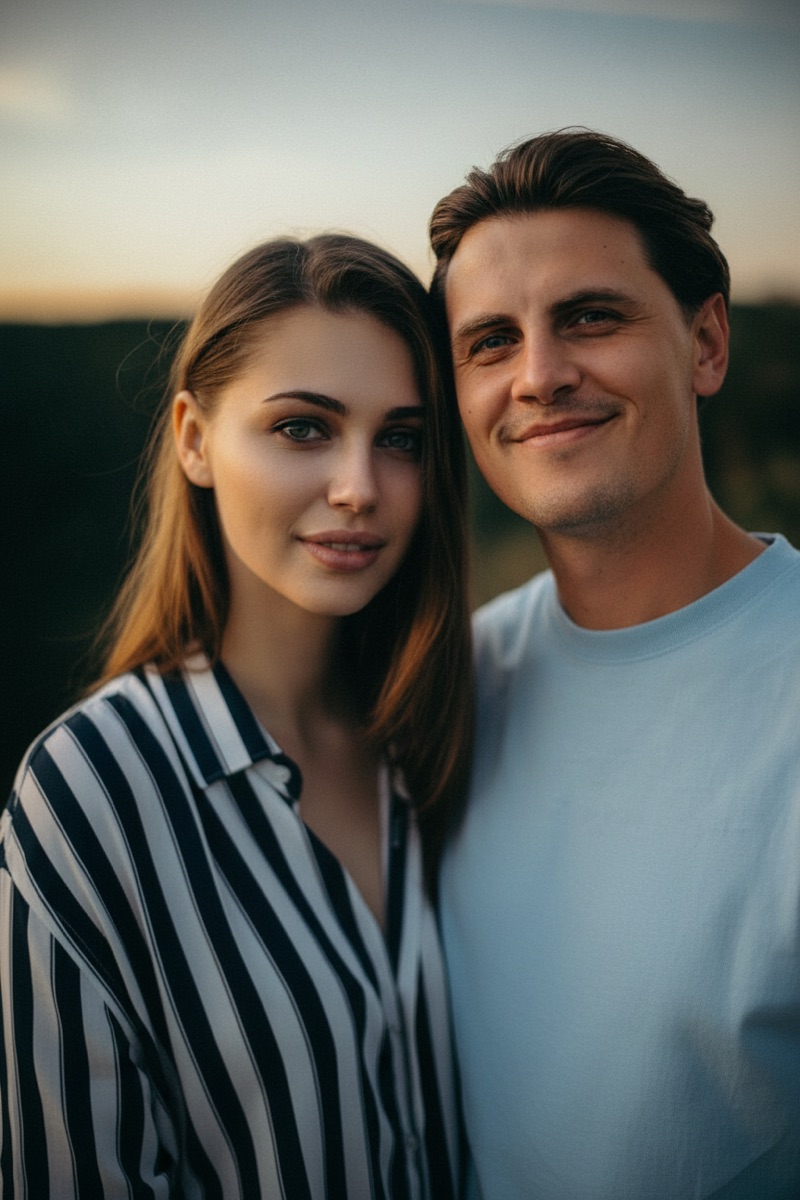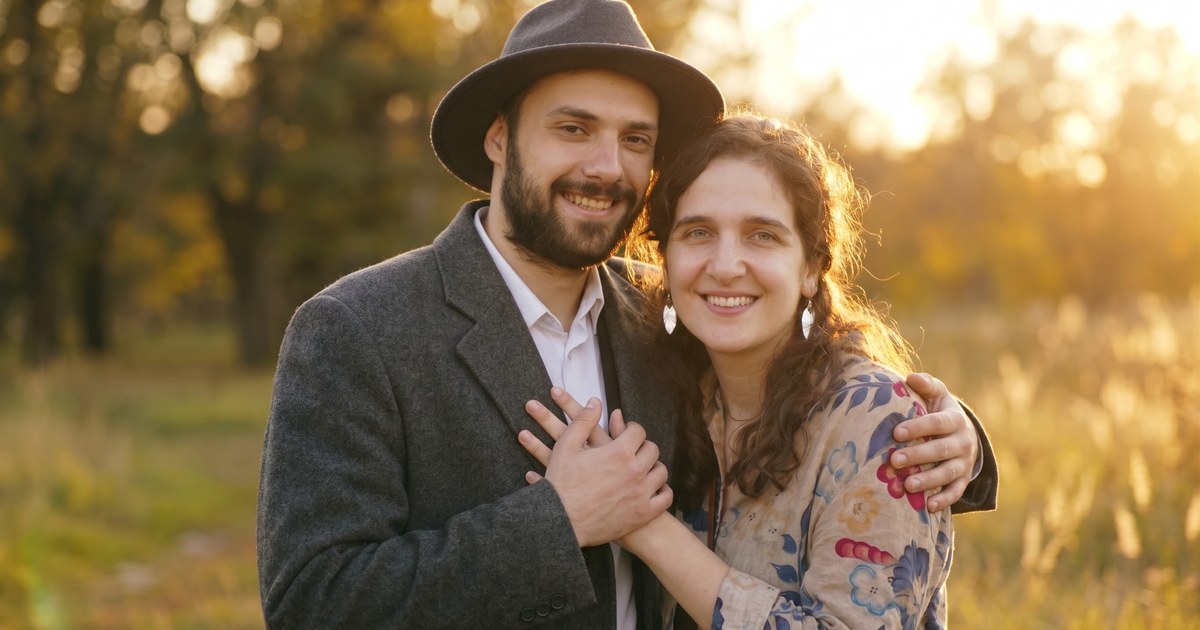

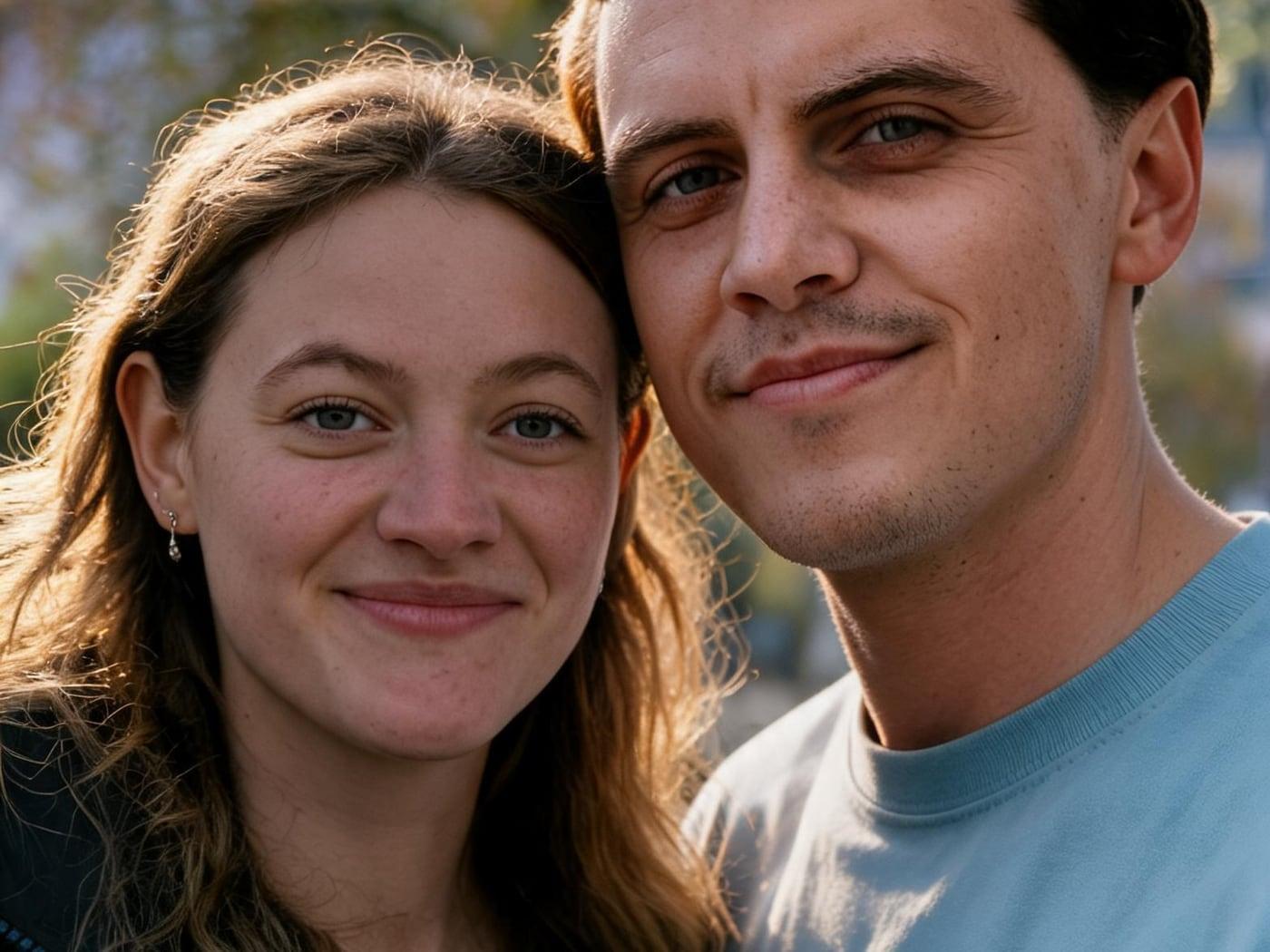
To make a couple photo from two photos that were taken separately, upload one clear solo photo of each person to an AI image combiner, describe a single shared scene, and let the AI redraw both of you into it. Because the AI generates a new image instead of pasting cut-outs, the photos do not need the same background, location or year. What they do need is a visible face, similar camera height and enough resolution. This guide covers exactly those mismatches.
New to AI couple photos? Start with the basics in how to make a couple photo from two photos, then come back here when your photos do not match.
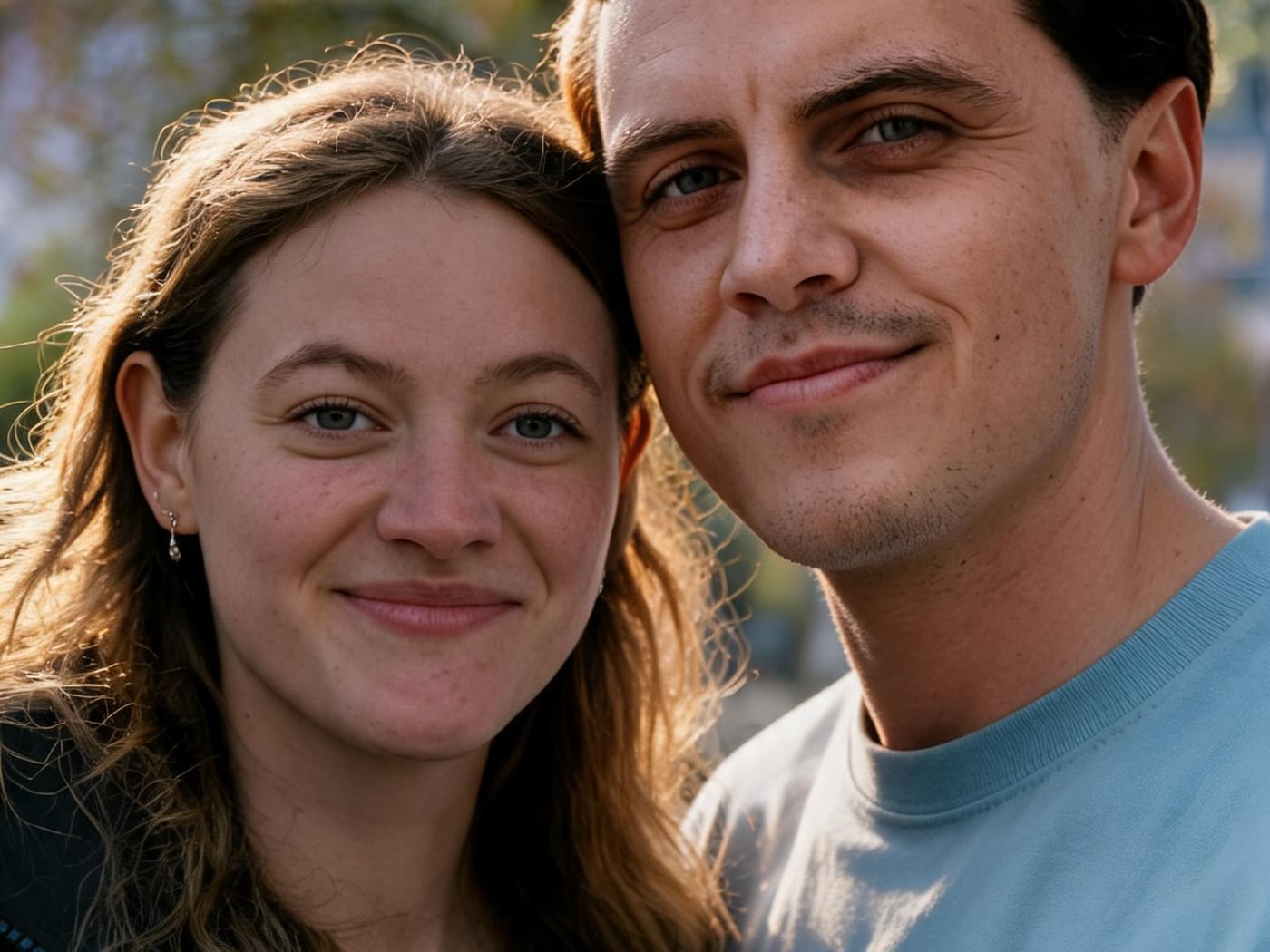
Why Photos Taken Apart Are Harder to Merge
Two photos taken on the same afternoon usually blend without effort. Photos taken in different cities, seasons or decades disagree in ways the AI has to reconcile:
- Light. One photo is lit by a window on the left, the other by midday sun overhead. The AI picks one lighting direction for the new scene, and a face lit from the "wrong" side can look less like you.
- Camera height and lens. A selfie taken at arm's length distorts the face differently from a photo taken by a friend two metres away. Mixing the two can make one person look larger or closer.
- Resolution and age. A sharp phone photo next to a small, scanned print gives the AI much less detail for one face than the other.
- Pose. Two people photographed facing the same direction are hard to turn toward each other convincingly.
None of these blocks the merge. They just decide how many tries you need.
Step by Step: Merging Two Separate Photos
- Pick the best photo of each person, not the best-looking scene. The background is replaced anyway. Choose sharp, front-facing photos where the whole face is visible and no one else is in the frame.
- Crop out what does not belong. If a solo photo includes other people, crop them out first so the AI knows who to keep.
- Open the Couple Photo Maker and upload both photos (JPG, PNG, WebP or iPhone HEIC, up to 10 MB each).
- Describe one shared scene with one light source. "Standing together on a beach at sunset, warm light from the right" works better than a scene with mixed light.
- Generate at 1K first. It costs 1 credit and the median generation takes about 18 seconds, so you can compare a few versions cheaply. When one looks right, generate it again at 2K or 4K if you want to print it.
Fixing the Most Common Mismatches
| Mismatch | What you will notice | Fix |
|---|---|---|
| Different light direction | One face looks flatter or less like the person | Name one light source in the prompt ("soft window light from the left") and choose source photos with even, frontal light |
| Selfie plus a normal photo | One head looks too big or too close | Use a photo taken by someone else for both people, or ask for "both standing, full body, same distance from the camera" |
| Old scan plus new phone photo | One face is softer or changes more | Scan the print at the highest resolution without glare, and avoid heavy restoration filters before uploading |
| Very different heights | Your heights may come out more similar than they are | State it plainly: "he is about a head taller than her" |
| Both facing the same way | Bodies look stiff or turned away | Describe a pose that suits both: "side by side, both looking at the camera" |
Prompts for Photos Taken Apart
- "Combine the two people into one natural couple photo, standing close together in a city park in autumn, soft afternoon light from the left, both smiling at the camera."
- "The two of us sitting side by side on a sofa at home, warm lamp light, relaxed and close, photographed from eye level."
- "A couple portrait for our anniversary: standing together in front of a plain light background, studio lighting, waist-up, natural skin tones."
Keep each prompt to one place, one pose and one light. Long lists of details give the AI more to get wrong.
Long-Distance Couples and Anniversary Gifts
This is the most common reason people merge separate photos: a couple who live in different countries, or who never had a good photo together. A few practical notes:
- For prints, generate the final version at 2K or 4K. A 1K image looks fine on a phone but soft on paper.
- Keep the originals. The merged photo is a new image. Faces stay recognisable but can shift slightly, so compare them with your source photos before you print.
- Be open about it. It is a composite, not a photo of a moment you shared. That is fine for a gift or a lock screen; just do not present it as proof you were together.
Frequently Asked Questions
Do the two photos need the same background?
No. The AI creates a new scene, so the original backgrounds are replaced. Matching light and camera height matters far more than matching backgrounds.
Can I use an old photo and a new one together?
Yes, if the face in the old photo is still clear. Scan prints at high resolution and without glare. Detail that is missing from the old photo cannot be restored reliably.
Why does one of us look different in the result?
Usually because the two source photos disagree in light, angle or sharpness. Try a sharper photo of that person, or name a single light source in the prompt.
How much does it cost?
New accounts get 3 free credits. Each image costs 1 credit at 1K, 2 at 2K and 4 at 4K.
Make Your Couple Photo
Upload one solo photo of each of you to the Couple Photo Maker, describe one shared scene and compare a few 1K versions before you pick the one to keep.